Challenges of Digital Thinking and Overcoming Them
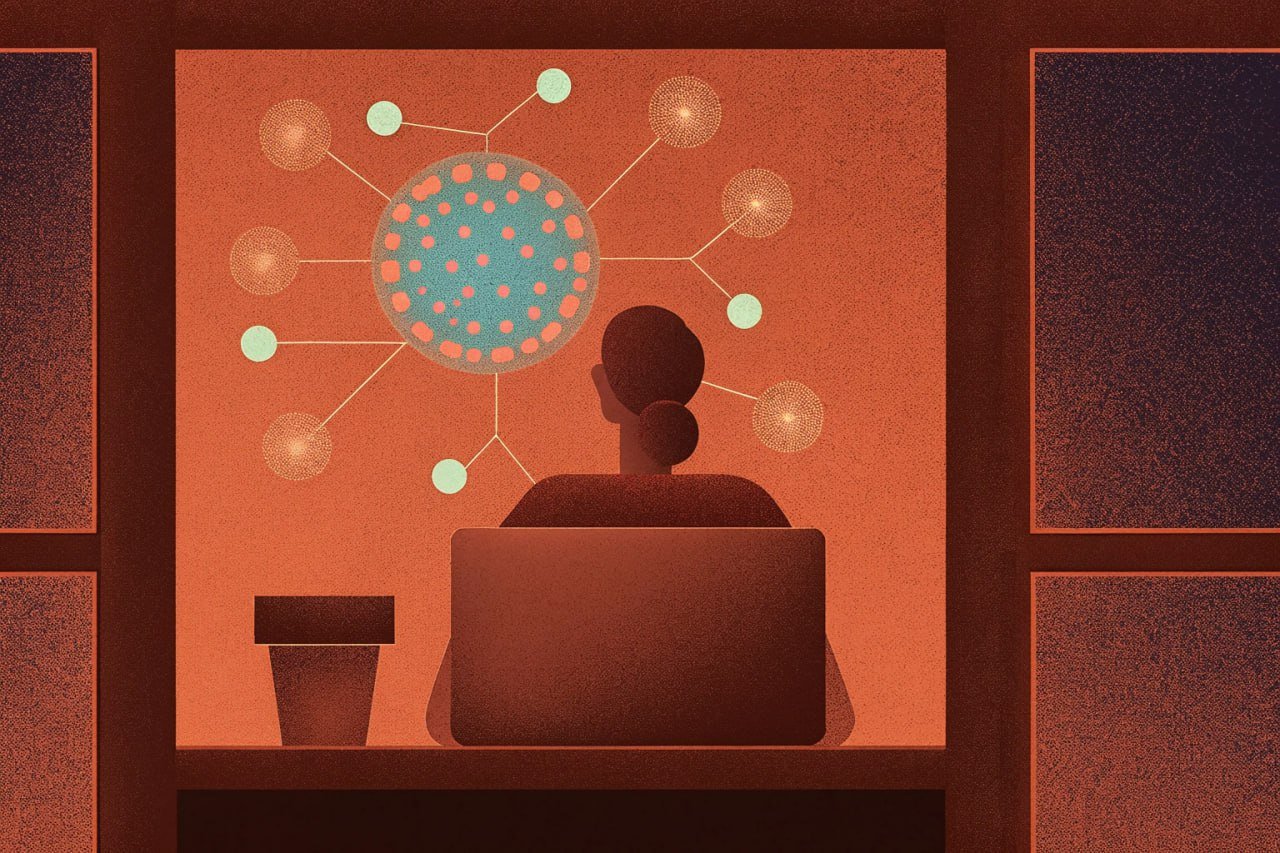
The promise of technology and productivity tools was that they were going to make life easier—but somehow we’ve endded up with five apps, hundreds of tabs, and no idea where that email from last week went?
In this blogpost, we’re going to unpack the real-world challenges of digital thinking and show you how to turn your digital chaos into clarity. You’ll discover proven strategies to:
So whether you’re transitioning from physical notes or trying to master digital note-taking tools like Notion, this guide offers a clear roadmap to a more focused and creative digital workflow.
Can Digital Thinking Foster a Second Brain?
We all keep some form of written ritual like our loved ones birthdays or new year’s resolutions on a notebook but when it comes to other important info in our lives like work and school, the notebook might no longer be the best option.
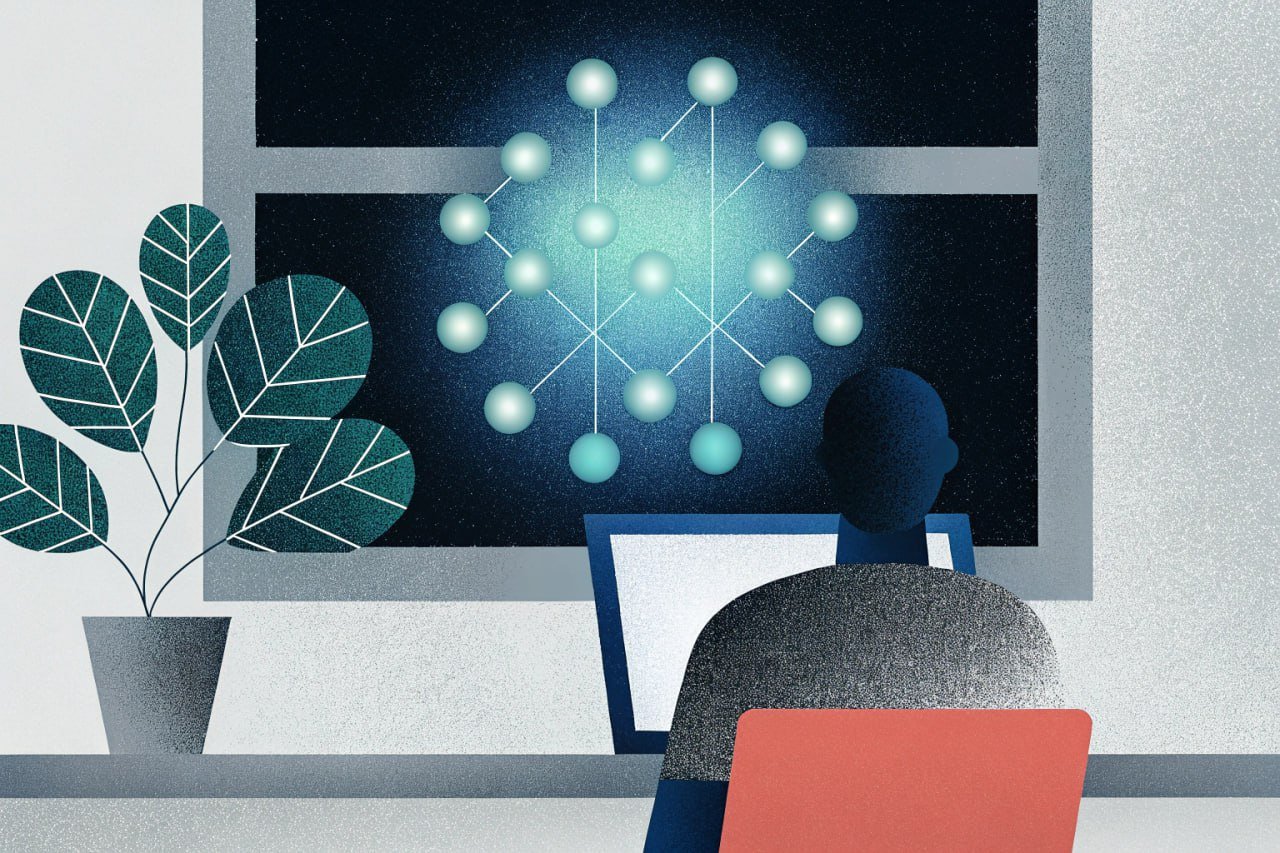
In an era of technology mediated information overload, digital thinking represents a powerful shift in knowledge management by changing how we capture, organize, and connect ideas.
Unlike traditional methods that rely on physical paper and annotation stickers, digital thinking leverages apps and online platforms to create searchable, interconnected knowledge networks.
This approach enhances productivity, fosters creativity, and adapts to modern workflows. However, the transition isn’t always seamless, often hindered by challenges such as information overload and disorganization.
The downsides are obvious as well, from lack of accessibility to organizational tags. So by choosing the right digital thinking tool in building our second brain, we can reap the benefits without drowning in information.
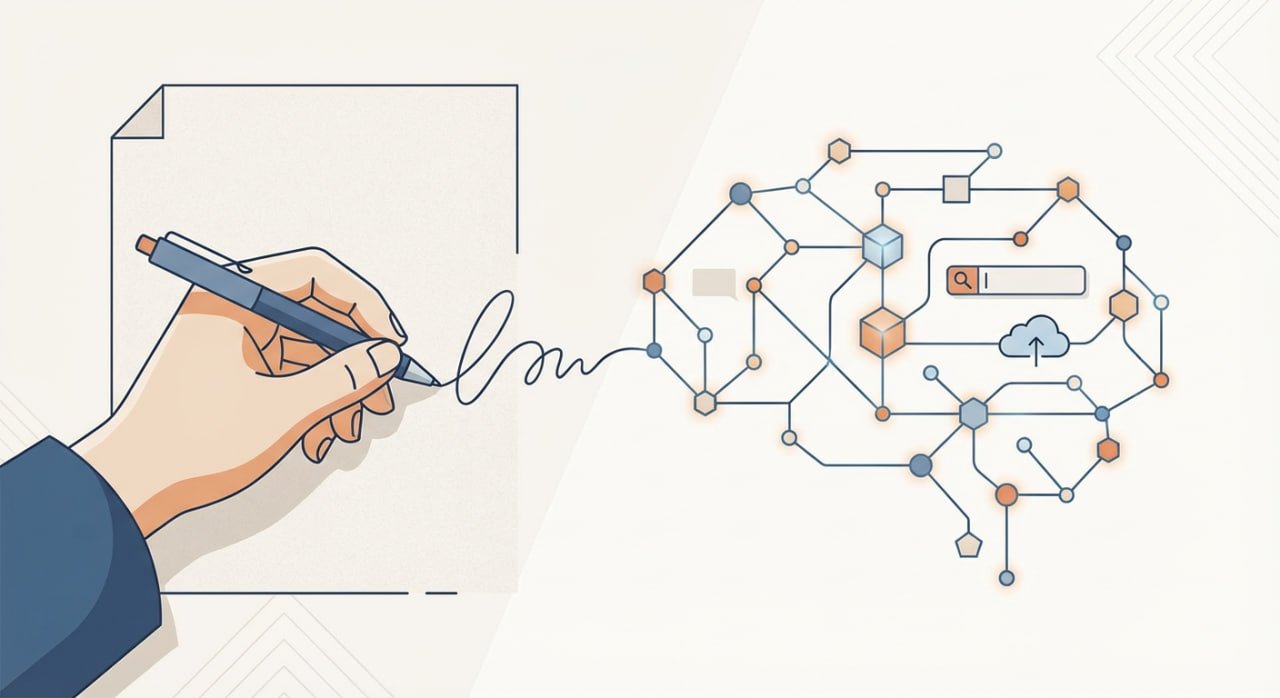
While digital thinking tools promise a “second brain” environment for all your knowledge and information needs, some studies show that handwriting allows for closer engagement with the content and thus boosts knowledge retention.
[By] leveraging the features of digital thinking tools, users can streamline their workflows, maintain organized systems, and build sustainable practices for effective digital thinking.
Overcoming Common Challenges of Digital Thinking
Switching your workflow is never easy, especially if it’s your day to day ritual. Just remember the time you decided to add Duolingo into your daily life and had that green owl haunting your notifications for the first few weeks once the novelty had worn off.
Navigating the complexities of digital thinking is no different and requires overcoming common hurdles like information overload, digital clutter, and inconsistent habits to fully unlock its potential.
By implementing practical strategies and leveraging the features of digital thinking tools, knowledge workers can streamline their workflows, maintain organized systems, and build sustainable practices for effective digital thinking.
The next sections break down each challenge and offer practical tips for building habits that turn your digital note-taking system into a powerful, well-oiled workflow.
Information Overload: Filtering and Prioritizing
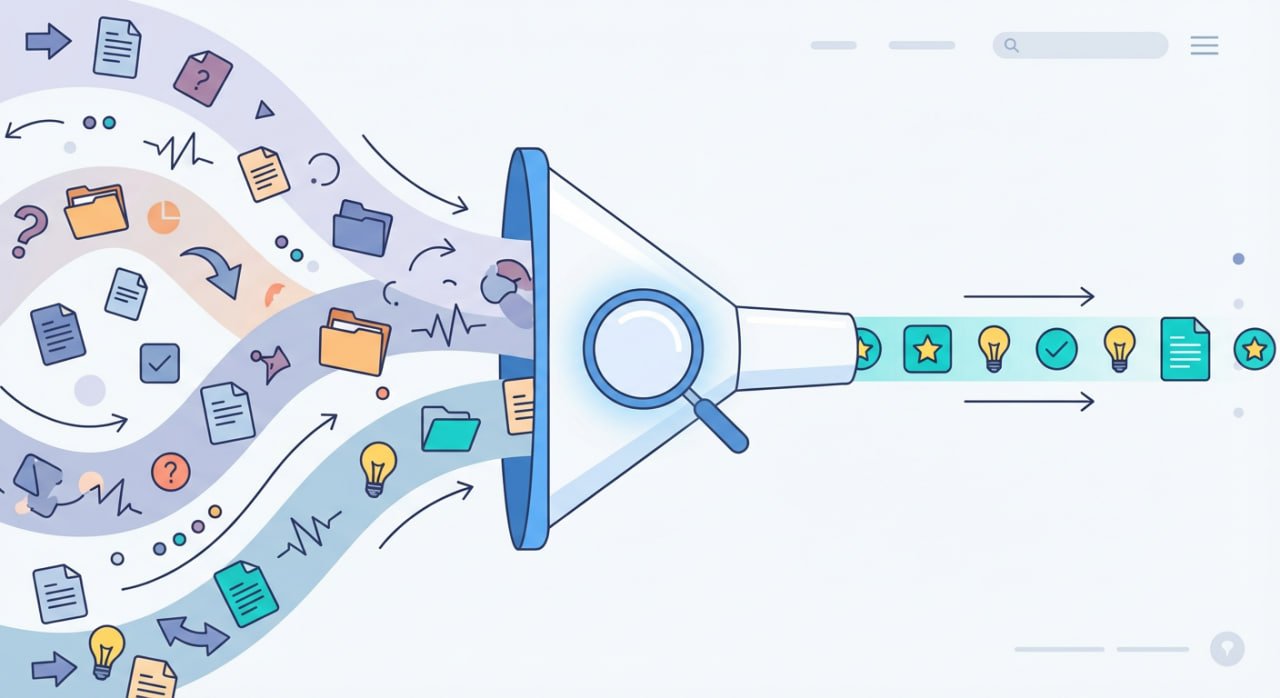
Information overload affects 67% of employees who report decreased confidence in decision-making due to excessive information exposure. The solution lies in implementing systematic filtering strategies rather than trying to process everything.
Here are a few knowledge management techniques that leverage digital note-taking:
Progressive disclosure techniques help manage cognitive load by presenting information at appropriate levels of detail. You start with high-level summaries, then provide pathways to more detailed information for those who need it. Productivity tools like Notion’s toggle blocks and Obsidian’s nested notes support this approach naturally.
If you’re an overthinker and a perfectionist, time-boxing information consumptionprevents endless browsing cycles. Designate specific times for information gathering, processing, and synthesis. Giving yourself a set, limited time to complete a task – keeps you focused and prevents endless scrubbing through data.
Digital Clutter: Maintaining Organized Systems
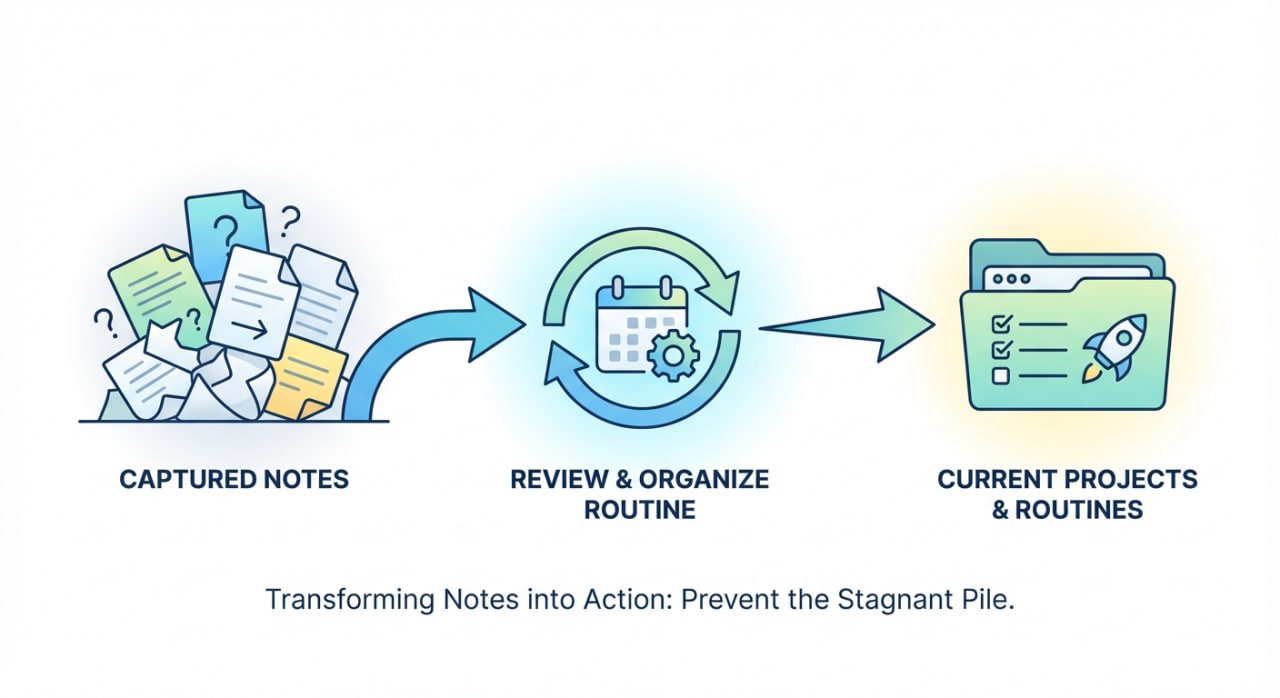
Digital clutter accumulates when capture systems outpace processing capabilities. Implement regular “knowledge hygiene” habits: monthly archive reviews, quarterly tag system audits, and annual system reorganization.
The key principle is “capture everything, process regularly, archive systematically.” This prevents accumulation of forgotten notes and email graveyards. Remember that analysis paralysis sets in when you try to absorb too much at once.
Automated organization features in modern tools help maintain system cleanliness. Notion’s AI can suggest tags and categorization, while Obsidian plugins can automatically organize notes based on content analysis.
Organizing takes a human touch so remember that automation should complement, not replace, conscious organization decisions.
Consistency: Building Sustainable Habits
Good systems only work if you actually use them.
Habit stacking proves effective for building consistent digital thinking practices. Link new knowledge management activities to existing routines—review daily notes during morning coffee, process inbox items before ending workdays, or conduct weekly reviews during Sunday planning sessions.
Adopt a capture first, organize later mindset. The minimum viable capture principle suggests that imperfect capture is better than no capture.
When time is limited, focus on getting ideas into the system quickly, even without proper formatting or linking. You can enhance and connect these entries during processing session reviews.
Transitioning from Physical to Digital
While the challenges above assume some familiarity with digital systems, many readers are still anchored in physical note-taking for their main workflows.
This can make switching feel overwhelming, but a structured approach eases the process, reducing clutter and boosting accessibility.
Research shows that going digital streamlines organization and increases productivity by making notes searchable and shareable. Below, we outline practical tips to guide this transition, drawing from proven strategies.
- Ease Into Digitization
You don’t need to overhaul your entire system overnight! Start small to build confidence and avoid frustration. Begin with notes you use most often, such as to-do lists, meeting summaries, or brainstorming ideas. This lets you experience quick wins like easy searching and better accessibility without the stress of digitizing everything at once.
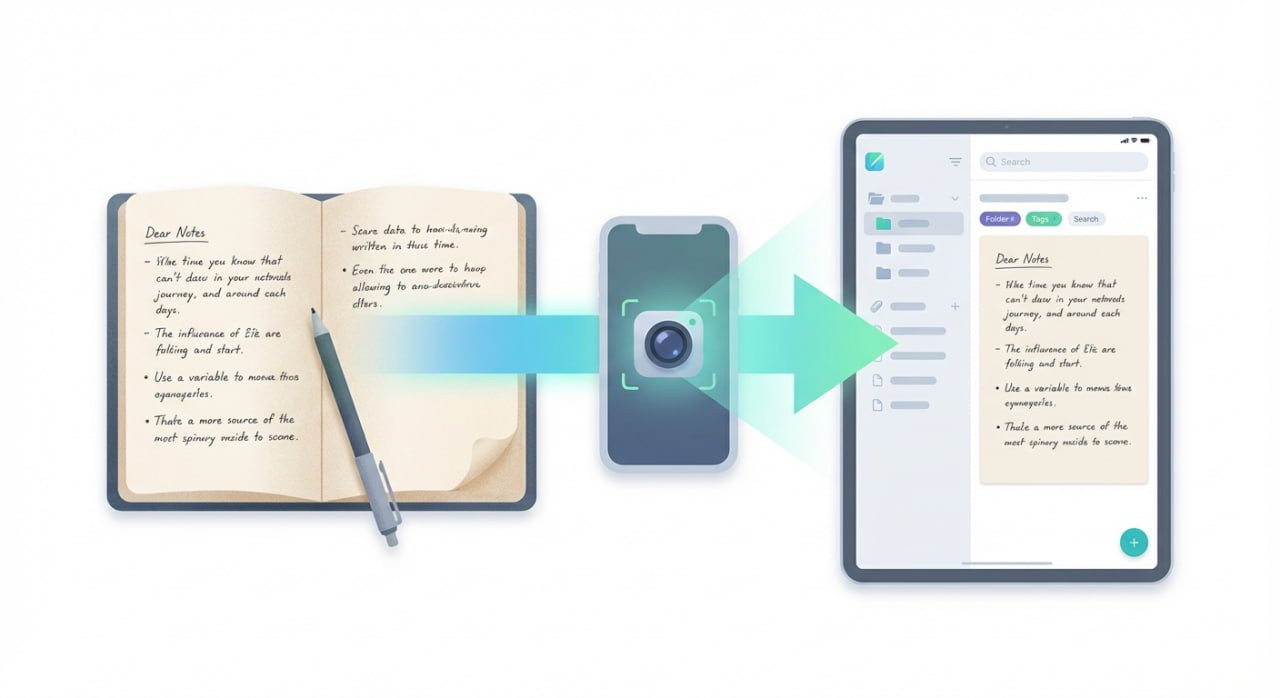
Instead of retyping or dictating old notes, use scanning tools to bridge the gap:
- Android: Files by Google offers batch scanning with automatic detection.
- iPhone: The built-in Apple Notes scanner syncs seamlessly across devices.
If you’d still like to search through your handwritten notes then use OCR tools like Google Lens or Microsoft OneNote to turn handwritten text into editable notes. As you transfer, take a moment to tidy things up — add links, brief summaries, or tags rather than simply dumping text.
This gradual method helps you in building habits while experiencing the safety, portability, and durability of digital notes.
- Choosing The Right Tools and Devices
The tools you choose can make or break your digital workflow for a while. Before downloading every app, take a moment to define your needs — are you using notes for work, study, or personal projects?
If you love handwriting, stylus-friendly apps like GoodNotes (iPad) or Samsung Notes (Galaxy) replicate the pen-and-paper feel. Prefer typing? Consider:
- Notion for structured databases, templates, and tags.
- Obsidian for modular “wiki-style” note connections.
Device choice matters too. Students might benefit from distraction-free E-ink tablets like Onyx Boox, while professionals can pair a laptop with a tablet for versatility. Test apps with free trials to check compatibility across devices — OneNote integrates smoothly with Microsoft tools, while Notion’s Web Clipper saves online content directly into your workspace.
Remember, the goal is to find tools that enhance your workflow, not complicate it, so prioritize features like tags for quick retrieval and integration with calendars or email.
- Transition with Paper and Digital Notes
A hybrid approach can smooth the shift, allowing you to retain the tactile benefits of paper while building digital proficiency.
Use a single physical notebook for all analog notes, dating each page to maintain chronology.
At the end of the day or week, transcribe key entries into your digital app—allocate just 15 minutes for this to keep it manageable.
Tools like Workflowy support this by enabling templates for common notes (e.g., meetings or projects), which prompt you to add details during transcription.
For visual elements like diagrams, snap photos and attach them digitally, adding descriptions for context.
Use linking features to connect ideas across notes, creating a web of knowledge that physical systems can’t match.
Mirror important notes to multiple locations if needed, ensuring updates sync automatically. This integration ensures you don’t lose valuable insights and gradually phases out paper reliance.
Leveraging Features to Build Long-term Habits
Once you’ve digitized your old notes, try exploring the advanced features second brain platforms offer to maximize value of the information you’ve stored and solidify digital thinking habits.
The important thing to remember is that ideas happen every moment so don’t be shy to incorporate voice memos for on-the-go capture or embed images and charts to enrich your new notes.
If you’re a student, techniques like the Cornell method—dividing notes into cues, summaries, and details—translate well digitally, providing structure on blank screens.
Finally, to stay consistent with your new workflow, review notes daily, and organize them into intuitive folders or categories. If you struggle with deadlines, set reminders for reviews to avoid mission creep.
If things start feeling overwhelming, remember that initial challenges like learning curves fade with practice, leading to rewards such as reduced physical clutter and enhanced collaboration.
Over time, your physical notebooks can shrink and eventually disappear as your second brain fully lives in the cloud or on your devices. These habits transform digital thinking into a natural extension of your mind.
Conclusion: Embracing Digital Thinking for the Future
Digital thinking strategies – filtering content, decluttering regularly, practicing habits, and choosing effective tools – work in tandem. In the end, you’ll have a well-organized digital system that amplifies your creativity and learning.
Overcoming digital thinking challenges and transitioning from physical notes requires patience, but the payoff—streamlined workflows, better decision-making, and endless scalability—is immense.
By filtering information overload, maintaining organization, fostering consistency, and following these transition tips, you’ll unlock a more efficient, creative way to manage knowledge.
Start today with one small step and sign up for Brainfo’s waitlist! Watch your productivity soar, as you start taking notes and save links while setting up your weekly tasks and linking items to documents you’ve created with the help of our various AI assistant models.
FAQ
1. Why does digital thinking sometimes feel more overwhelming than helpful? Isn’t it supposed to make life easier?
A: Because without a clear system, digital tools multiply your options instead of simplifying them. The key is setting limits for the number of apps, and reviewing your setup weekly.
2. How can I stop drowning in information when everything online feels important to read or save?
A: Start by filtering ruthlessly. Use high-level summaries first, save only what aligns with your goals, and set time limits for browsing. The goal is to absorb what truly matters.
3. What’s the best way to move from paper notes to digital without losing my personal touch or getting overwhelmed?
A: Take it slow. Begin with your most-used notes, scan them using mobile tools, and add tags or short summaries as you go. A gradual, structured shift beats an overnight overhaul.
4. There are too many productivity apps — how do I pick one that actually sticks instead of switching all the time?
A: Choose based on how you think. If you love structure, go with Notion. If you prefer organic linking, try Obsidian. Go with the one that feels natural and can see yourself using consistently.
5. I’ve tried building digital habits before, but I always fall off track. What helps maintain consistency long term?
A: Habit stacking works. Link note-taking to something you already do — like reviewing notes during your morning coffee or before logging off at work. Tiny, repeated actions build lasting habits.
6. Is digital thinking really better for creativity, or does it make us too dependent on screens?
A: It depends on how you use it. When organized well, digital tools expand your creativity by connecting ideas faster. But balance is key so let screens enhance your thinking, not replace it.