

Many enjoy the freedom that comes with not having a boss, but what stays a challenge for a freelancer is dealing with multiple clients, projects, deadlines, and information streams.
But what is the solution for a more manageable and productive lifestyle?
From tech employees to project managers and even students, anyone would love a helping hand, an assistance if you will.
Someone who can track your tasks, organize your docs, archive your notes, etc.
What if I told you that this assistant doesn’t need to be a human?
Introducing the concept of Second Brain, an AI powered assistant that can change the game for busy and often disorganized freelancers all over the world.
In this blog we will go through the most important features of this tool to help you understand how a Second Brain for freelancers can save you time and energy.
What is a Second Brain?

Let’s start with the basics! The concept, popularized by Tiago Forte, is about extending your biological memory into a reliable external system such as a note‑taking app, project manager, or knowledge database.
This way your mind can focus on thinking, creating, and problem‑solving instead of trying to remember everything.
Isn’t that sweet? Leave the boring part to machines and take charge of what needs creativity.
This is especially valuable for a freelancer because tasks like information fragmentation, time management and client communication is especially difficult for a one-man team dealing with multiple customers at once.
Core benefits of a Second Brain for Freelancers
Let’s now focus on what a second brain can do for freelancers. Here are the most important benefits of second brain for you:
Capture quickly to save ideas, client requests, and inspiration

It’s common that we have an amazing idea which gets forgotten before we ever get a chance to write it down.
With second brain features like notes apps, voice memos and web clippers, you won’t have any excuses anymore.
Capture your thoughts at any time and free your brain of unnecessary memorization.
Organize information by project, client, or topic

As a freelancer, you’re probably handling multiple clients, projects, and tasks at once.
If your notes are all over the place, finding the right piece of info can become a nightmare.
That’s why your second brain needs a clear and consistent structure.
Features like folders for each client, tags for quick filtering, and databases to track more complex stuff will simplify organizing for you.
Connect Link related notes, tasks, and resources for easy reference
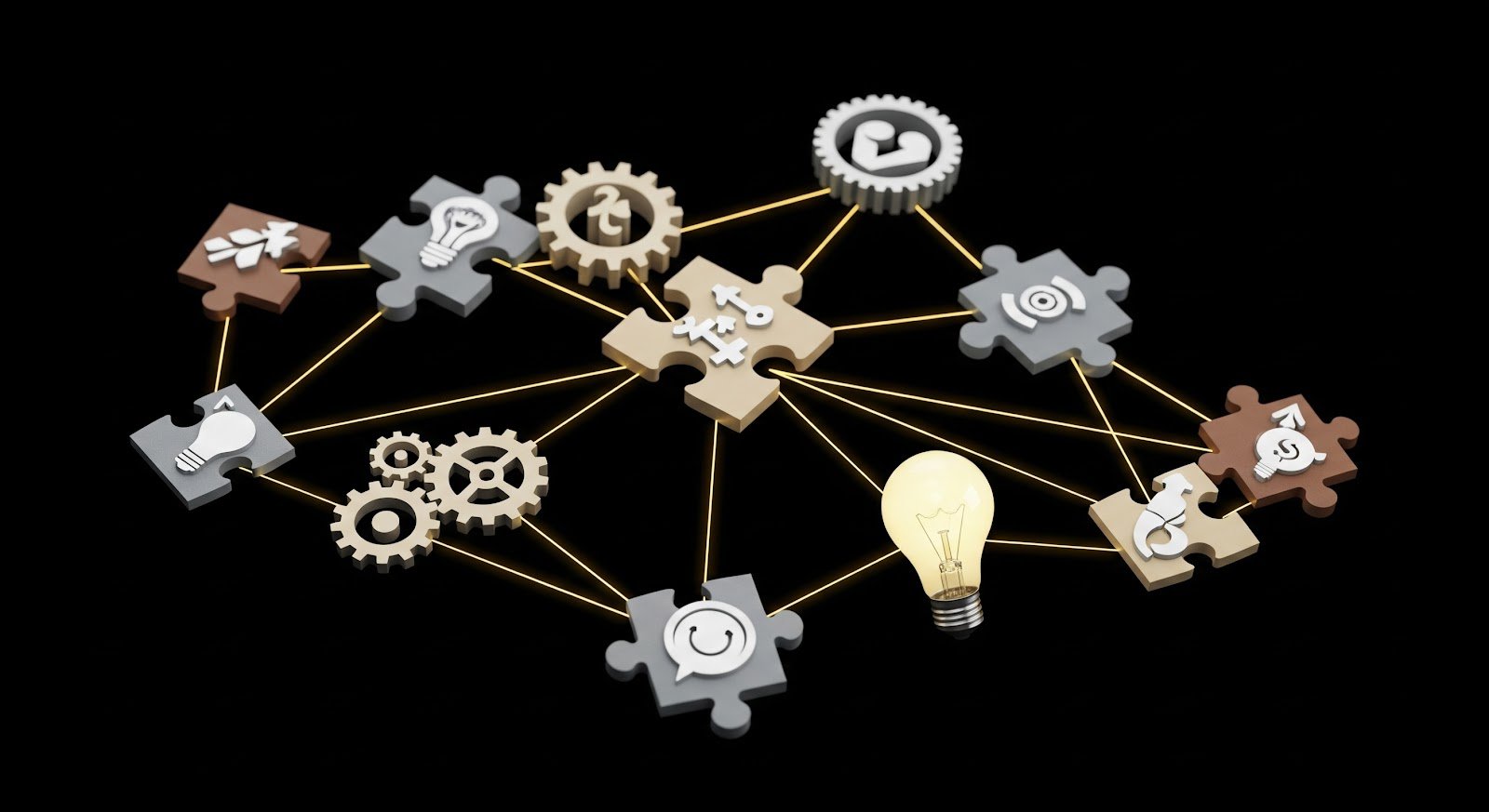
Your meeting notes are linked to project briefs, which are tied to deadlines, which might reference client feedback.
With tools that support backlinks and visual maps, your second brain becomes a web of connected thoughts.
This way, instead of just storing isolated notes, you’re creating context and meaning.
You can follow the links between ideas like a trail of breadcrumbs and never lose track of the bigger picture.
Retrieve, search and recall when you need it (powerful search, filters)

Let’s be honest—what good is storing information if you can’t find it later?
With your second brain, searching for that one client request from two months ago should be effortless.
Whether it’s a note title, a tag, or even a phrase buried deep in a paragraph, smart search tools can bring it up in seconds.
You’ll spend less time digging and more time doing.
Review, revisit and update your system to keep it relevant

Your second brain isn’t something you set up once and forget.
Just like your business, it evolves.
Take time regularly to check what still makes sense, clean up what’s outdated, and refine your structure as your needs change.
This habit of review helps you stay in sync with your own priorities.
It’s how you make sure your system keeps working for you, not the other way around.
How to Build Your Second Brain: Step-by-Step
If you’re handling multiple clients, switching between projects, or trying to keep your ideas from being forgotten, building a Second Brain is one of the best decisions you can make as a freelancer.
There are many tools out there to create the perfect second brain, but considering all the options, we have picked the most straight-forward and budget-friendly one for you.
Here’s how to build yours from the ground up using Brainfo, a modern, all-in-one Second Brain designed to work the way freelancers actually do.
Develop Capture Habits: Save Now, Sort Later
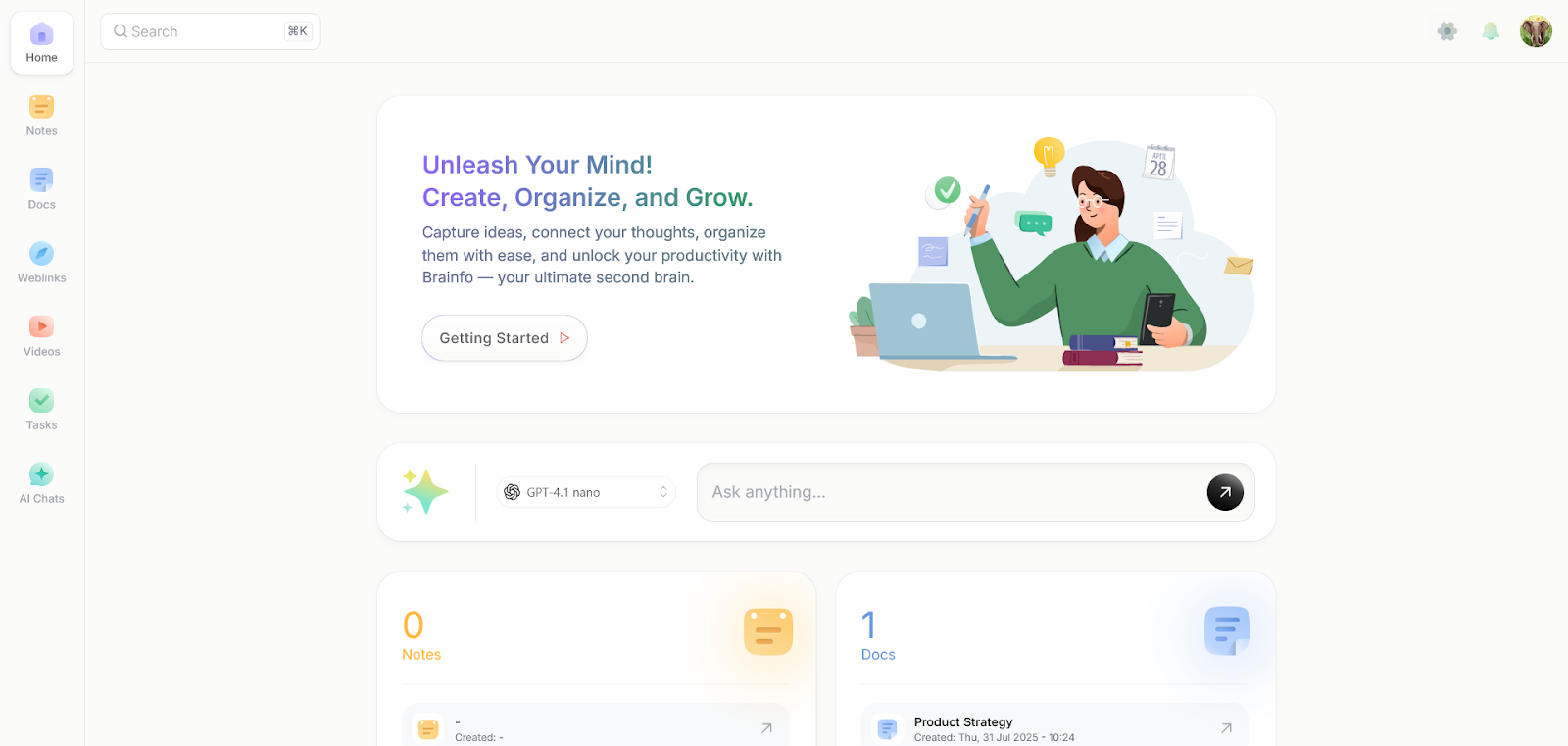
One of the biggest benefits of a Second Brain for freelancers is being able to capture ideas and information the moment they appear.
With Brainfo, you can write your thoughts in the Notes section, record your voice and turn it into text, or quickly snap a photo and attach it to a note.
If you find a great article or a useful video, you can bookmark it in just a couple of clicks.
The key here is not worrying about perfect organization in the moment.
Now let’s see how to tag or sort the content afterwards.
Set Up Your Structure: Keep It Simple, But Organized
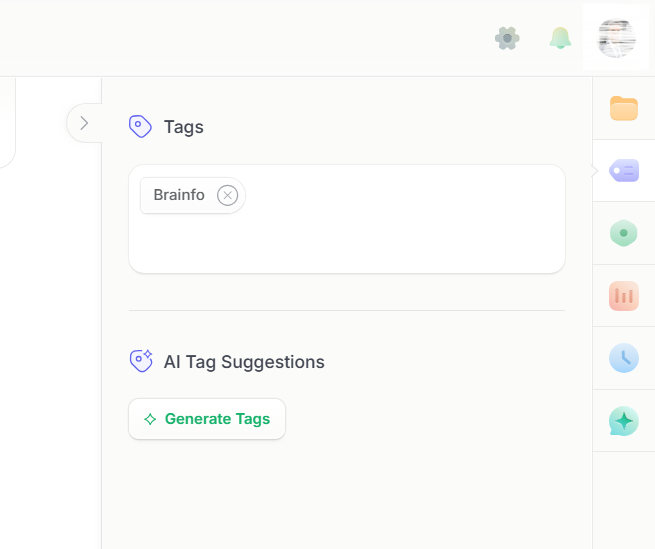
Once you have captured your thoughts, the next step is setting up your structure, with Brainfo, this is easy.
Freelancers can use folders to separate client work, personal projects, and long-term goals.
Inside each folder, you can keep notes for meetings or feedback, create task lists for each phase of a project, and write detailed documents when you need to deliver something polished.
Tags let you group related content without needing to move things around, and the search function is powerful enough to find anything from a note, a doc, to even a video bookmark.
Now you can keep things organized as easily as possible and focus on making them a reality.
Link and Connect: Turn Ideas Into a Knowledge Web
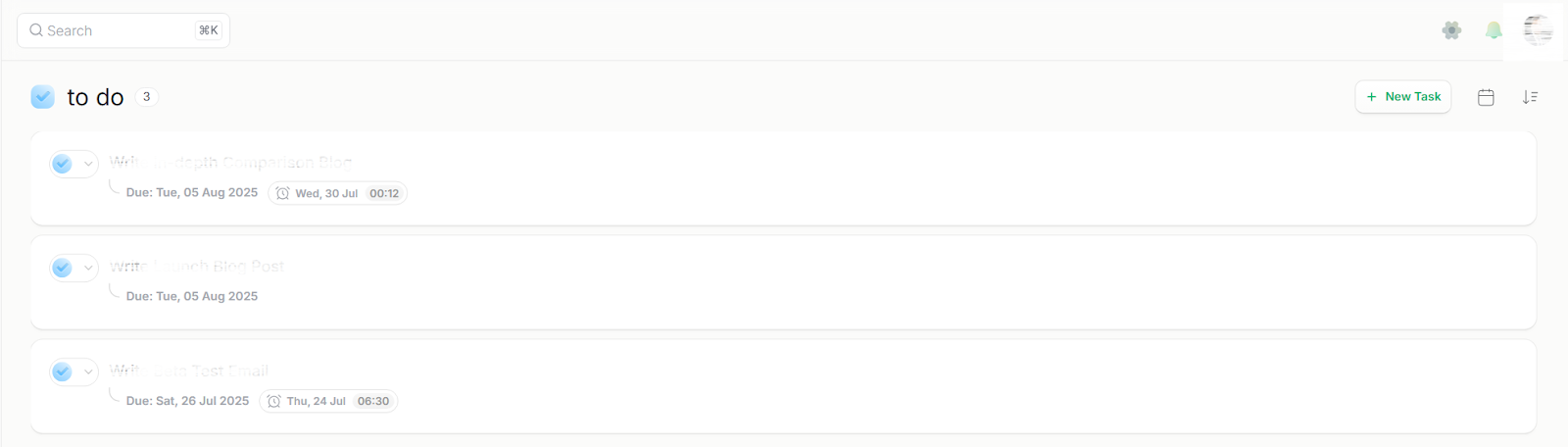
As your Second Brain grows, it is important to connect your ideas in some way to build a web of knowledge that helps you solve problems faster and generate better ideas.
In Brainfo, Freelancers can tag similar content across different folders, so your project plans, tasks, and research notes are always within reach.
You might write a project plan in the Docs section, link it to related tasks, and tag it alongside articles or videos you’ve saved.
Later, when a new client asks for something similar, all your past work is just a quick search away.
This kind of system gives you superpowers, but what if you could automate the process to make things even easier?
Automate Where Possible: Let Your Tools Do the Heavy Lifting
As a freelancer, your time and focus are limited, and that’s where automation becomes your best friend.
With Brainfo, you don’t need to rely on third-party integrations because automation is already built in, especially through the AI Copilot.
When you’re writing a report, planning content, or summarizing meeting notes, Brainfo’s integrated AI assistant can help you generate first drafts, improve grammar and tone, translate text, simplify complex writing, or brainstorm ideas.
Instead of jumping between tabs or getting stuck on wording, you can ask the AI to give you a push and keep going.
You also don’t have to worry about saving or syncing your work.
Brainfo auto-saves everything in real time even when you are offline and syncs across your devices once you’re back online.
These kinds of behind-the-scenes efficiencies free up your brain to focus on what matters: the work itself.
Overcoming Common Roadblocks
After telling what to think with your Second Brain, let’s focus on what to avoid.
Overwhelm: Start simple, build gradually

When you start building your Second Brain, it’s easy to feel overwhelmed by all the possibilities, but the key is to start simple and let your system grow naturally.
Begin with just a few essential categories or folders, and only add more structure once you feel comfortable.
This keeps things from becoming a chore before you’ve even experienced the benefits.
Consistency: Set aside a few minutes daily to maintain your Second Brain
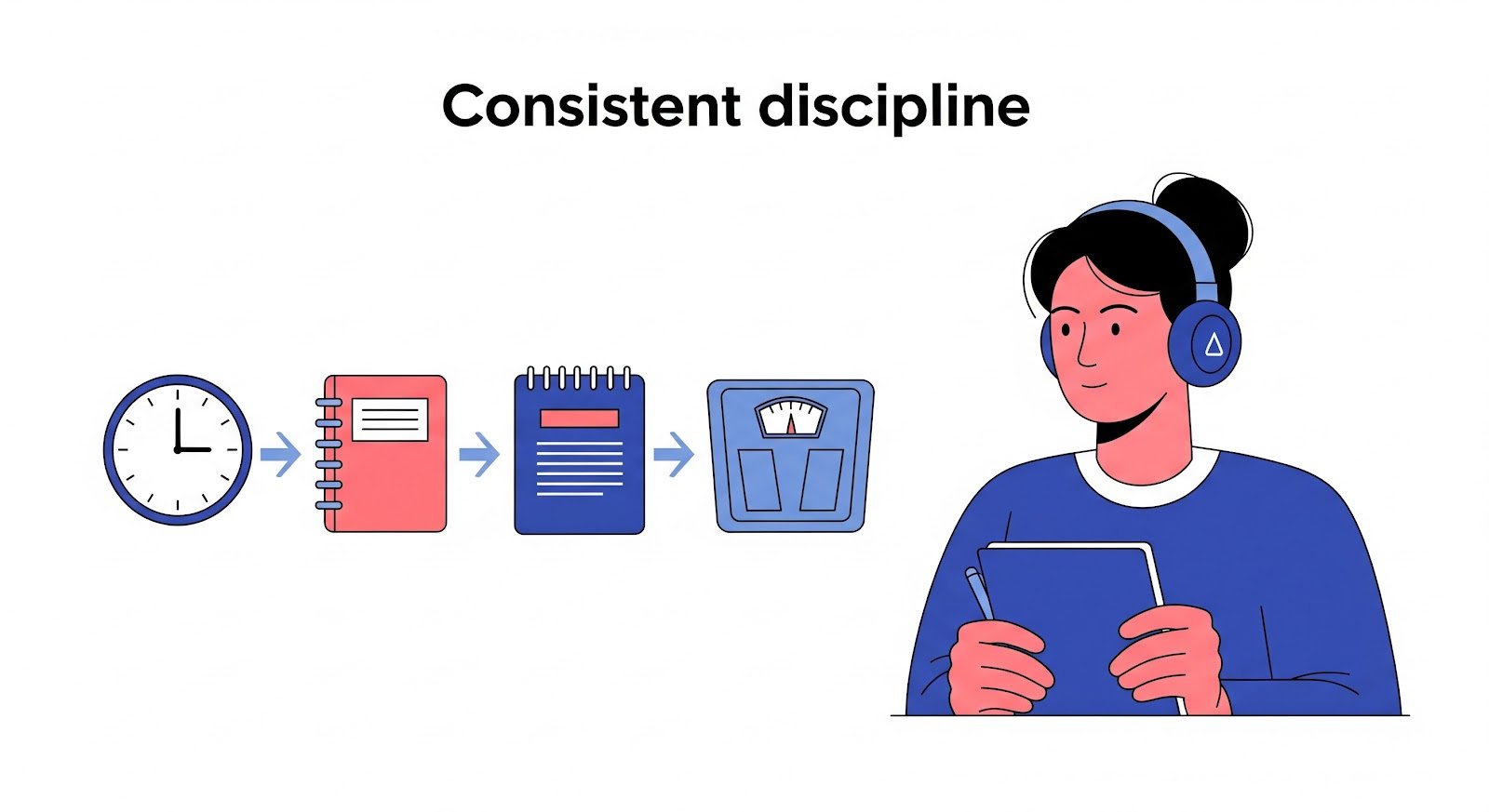
Another challenge is staying consistent.
Even the best setup won’t help if you don’t use it regularly, so make it a habit to spend a few minutes each day by adding new notes, saving useful resources, or reviewing what you’ve stored.
Small daily check-ins keep your Second Brain sharp and ready when you need it.
Tool Fatigue: Pick one main tool and stick with it

Finally, beware that it’s tempting to try every new productivity app for freelancers you come across, but constantly switching prevents you from building a reliable system, so pick one main tool, commit to it, and focus on mastering it.
Over time, the familiarity will save you far more energy than chasing shiny new apps ever could.
Getting Started: Your Next Steps
Ready to Put Your Second Brain into Action?
You’ve seen how a Second Brain can make your work as a freelancer lighter, faster, and more organized, and you now know exactly how to avoid the common mistakes that trip people up.
The next step is to stop imagining and start building.
Don’t wait for the “perfect” time and start today, keep it simple, and let your Second Brain grow with you.