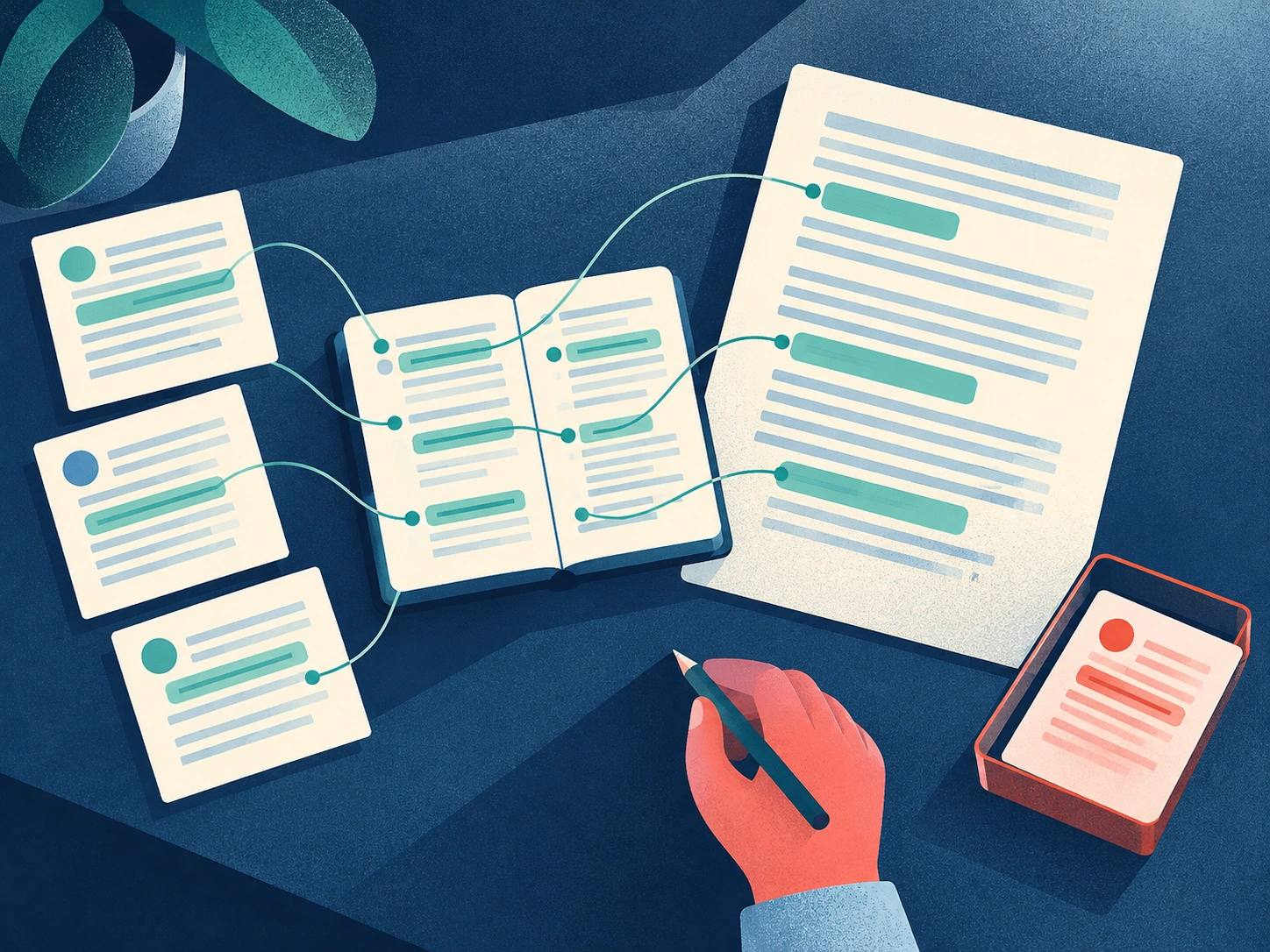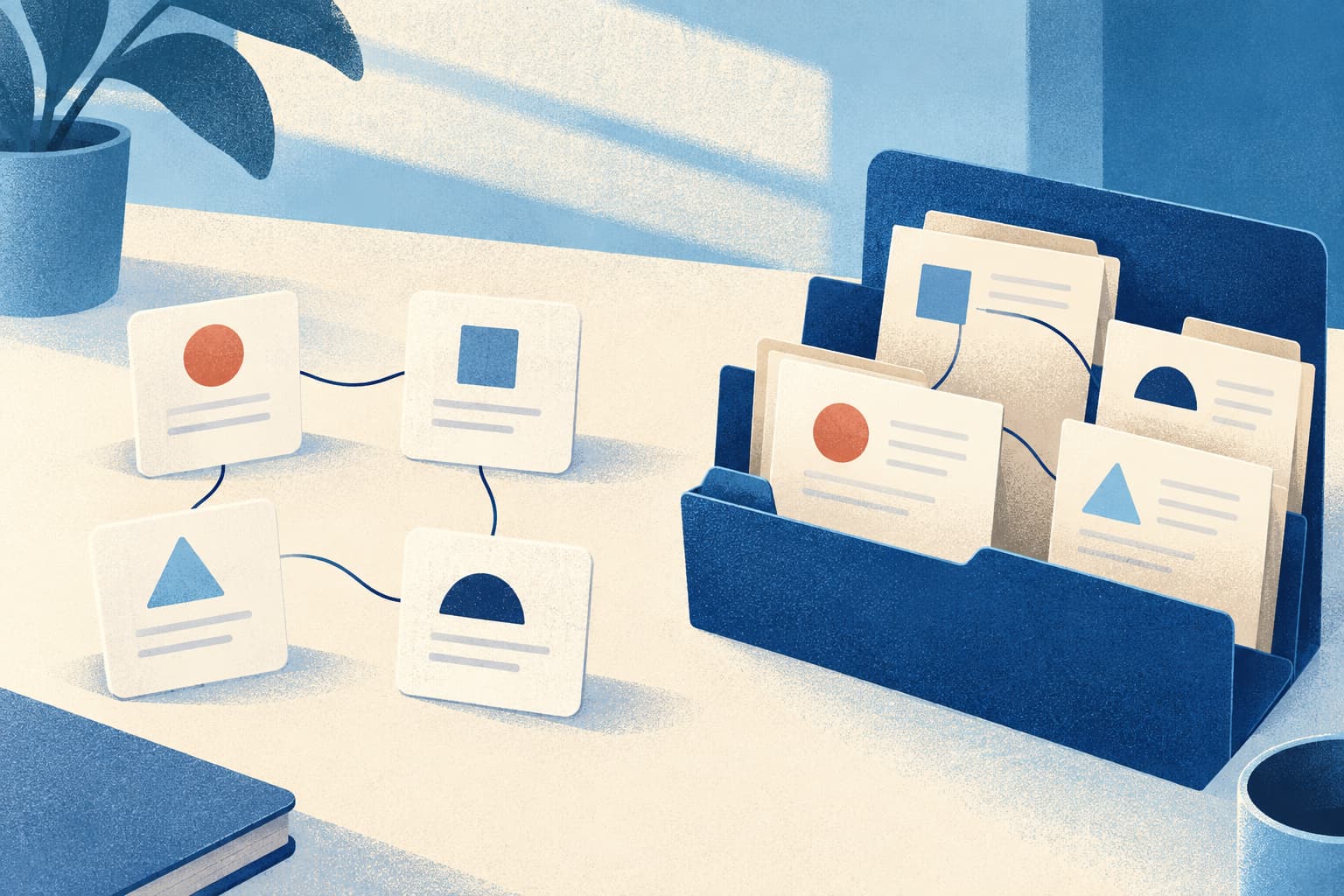
A digital mind garden is a living knowledge system where ideas are captured, connected, revisited, and developed over time. Instead of storing isolated notes in folders, you create a network of thoughts that becomes more useful as new connections emerge.
When combined with a second brain, your digital mind garden becomes more than a place to save information. It gives you a practical system for capturing ideas, linking related knowledge, rediscovering useful insights, and turning what you learn into creative work.
In this guide, you’ll learn what a digital mind garden is, how it differs from a second brain, and how to build one step by step.
The Concept of a Digital Garden and How It’s Useful
Digital gardening is an evolving ecosystem of your thoughts. Unlike blogs that follow strict timelines, digital mind gardens are built around contextual connections.
Each idea, article, or note you capture becomes a “seed” that can link to other ideas, forming a network of insights that grows over time.
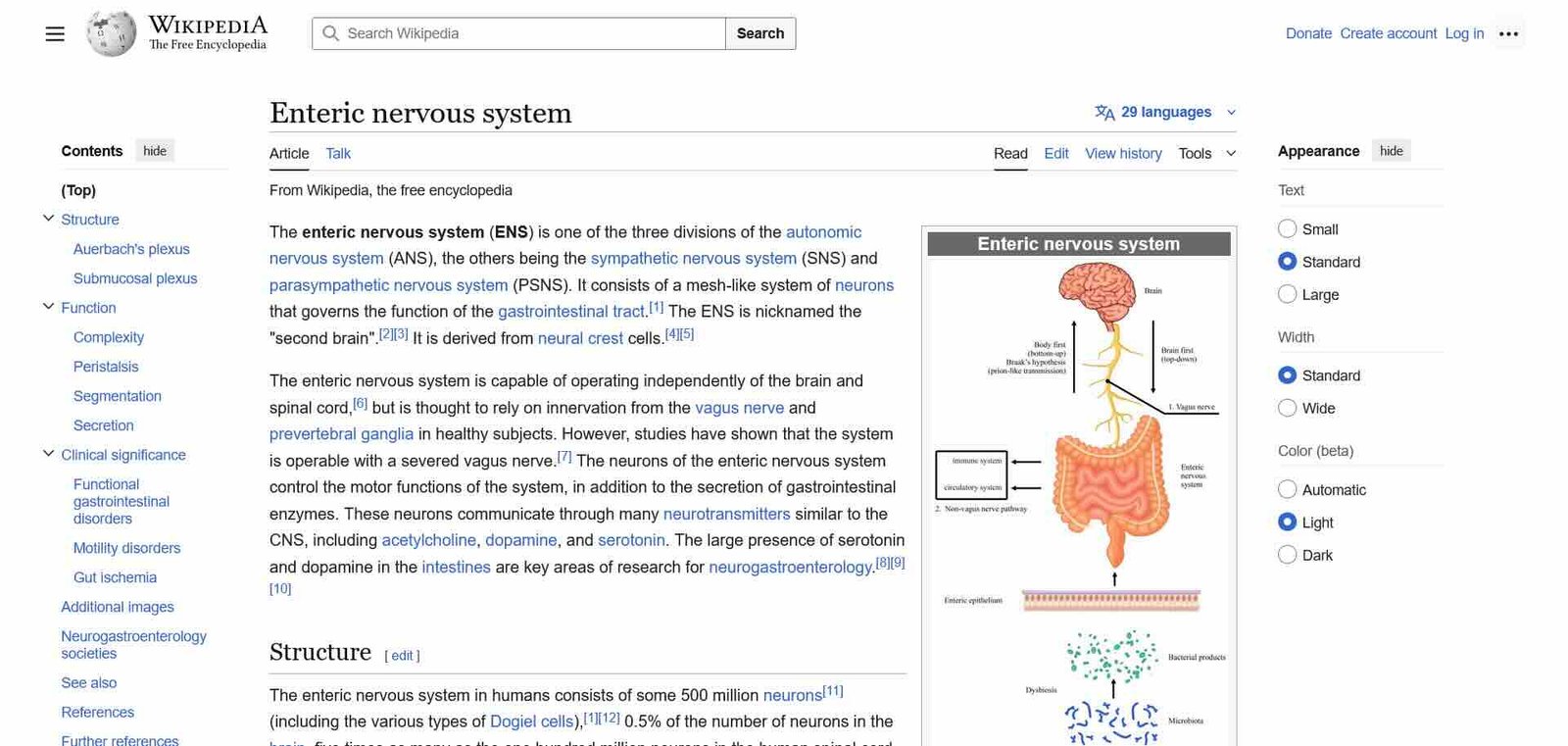
Imagine your garden as a personal Wikipedia where every concept is interconnected. When you click a tag like Second Brain or Time Management, you see all your thoughts and resources related to it like articles, quotes, personal reflections, even project notes.
This structure encourages deeper thinking, because it mirrors how your mind naturally associates ideas.
The beauty of digital gardening is that it’s constantly evolving. You don’t publish polished essays; you focus more on capturing and connecting ideas.
This approach turns learning into an active, creative knowledge work. Instead of passively consuming content and forgetting, you’re cultivating ideas that reflect your unique perspective, interests, and intellectual growth.
Here’s an example of a Second Brain perfectly displayed by Wikipedia itself where all the concepts are linked together:
What Is a Second Brain?
Popularized by Tiago Forte’s “Building a Second Brain” framework, it’s all about capturing what matters and making it accessible when you need it.
Your brain is great at thinking, not storing. A second brain handles the storage, so your biological brain can focus on creativity and problem-solving.
It keeps track of everything from reading notes and meeting summaries to half-formed ideas, so that nothing is lost to forgetfulness.
Tools like Notion, Evernote, Brainfo, etc. take this concept to the next level. With AI-powered organization, voice-to-text input, tagging, and powerful search, you can ensure that every note, doc, or link becomes part of a larger knowledge network.
Whether you’re writing, planning, or researching, your second brain surfaces insights you’ve already captured, connecting dots you didn’t know existed.
It’s not just about remembering—it’s about thinking better by seeing relationships between ideas over time.
A great example of that would be referencing an essay you read 2 years ago for your lecture that you would have totally forgotten about if its summary was not stored in Readwise when underlining it.
Digital Garden vs. Second Brain: What’s the Difference?
A second brain is primarily a system for capturing, organizing, retrieving, and using information. A digital garden focuses more on connecting and developing ideas over time.
The two approaches work especially well together: your second brain helps you reliably capture and retrieve knowledge, while your digital mind garden helps that knowledge evolve through linking, reflection, and continuous refinement.
In practice, you don’t need to choose between them. You can use one system to do both.
How to Create a Digital Garden with a Second Brain for Creativity
Now let’s connect the concept of a Digital Mind Garden with a useful Second Brain app.
We don’t want to limit your choices into one tool, but since Brainfo is what we are familiar with the most, let’s go with it. Plus it’s the easiest one to work with, so let’s start growing:
- Capture Ideas in Notes: You can use the Notes feature to quickly jot down thoughts, quotes, or reflections. Add tags and folders—like “Creativity,” “Psychology,” or “Projects”—so you can easily find and connect them later. Voice-to-text and Markdown make capturing effortless.
- Develop Insights in Docs: Move deeper thoughts into Docs when you’re ready to expand on them. The AI Copilot helps refine your writing, summarize research, or even suggest connections. Treat each doc as a growing plant—editable, revisable, and always alive.
- Collect Inspiration: Use Weblinks and Videos to save articles, clips, and resources that inspire you. Tag them by theme to see how external content connects with your own ideas.
- Link Thoughts Together: Just like Wikipedia, interlink related notes and docs. Over time, your garden will visualize how your interests and ideas intertwine—turning isolated thoughts into ecosystems of understanding.
- Reflect and Revisit: Schedule time in Tasks or Goals to review and expand your
- garden. Use Brainfo AI Chats to ask questions about your evergreen notes or generate summaries, helping your ideas evolve intelligently.
This way, your garden becomes more than storage. It becomes a living knowledge system where creativity blossoms from connection.
Conclusion
A digital mind garden turns scattered notes into a connected system of ideas that can grow and become more useful over time. A second brain provides the structure for capturing and retrieving knowledge, while digital gardening encourages you to revisit, connect, and develop that knowledge.
The key is not to capture everything. Start small: save useful ideas, connect related notes, and return to them regularly. Over time, those simple habits can turn your second brain into a living personal knowledge system instead of another archive of forgotten information.
If you’re ready to build your own digital mind garden, you can start with Brainfo and begin capturing, connecting, and growing your ideas today.
Start cultivating your digital mind garden today with Brainfo.
Frequently Asked Questions
1. How is a digital mind garden different from a regular blog or online journal I might already be keeping?
A digital garden grows with you—it’s not about posting chronologically, but connecting your ideas contextually over time.
2. Why should I build a second brain when I already take notes on my phone or laptop?
Because a second brain doesn’t just store—it organizes, retrieves, and links your ideas when your real brain forgets.
3. Can I really use a Second Brain to manage all my thoughts, projects, and inspirations together?
Absolutely. Brainfo acts as your all-in-one ecosystem—notes, docs, links, and AI assistant in one creative space.
4. How does interlinking ideas in a digital mind garden actually help with learning or creativity?
It reveals connections you didn’t notice before—turning scattered thoughts into new insights and original ideas.
5. How much time does it take to maintain a digital mind garden once I start building it?
Just a few minutes a day—capture, connect, and revisit. Small, consistent nurturing makes your garden thrive.
6. Do I need to be tech-savvy to set up my own second brain or digital garden?
Not at all. Tools like Brainfo are designed to be intuitive, with AI features that make organization effortless.