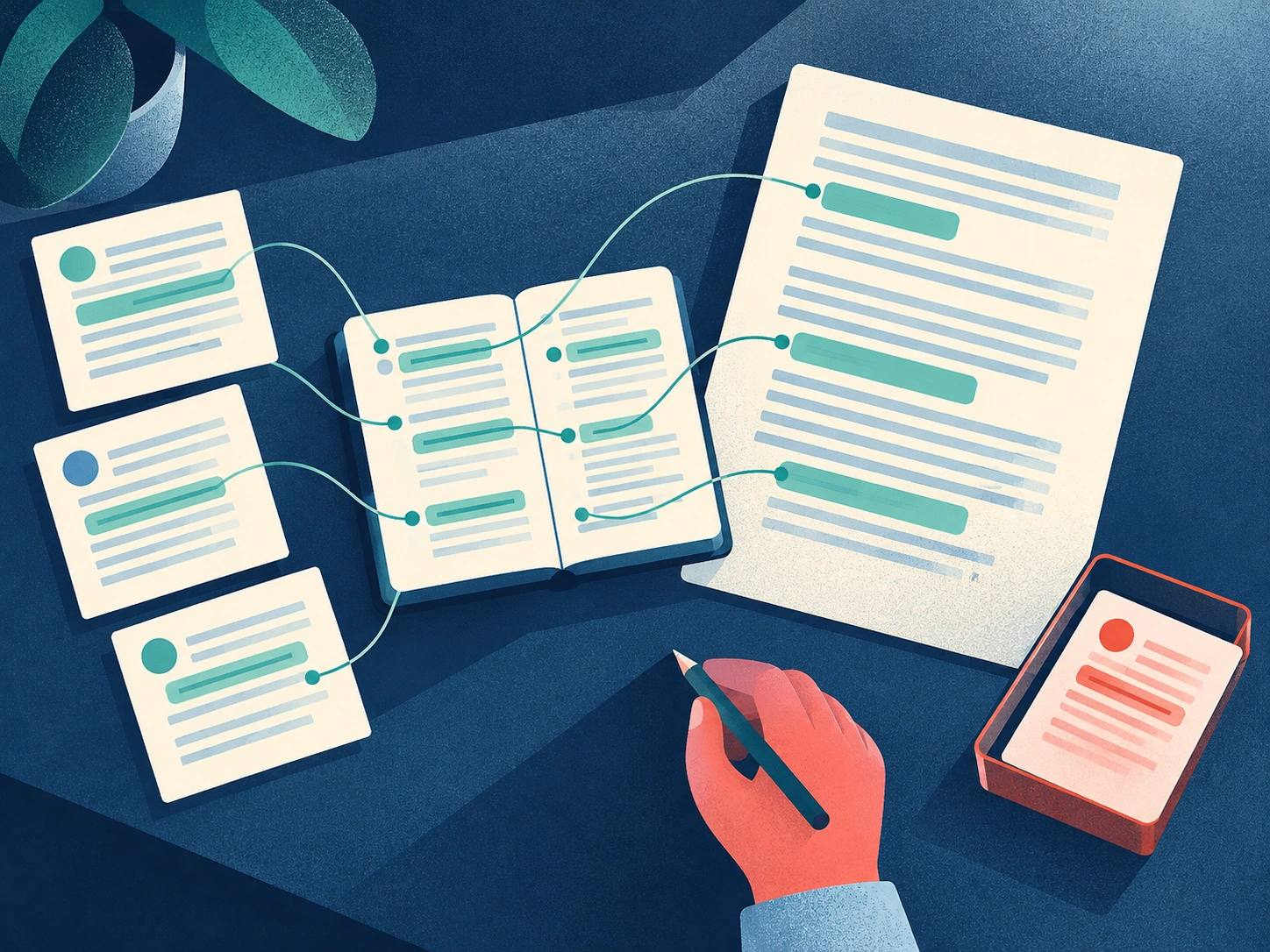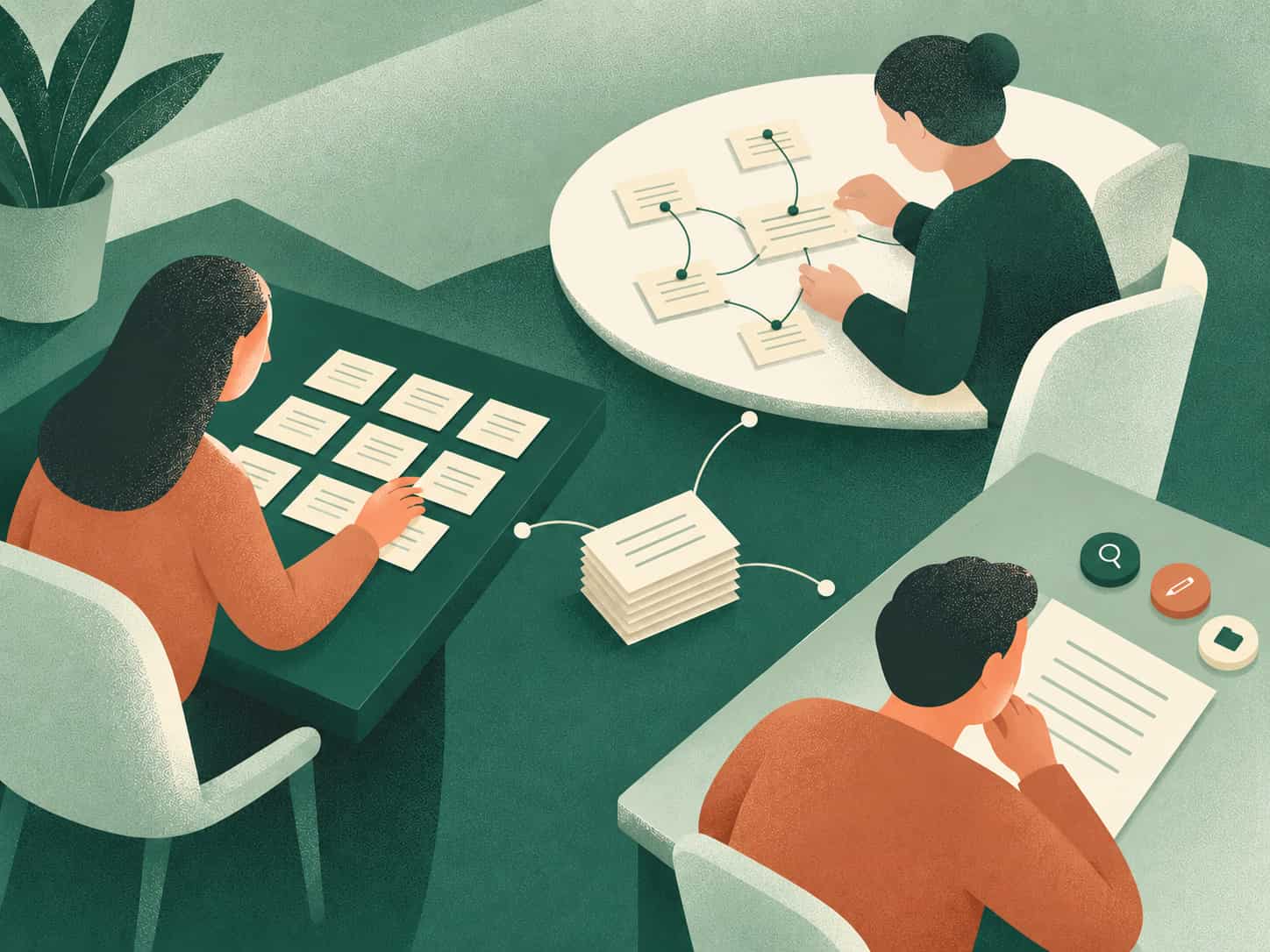
What if the system you built to organize your mind with a second brain is the very thing suffocating it?
A Second Brain should help you organize ideas, retrieve what matters, and turn information into useful output. But three common Second Brain mistakes—digital hoarding, over-engineering your setup, and treating maintenance as a chore—can turn a promising system into a cluttered archive you stop using.
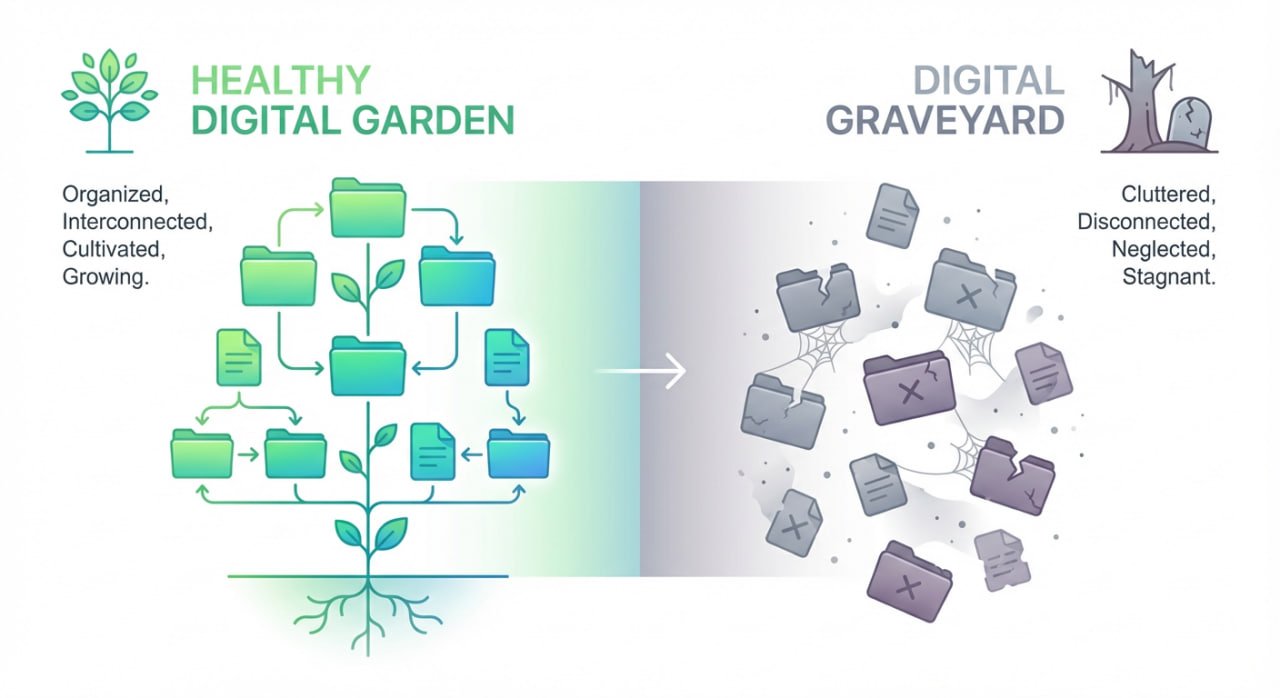
Now, instead of clarity, you are facing a frustrating paradox: your promising digital garden has withered into a digital graveyard.
You open your app and feel overwhelmed rather than empowered, staring at a silent, cluttered archive that feels more like a guilt-inducing chore than a creative engine.
It isn’t a lack of effort or the wrong app that’s holding you back, it’s a fundamental flaw in the mindset behind your method.
This guide is your roadmap to recovery.
In this guide, you’ll learn how to spot and fix the three most common Second Brain mistakes: collecting without creating, over-engineering your setup, and maintaining the system without a clear purpose.
Mistake #1: Digital Hoarding — The Librarian Mindset
You know the feeling — when you stumble upon a fascinating article, an insightful Twitter thread, or a podcast that perfectly explains a concept you’ve been struggling with.
Your immediate impulse?
Hit the save button. Send it to your read-later app. Clip it into your notes.
You tell yourself, “This will be incredibly useful someday.”
“The road to a dead Second Brain is paved with good intentions and saved links.”
This is the seductive trap of the Librarian Mindset. It’s the belief that your Second Brain exists to build a vast, perfectly categorized archive of information.
But this isn’t effective organization; it’s digital hoarding. When you capture far more than you review or use, your Second Brain becomes harder to navigate and less useful for turning information into meaningful output.
The Flawed Mindset
The Librarian operates on two invisible forces: fear of missing out and a false promise of future usefulness. The mindset says, “If I just save and organize everything, I’ll be ready for anything.”
But in practice, this turns your system into passive storage — an archive of forgotten potential. The focus is entirely on inputs — acquiring more — while neglecting outputs and actual creation.
Eventually you start asking: Why is my Second Brain not working?
Signs You’re Stuck in Collector Mode
How do you know the Librarian is running your system?
You might recognize these warning signs:
Your Second Brain begins to feel heavy. When you open your app, you don’t feel clarity — you feel anxiety. You’re not inspired; you’re inventory managing.
You’re stuck in a loop of endless consumption, wondering: How do I stop collecting and start creating?
Shift to a Workshop Mindset
The key shift is simple but profound — your Second Brain is not a museum; it’s a workshop. It’s not for preserving ideas to admire later; it’s for breaking them apart, remixing them, and building something new.
“Value isn’t created when you save an idea, it’s created when you use it.
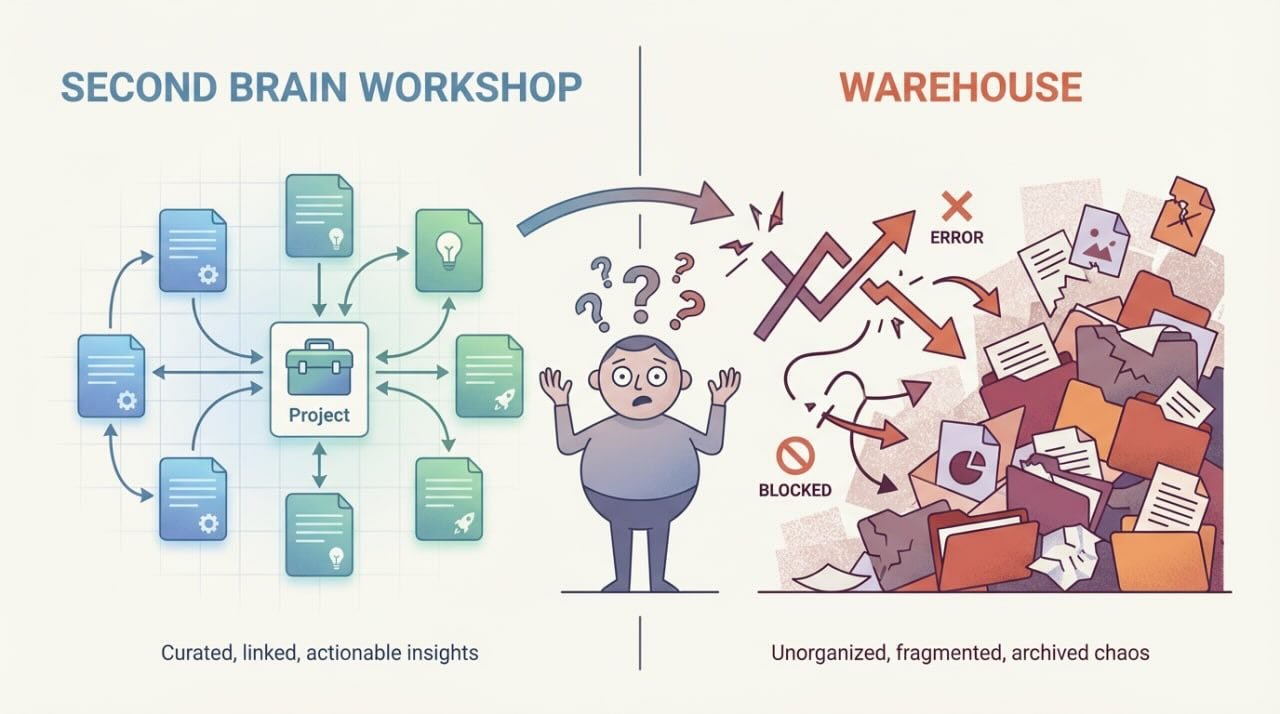
”Your goal isn’t to capture everything; it’s to connect what you capture to something meaningful. That’s one of the most important Second Brain best practices you can adopt.
How to Apply the CODE Method
To break the Librarian’s habit, you need a system that pushes you to act, not just store.
The CODE framework—Capture, Organize, Distill, Express—does exactly that:
| Step | What to Do | Why It Matters |
| Capture | Quickly get ideas out of your head and into your system, with minimal friction. | Prevents idea loss and mental clutter. |
| Organize | Store notes in simple, action-oriented folders (like “Projects”), not endless categories. | Keeps focus on progress, not perfection. |
| Distill | Summarize the key insight in your own words. Ask: What’s the one-sentence core idea? | This is where learning and clarity begin. |
| Express | Use your notes to create—write, teach, build, share. | Turns information into outcomes and confidence. |
Remember: your Second Brain succeeds when you move from collecting to creating.
Start small, but start today.
Mistake #2: Over-Engineering Your Second Brain — The Architect Mindset
You’ve spent days — maybe weeks — researching the perfect note-taking structure. You’ve debated tags vs. folders, designed intricate linking systems, and tested half a dozen apps, convinced the next one will finally be the one.
Your goal? Elegant, flawless, and future-proof.
The Architect Mindset traps you in a cycle of perfectionism. You believe your Second Brain must be a masterpiece of digital design before you can trust it.
The problem isn’t having structure; it’s optimizing the structure before you have enough real work to shape it. A useful Second Brain should evolve around your projects and outputs, not around a perfect folder, tagging, or linking system.
The Perfection Trap
The Architect is driven by two fears:
This thinking sounds logical, but it’s an illusion. Your Second Brain doesn’t collapse because it’s imperfect — it collapses because it’s unused.
You end up asking yourself: Is my Second Brain too complicated?
The Symptom: Endless Tweaking, Zero Output
How do you know the Architect is in charge?
You might notice these signs:
You confuse tweaking with progress — and end each week with no tangible output.
Let Structure Emerge Naturally
The fix is simple, though not easy. You must abandon the fantasy of a perfect, final structure. Instead, embrace a pragmatic, evolving system that grows with you.
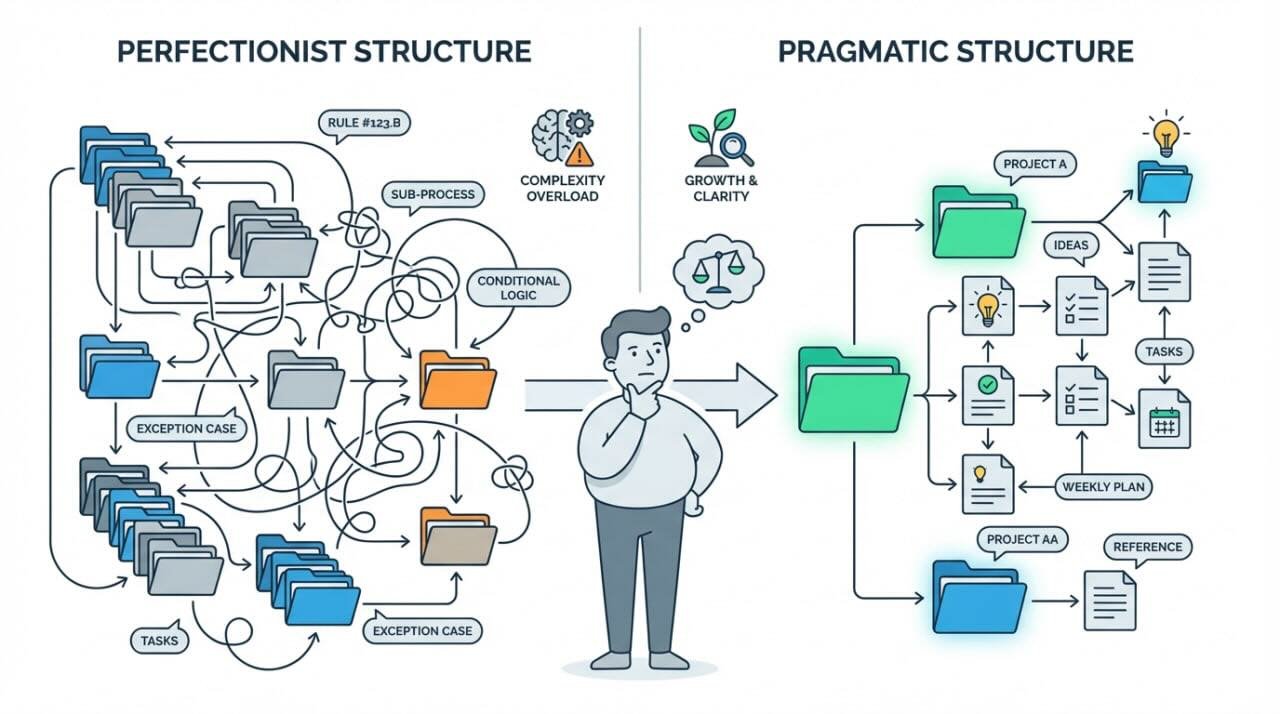
“Useful beats beautiful. Function creates form.”
A truly effective setup is less like a cathedral and more like a living garden — growing, shifting, and adapting over time.
| Principle | Architect Mindset | Pragmatic Mindset |
| Goal | Perfect, future-proof design | Functional, evolving support |
| Focus | Structure first, content later | Content first, structure later |
| Feeling | Anxious perfectionism | Confident adaptability |
| Outcome | Beautiful but unused system | Flexible and useful system |
Remember, your Second Brain isn’t meant to impress—it’s meant to work.
Your goal is usefulness, not aesthetic perfection.
Start messy, iterate often, and watch clarity emerge through action.
Mistake #3: Treating Second Brain Maintenance as a Chore — The Janitor Mindset
It’s Sunday evening. You know the routine. You should open your Second Brain and do your weekly review.
But the thought alone feels exhausting, an administrative grind of filing notes, cleaning up tags, and archiving old projects. It feels less like a productivity ritual and more like digital janitorial work.
So you close your laptop and tell yourself, “I’ll do it next week.”
“When maintenance feels like a chore, it’s a sign you’ve forgotten its purpose.”
This is the Janitor Mindset: treating Second Brain maintenance as cleanup instead of a way to resurface useful information and reconnect it with current work. When reviews feel like pure administration, the system becomes easier to avoid and harder to trust.
Many users wonder how to fix my Second Brain, not realizing they’ve mistaken maintenance for maintenance’s sake, rather than seeing it as thinking in disguise.
The Janitor Mindset Problem
The Janitor approaches their system with duty but no energy. They see the weekly review as punishment for being messy, a backward-looking cleanup, not a forward-thinking process. The focus is on tidying, not learning.
This mindset disconnects you from the purpose of maintenance and gradually erodes your trust in your own system.
The Symptom: A System You Can’t Trust Anymore
How do you know the Janitor is in charge?
Look for these warning signs:
When this happens, your Second Brain decays. Ideas get buried, notes become irrelevant, and you start relying on memory instead of your system.
The Power of Weekly Reviews
The most powerful shift you can make is to stop seeing maintenance as cleaning and start seeing it as thinking. This is the real answer to: What is the point of a weekly review?
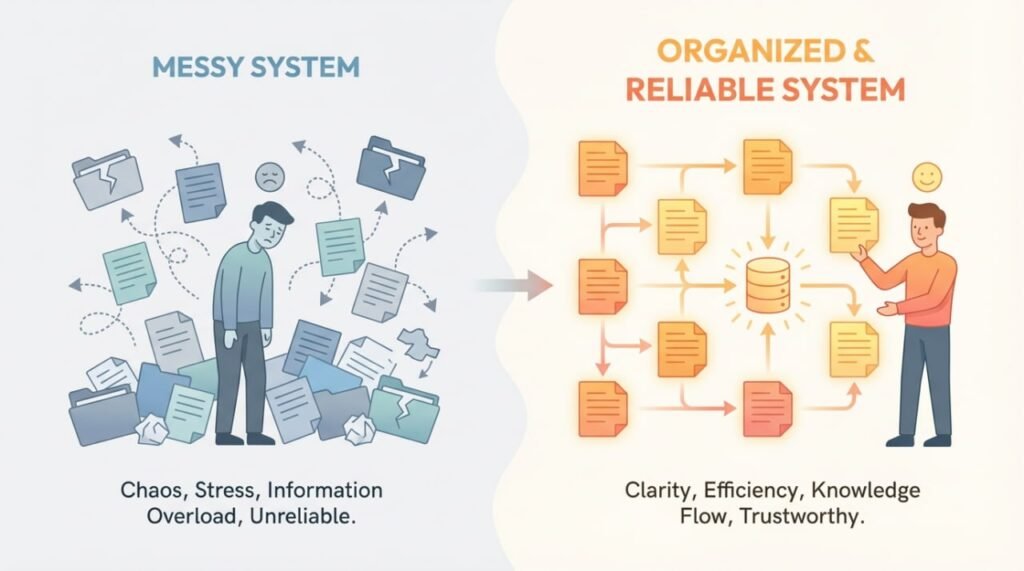
“Your weekly review isn’t maintenance. It’s meaning-making.”
During your review, forgotten ideas resurface, patterns emerge, and insights reappear that directly support your current projects.
This is what transforms your archive from a static database into a living system that thinks with you.
| Old View: Janitorial | New View: Generative Thinking |
| Cleaning up notes | Rediscovering useful insights |
| Archiving old content | Connecting past and present ideas |
| Fixing structure | Shaping direction for the week ahead |
| Obligatory maintenance | Strategic reflection and creation |
By reframing the review as an act of active thinking, you transform your Second Brain from a passive storage system into an engine of clarity and creative momentum.
Your Second Brain doesn’t need more polish—it needs your presence.
Open it. Review. Reflect. That’s how you keep it alive.
Conclusion: From Digital Graveyard to Your Greatest Asset
Building a Second Brain shouldn’t feel like a constant uphill battle.
By now, you’ve diagnosed the three biggest Second Brain mistakes that cause systems to break down:
The solution isn’t a new tool or another productivity hack — it’s a shift in mindset. Move from Collector to Creator, from Perfectionist to Pragmatist, and from Custodian to Strategic Thinker.
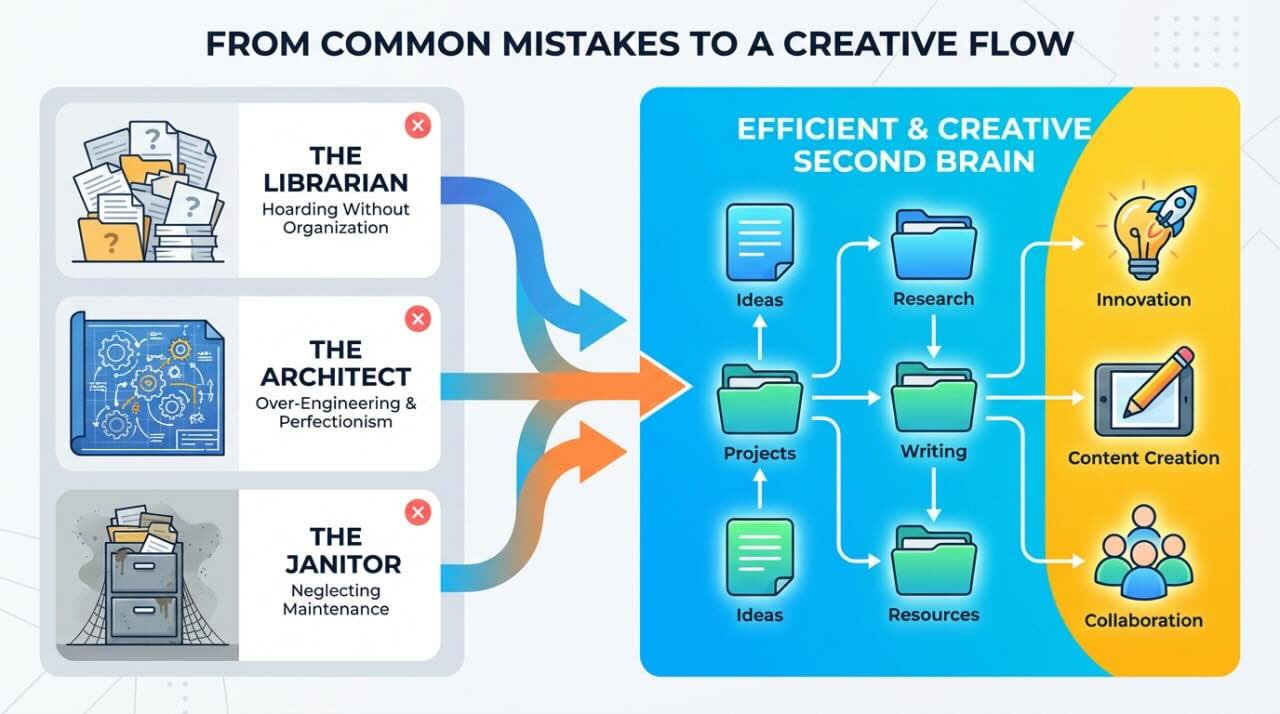
Recognizing these patterns is the most important step toward fixing your Second Brain and understanding why Second Brains fail.
The power to transform it, from a digital graveyard into your most valuable creative asset, has always been in your approach.
Why Brainfo Was Built to Prevent These Second Brain Mistakes
This is exactly why we built Brainfo, not just another note-taking app, but a complete system designed to help you avoid these common Second Brain problems from day one.
| Brainfo Feature | The Problem It Solves |
| Frictionless Capture | Encourages idea collection without slipping into digital hoarding. |
| Flexible, Action-Oriented Organization | Prevents architectural paralysis and answers “Is my Second Brain too complicated?” with a confident no. |
| Built-In Review Prompts | Transforms weekly maintenance from a chore into an act of insight and reflection. |
Stop fighting your tools. Stop over-optimizing your system.
Start building a practical, creative, and reliable Second Brain—with Brainfo guiding you every step of the way.
Explore Brainfo today and experience a Second Brain that finally works the way you think.
Frequently Asked Questions
1. How do I ensure I can actually find my notes later?
Good retrieval relies on clear titles, not just tags. However, the secret weapon is the Weekly Review. If you don’t review your notes regularly to refresh your memory, no amount of tagging will help you find them when it counts.
2. How do I stop saving everything “just in case”?
Apply a strict filter: “Is this useful for a specific project I am working on right now?” If the answer is “maybe,” skip it. Indiscriminate saving creates digital noise; being selective creates a valuable knowledge base.
3. Is it okay to switch note-taking apps frequently?
Avoid “tool-hopping.” Constantly moving data kills your momentum and resets your habits. Stick with one tool until you have mastered the system; only switch if the app is actively preventing you from working.
4. Why does my Second Brain stop working after a few weeks?
A Second Brain often stops feeling useful when it becomes too cluttered to navigate, too complicated to maintain, or too focused on organization instead of output. Simplify what you capture, organize around active work, and use a short weekly review to keep the system relevant.
5. What happens if I stop maintaining my system for a while?
It decays into a “digital graveyard.” Without regular maintenance (Triage and Review), the system becomes cluttered and untrustworthy. You must treat it like a garden; if you don’t weed it, it becomes overgrown and unusable.
6. How often should I maintain my Second Brain?
A short weekly review is usually more useful than constantly reorganizing your system. Focus on active projects, useful notes, unfinished ideas, and anything that needs attention next. The goal is not to keep everything perfectly organized—it is to keep the system useful.