
A consultant can take excellent notes and still lose the decision that matters.
The problem usually appears when a client asks why a recommendation changed, what the team agreed in a workshop, or which source supports a slide. The answer exists, but it is buried across meeting notes, documents, browser tabs, and project folders.
The best note-taking apps for consultants make it easier to capture context, keep client work separate, retrieve decisions later, and turn a meeting into a clear next step.
There is no universal winner. The right choice depends on whether you need fast capture, structured client hubs, local files, shared delivery work, or a connected personal knowledge system.
The short answer
- Choose Brainfo if you want notes, documents, saved links, and connected knowledge in one local-first workspace.
- Choose Notion if your notes need to become structured client systems with databases, properties, and project views.
- Choose Microsoft OneNote if you work in Microsoft 365 or need flexible pages for handwriting, sketches, and workshop capture.
- Choose Obsidian if you want local Markdown files, linked notes, and control over your own knowledge base.
- Choose Evernote if you prefer a familiar notebook model with fast capture, web clipping, and search.
- Choose ClickUp Docs if meeting notes must connect directly to delivery tasks and project execution.
- Choose Capacities if you work independently and want notes organized as connected people, projects, meetings, and ideas.
An AI meeting recorder captures a conversation. A note-taking system holds the context, decision, action, and source trail that should still be useful after the engagement ends.
How we assessed the options
This is not a hands-on benchmark or a claim that one product wins every scenario. The recommendations are based on each tool’s current official product and pricing documentation, then filtered through the consulting jobs that recur across engagements: capturing a meeting, keeping client material separate, retrieving a decision, collaborating when necessary, and continuing work when connectivity is limited.
That method has a limit. Product capabilities, plan terms, and permission controls change, and an official feature page cannot tell you whether a tool fits your firm’s process or a client’s data requirements. Use this guide to narrow the shortlist, then run the seven-day pilot below before moving sensitive or long-lived work.
What consultants should evaluate before choosing an app
Capture speed and post-meeting follow-through
A useful system should not make you design a database while a client is speaking. Capture the discussion quickly, then turn it into a decision record, action list, or project update before the context fades.
The useful test is not, “Can I write notes here?” It is, “Can I find and use this note at the next important moment?”
Client boundaries, privacy, and permissions
Keep every client’s work in an obvious place: a workspace, folder, notebook, vault, or project hub. Before storing sensitive material, check the provider’s current plan controls, data-handling terms, retention settings, and your client’s requirements.
For a deeper guide to structuring work across several engagements, see managing notes across multiple client projects.
Retrieval, offline work, and handoffs
Consulting notes become valuable when someone can retrieve the right decision without remembering the original meeting title. Test the exact workflow you will use: create a note, link it to the client and workstream, record the decision and owner, then find it a month later.

The seven best note-taking apps for consultants
| App | Best fit | Choose it when | Think twice when |
|---|---|---|---|
| Brainfo | Connected project knowledge | Notes, documents, bookmarks, and research should remain close | You require a read-only client role or a database-first workflow |
| Notion | Structured client hubs | Projects, owners, records, and deliverables need a shared model | Nobody can maintain the workspace conventions |
| OneNote | Flexible capture | Workshops, handwriting, and Microsoft 365 shape the work | Notes must become a deeply connected project system |
| Obsidian | Local individual knowledge | You want durable Markdown files and personal control | Your team needs immediate, governed collaboration |
| Evernote | Familiar notebooks | Fast capture and a conventional notebook model are enough | Your work needs structured project relationships |
| ClickUp Docs | Delivery-connected notes | Meeting outcomes must become assigned work | You mainly need a personal note archive |
| Capacities | Solo connected thinking | You want linked people, projects, meetings, and ideas | Your team needs advanced shared editing and governance |
This is a fit table, not a product scorecard. A tool can be excellent and still be wrong for the handoff that slows your practice down.
1. Brainfo for connected notes, documents, and saved research
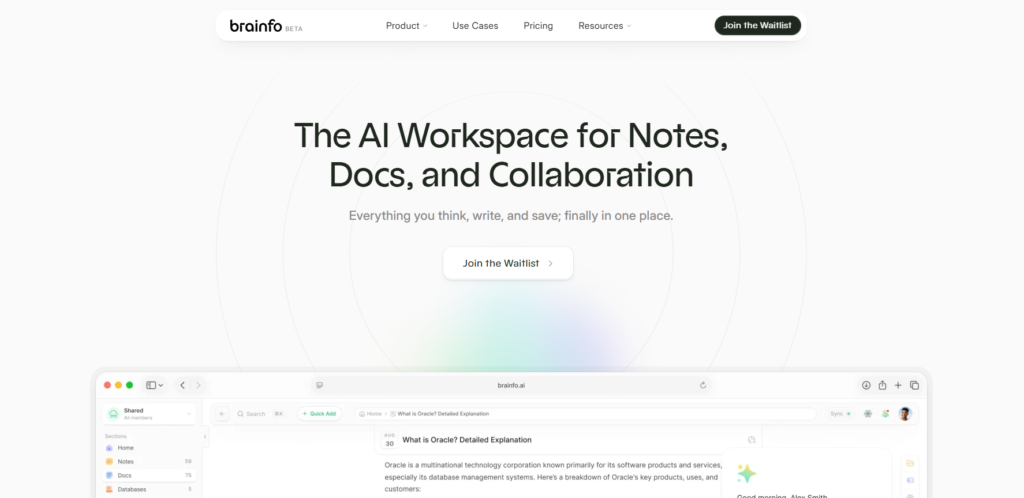
Brainfo is a good fit when a consulting project produces more than meeting notes. A typical engagement also creates saved research links, working documents, decisions, and drafts. Keeping those materials in one workspace can reduce handoffs between a browser, a note app, and a document editor.
Brainfo supports notes, documents, bookmarks, folders, tags, real-time collaborative editing, and local-first core content. Its AI can work with selected workspace content and web sources when online. Brainfo Features
A practical client structure could look like this: Client → project → meeting notes → research links → working document → decisions.
Use Brainfo when you want a connected place for notes, documents, bookmarks, and project context. Important limits: core content such as notes, documents, bookmarks, and tags is available offline, but AI chat, web search, and file uploads require an internet connection. Shared spaces support owner, admin, and member roles, and every member can edit. Teams needing a read-only client role or more restrictive access should treat that as a selection constraint.
Brainfo is the publisher of this article, so this is a transparent fit assessment, not an independent product test. For a retrieval workflow, see how to chat with your notes.
2. Notion for structured client workspaces
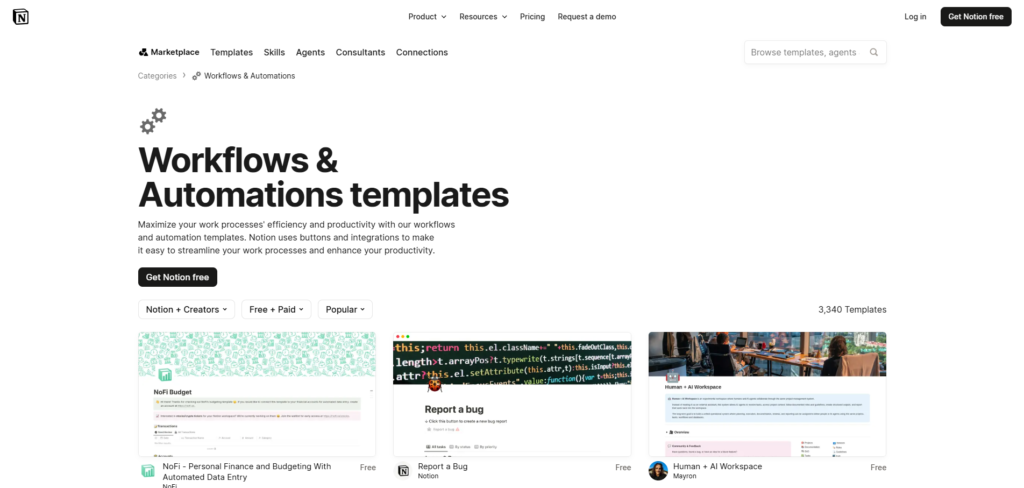
Notion works best when notes need to become an operating system for the engagement. A meeting note can connect to a client record, project, deliverable, owner, status, and deadline. That makes Notion useful for teams that need repeatable client hubs rather than a simple collection of pages. Notion Pricing
Choose Notion for shared delivery processes, client hubs with linked projects, and templates for briefs and decision logs. The trade-off is maintenance. Define one client hub, one project index, one decision-log format, and an owner for any page the team relies on.
Notion’s offline mode supports downloaded pages. Test the pages and devices that matter to your work. Notion offline guide
If a Notion-style workspace feels too complex for the work at hand, see Brainfo’s Notion alternative guide.
3. Microsoft OneNote for flexible capture in Microsoft 365
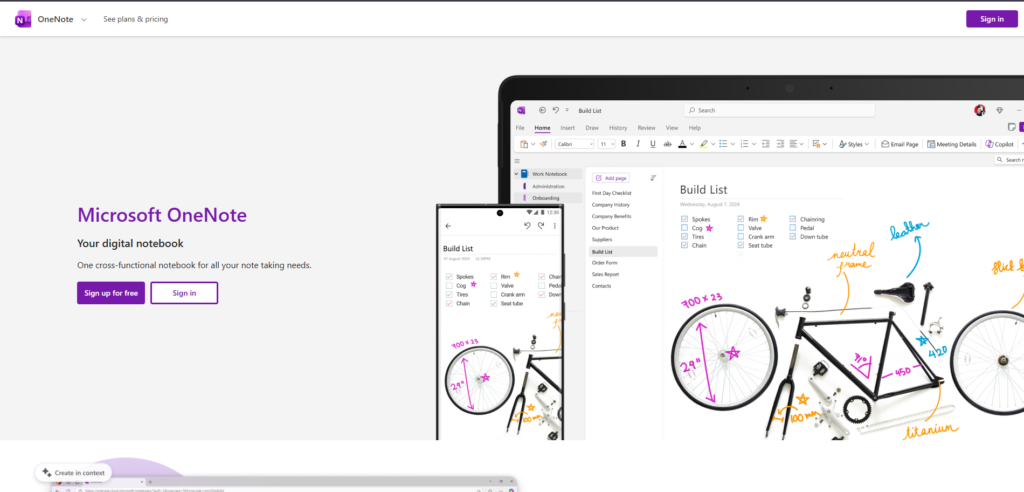
OneNote is practical when the first job is capture, not architecture. Its notebook, section, and page model lets you type, draw, annotate, and organize material without designing a relational system first. Microsoft positions OneNote around sharing, collaboration, sketching, annotation, and Copilot-enabled note work. Microsoft OneNote
Choose OneNote for workshop notes, visual thinking, handwriting, and a Microsoft 365-aligned workflow. Its limitation comes later: a large collection of freeform pages can be difficult to turn into an explicit decision record. Add a short decision summary at the top of important meeting pages.
4. Obsidian for local-first individual knowledge
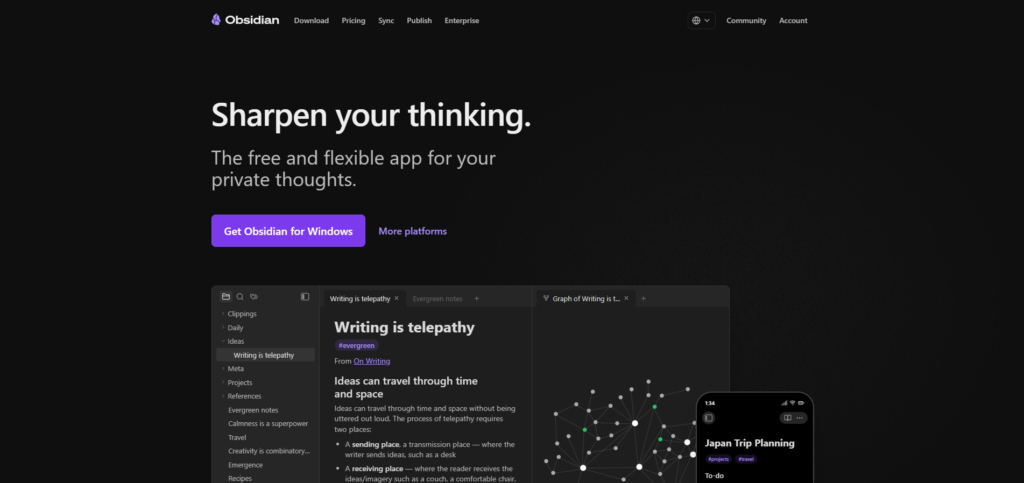
Obsidian fits consultants who want control over their notes as local files and prefer a connected, Markdown-based knowledge base. Its core app is free, while its optional Sync service offers cross-device syncing, version history, end-to-end encryption, and shared vaults. Obsidian Pricing
Choose Obsidian for local files, linked notes, and long-term personal knowledge. The cost is setup and upkeep. It is a better fit for someone who enjoys building a system than for a team that needs immediate shared conventions.
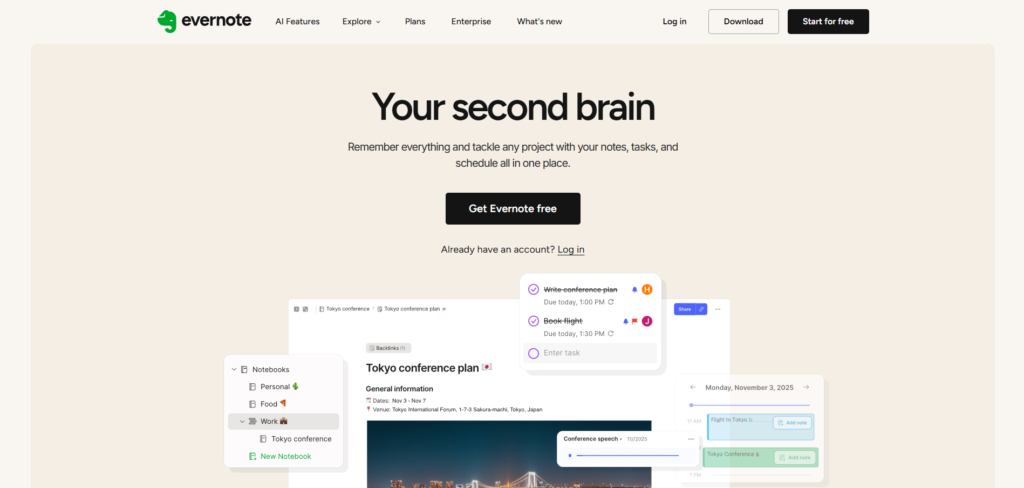
5. Evernote for conventional notebooks and fast capture
Evernote is a straightforward option for consultants who want notebooks, tags, web clipping, scanning, and search without building a complex workspace. Its current product pages emphasize note capture, tasks, web clipping, advanced search, document scanning, collaboration, and AI-assisted features. Evernote
Use it for quick capture and a familiar notebook-and-tag structure. Check offline access and export options against the plan and device you intend to use. Evernote plans
6. ClickUp Docs for notes tied to delivery work
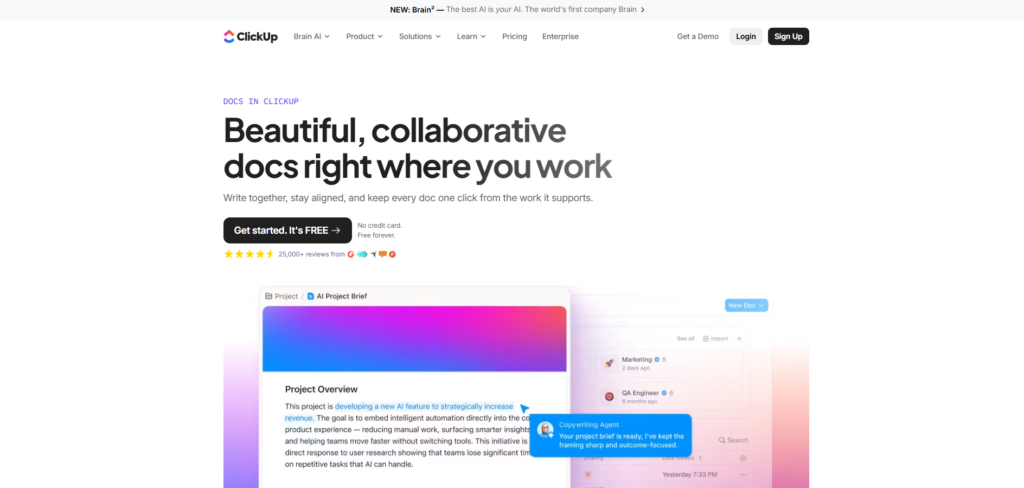
ClickUp Docs is designed for teams that want notes to stay close to the tasks and projects they describe. ClickUp says Docs can link directly to tasks and projects, support real-time collaboration, and retain version history. ClickUp Docs
Choose it when meeting notes must become assigned actions quickly and your team already uses ClickUp for delivery. It is less suitable when you primarily need a calm, personal note system.
7. Capacities for solo connected knowledge
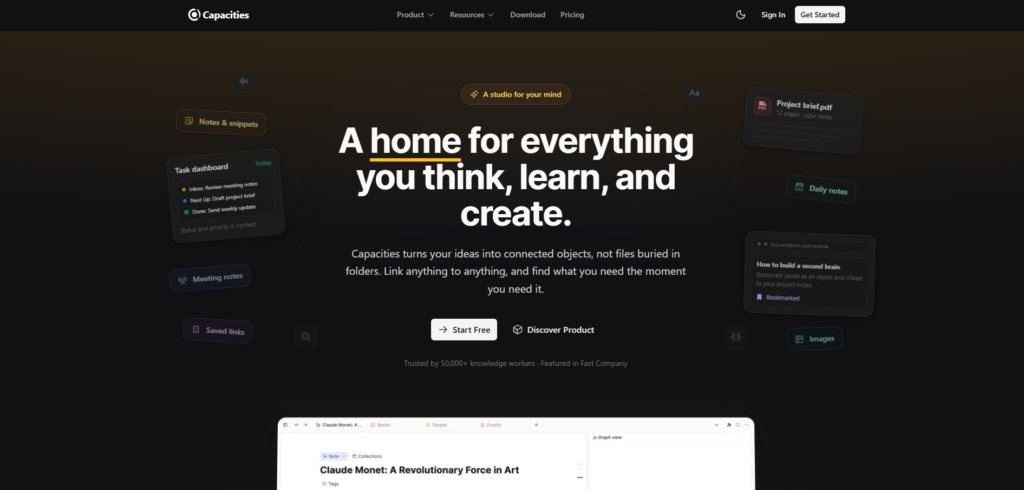
Capacities is a good fit for independent consultants who want to organize knowledge around connected objects instead of conventional folders. Its product pages highlight bidirectional links, backlinks, graph views, daily notes, and connected objects. Capacities Product
Its current free plan includes unlimited spaces, objects, and blocks, alongside sync, full-text search, import/export, view-only sharing, and offline support. Capacities Pricing
Use it when you work primarily alone and want client, meeting, and project context to surface through relationships. It is not the first choice for deep collaborative editing and formal project governance.
Choose by consulting workflow, not feature count
Independent consultant
Start with the smallest system that can capture meetings, separate clients, and retrieve decisions. Obsidian or Capacities work well for connected personal knowledge. Brainfo fits consultants who want notes, documents, bookmarks, and research context together. Evernote remains useful when quick capture matters most.
Boutique consulting team
Choose a tool that makes ownership, collaboration, and handoffs visible. Notion works well for structured client hubs. ClickUp Docs is strong when documents must stay tied to delivery work. Brainfo can fit a team that wants shared notes, documents, and research in a local-first workspace.
For a wider research-to-reuse workflow, see research and knowledge tools for consultants.
Microsoft-centered or regulated environment
Start with the tools and controls your firm or client already approves. OneNote is often natural when Microsoft 365 defines the workflow. If you need more structure, evaluate a new workspace against your organization’s permission, retention, and security requirements before introducing it to client work.
A simple meeting-to-decision note workflow
- Capture: Write the important facts, not a verbatim transcript.
- Clarify: Identify decisions, owners, dates, and unresolved questions before the next meeting.
- Connect: Link the note to the client, workstream, source, or deliverable it affects.
- Retrieve: Use a consistent title and searchable terms so the decision can be found later.
- Act: Move confirmed actions into the team’s task or delivery system.
This takes a few minutes after the meeting. It saves far more time when a client asks for the reason behind a decision six weeks later. Before committing years of material, compare the tools you are considering against the workflow you actually need.

Run a seven-day selection pilot before you migrate
Do not choose a tool from a feature page alone. Pick one active project that includes a client meeting, a working document, and at least one decision that will matter later. Use the candidate system for seven days.
On day one, create the client home and capture a live meeting. On day three, add a research link or supporting document, then connect it to the decision it informs. On day five, ask a colleague to find the decision and explain the source trail without asking you where it lives. On day seven, test whether the important material is available in the environment where you actually work, including an offline scenario if travel matters.
Record four observations:
- How long it takes to capture a useful note while the meeting is moving.
- Whether a future reader can distinguish a confirmed decision from an open question.
- Whether client boundaries and sharing controls match the engagement.
- How much upkeep the structure needs before people can retrieve the right context.
This test exposes the cost feature lists hide. A highly configurable workspace may win on paper but lose if every engagement needs a new structure. A simple notebook may feel effortless until a teammate has to trace why a decision changed. Keep the tool that makes the next client handoff clearer with the least ongoing maintenance.
Do not treat the pilot as a security review or a substitute for client approval. It is a workflow test. Before moving sensitive records, confirm the provider’s current controls, your firm’s policies, and the client’s requirements. A useful note system should make those boundaries easier to follow, not easier to overlook.
The final choice should reduce avoidable searching, not create another place for client context to disappear.
Frequently asked questions
What is the best note-taking app for consultants?
There is no universal best choice. Notion suits structured client workspaces, OneNote suits flexible capture, Obsidian suits local Markdown knowledge, ClickUp suits task-connected work, and Brainfo suits connected notes, documents, bookmarks, and research.
Should consultants use an AI meeting note-taker?
Use one when meeting transcription is the bottleneck. Keep a separate system for decisions, sources, and project context. A transcript alone is not a consulting knowledge base.
How should consultants organize client meeting notes?
Give each client an obvious home, record decisions and owners near the top of each note, link the note to the relevant workstream, and use a consistent naming pattern.
Is Notion or OneNote better for consultants?
Choose Notion when notes need to become connected project work with databases and properties. Choose OneNote when handwriting, annotation, flexible pages, and Microsoft 365 alignment matter more.
Which note-taking app works best offline?
Test the exact platform and plan you will use. Obsidian is built around local files. Brainfo describes a local-first model. Notion, Evernote, and Capacities each offer offline options with product- and plan-specific conditions.