
The personal knowledge management app that thinks with you.
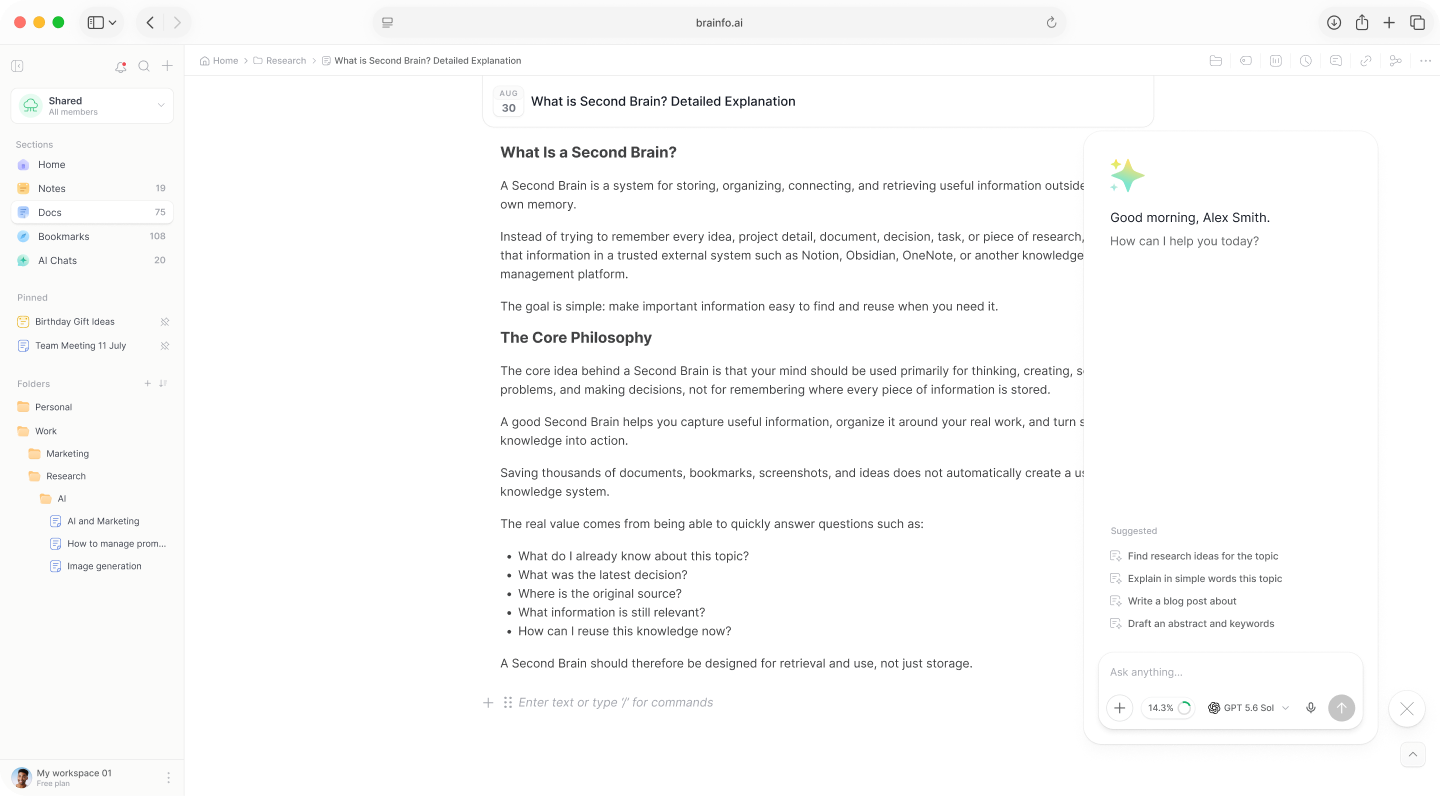
Capture what matters, connect related thinking, and turn what you know into useful work inside one calm Brainfo workspace.
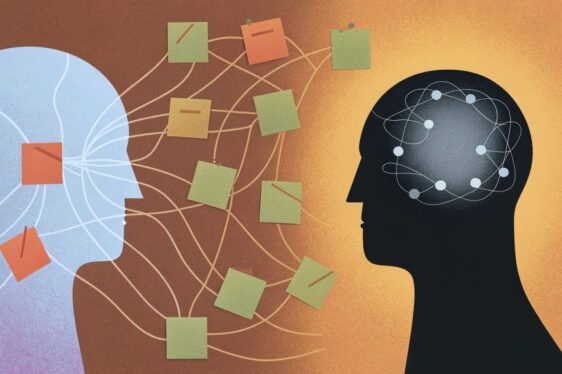
Notes in one app, documents in another, bookmarks lost in a browser, and an AI chat in a fifth tab. Everything is scattered across endless folders and disconnected apps. Worse, most of those tools are cloud-only, so the moment your connection drops, your work goes with it.
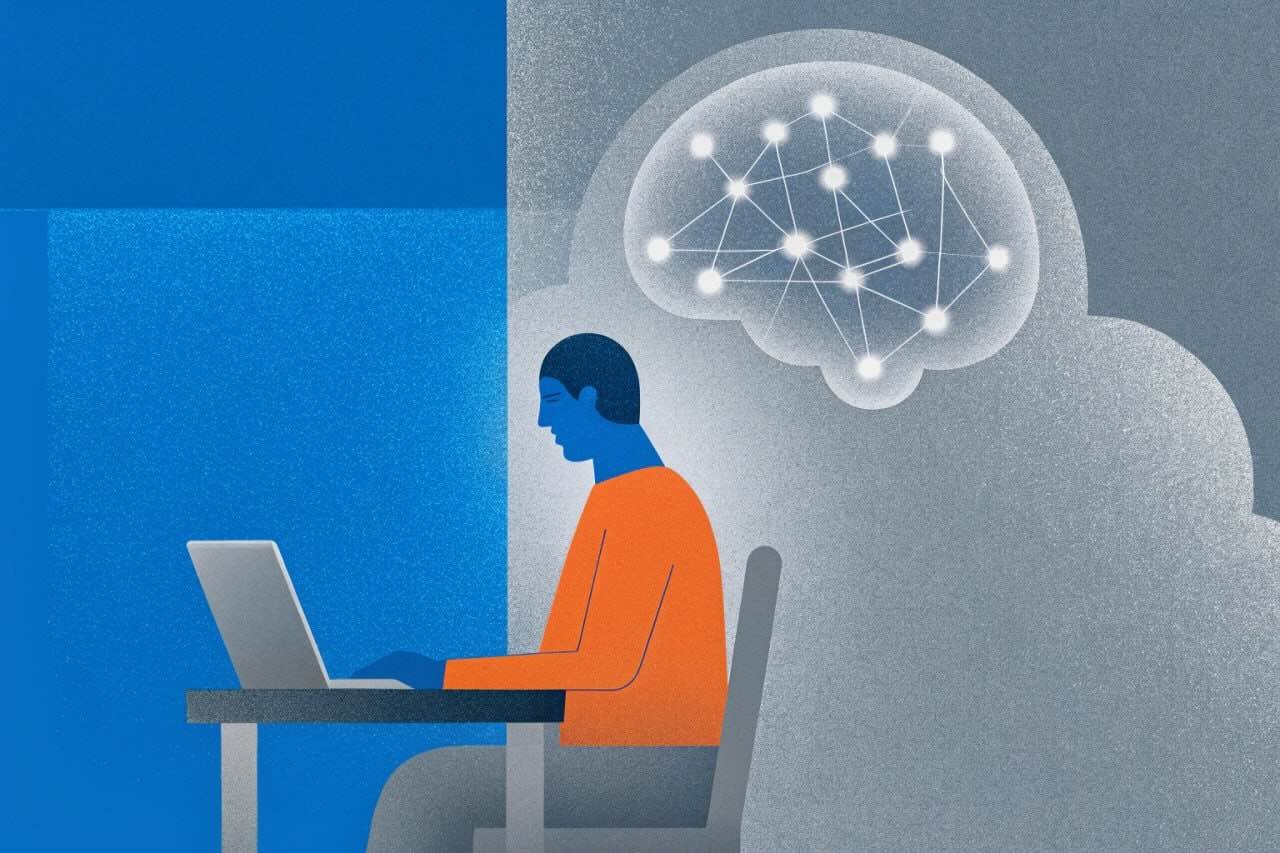
Instead of a passive filing cabinet, you get a single thinking system where everything you save is connected, searchable, and ready to use, with or without internet. Capture an idea, link it to what you already know, and find it again in seconds.
A useful PKM system makes four actions easy: save something, connect it, find it later, and put it to work. It is the system you use to capture, organize, find, and apply what you learn.
Link any note, doc, or bookmark. Brainfo tracks backlinks automatically, so related thinking finds itself instead of getting lost in folders.
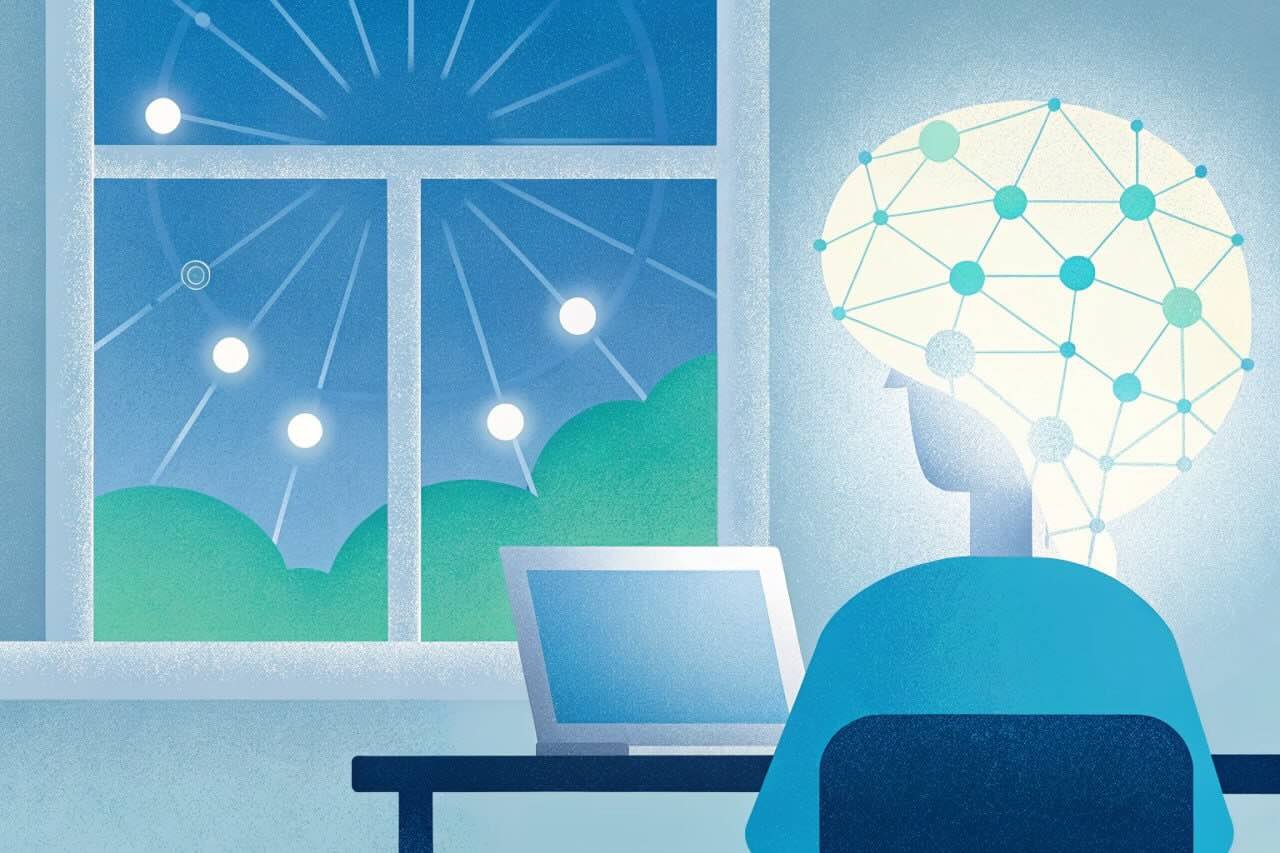
An interactive map of everything you've captured. Zoom out to see the shape of your knowledge; patterns and themes reveal themselves.
Chat across everything you've saved and get answers grounded in your own notes, then turn any chat into a clean document in one click.
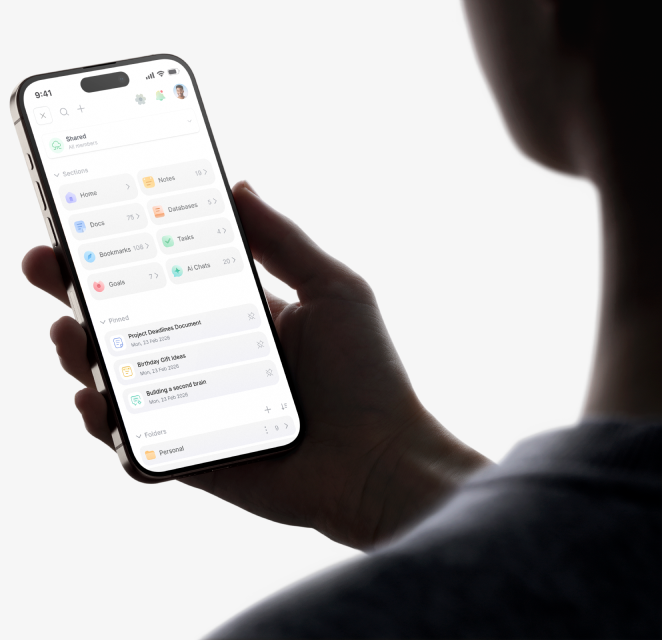
Quick notes, long-form docs, a visual bookmark library, relational databases, tasks, and goals, all connected in one place, not five apps.
Search by keyword or by meaning. Ask for an idea the way you remember it and Brainfo finds it, even if you don't recall the exact words.
Your second brain lives on your device and works on a plane or in a dead zone. No ads, no data sales, and your writing is never used to train AI.
Use the same four moves for a reading note, a work decision, or a long research project.
Write a Note or save a Bookmark while the context is fresh
Add a folder or tag that gives the item a useful place.
Use keyword search or ask AI to find and read a specific Doc
Shape the trail into a Document you can edit, share, and revisit
Brainfo gives each part of personal knowledge work a clear place, then keeps those parts connected. Your goals and weekly plans stay available, private, and ready on the device you already have with you.
Quick capture for the small stuff
The errand, the idea, the thing you must not forget. Jot it before it slips. Brainfo Notes saves them fast and keeps them in order. Built on checklists, image notes, color coding, and tags.
Plans that outlive a sticky note
Some things need structure: a schedule, a budget, a running journal. Docs give you blocks, tables, and templates without the clutter. Built on a block-based editor with tables, templates, and version history.
A home for every saved link
Browser bookmarks are where links go to disappear. Brainfo saves each one as a visual card with an image, title, and description.
An assistant that knows your lists
Built on the AI chat hub with GPT, Claude, Gemini, and more in one place. AI workspace actions can create notes, tags, and folders for you.
Start on your phone, finish on your laptop. Your information stay in sync across every device.
We employ cutting-edge security measures to protect your information, ensuring you can focus on your work with peace of mind, whether online or offline.
Role-based permissions and multi-factor authentication (MFA) ensure only authorized users access your workspaces.
Our systems are monitored 24/7 with Cloudflare DDoS protection and Sentry error tracking to detect and resolve issues instantly.
Automated backups and version history keep your data safe, with disaster recovery systems ensuring high availability.
As a global company, we are fully compliant with GDPR regulations, ensuring your data is handled with the highest standards of privacy and protection.
No ads, no data sales, no tracking. Your content is never used to train AI models or shared with third parties without your consent.
Your data is protected in transit & at rest with modern TLS & AES encryption standards; ensuring only you can access your content.
This page is the starting point. The full series walks you through building, organizing, and getting the most out of your personal knowledge management app.
A personal knowledge management (PKM) app is a single place to capture, organize, connect, and find everything you learn: notes, documents, bookmarks, and ideas. Instead of scattering information across separate apps, a PKM app keeps it together and helps you retrieve it when you need it.
Note-taking captures individual thoughts. Personal knowledge management goes further: it connects those notes, organizes them over time, and helps you turn them into something useful. A note app stores ideas. A PKM app helps you think with them.
PKM is the ongoing practice. A second brain is one way to describe the external system that supports it.
Start with one active project. Save a few sources, write one Note, add useful links, then create a Document from the trail.
Notion is powerful but takes setup before it works, and its linking and graph are limited. Obsidian has backlinks and a graph but relies on plugins, has a steep learning curve, and a weaker mobile app. Brainfo gives you backlinks, a graph view, and multi-model AI built in, ready out of the box, with full offline access and a strong mobile experience.
Yes. Brainfo links notes, docs, and bookmarks together with bidirectional links and tracks backlinks automatically. A live, interactive graph view shows how everything you've captured connects, so patterns and related ideas surface on their own.
Yes. You can start free with no credit card. The free plan lets you build a real second brain, capture notes, save links, connect them with backlinks and the graph, and use built-in AI.
Yes. Your entire workspace lives on your device, so you can read, write, search, and follow links with no connection at all. Changes sync automatically in seconds once you are back online.
Everything you need to capture, organize, and use your knowledge, in one workspace that works wherever you do.
Get the latest updates, tips, and special offers