
Google Keep is excellent when the job is simply to catch a thought before it disappears. A shopping list, a quick voice note, a reminder, or a photo of a receipt. It is fast because it asks very little of you.
The trouble starts when a note needs to become useful work.
A client-call note should connect to the project it belongs to. Research should be easy to find months later. Ideas should not disappear into a wall of colored cards. If that sounds familiar, you probably do not need another faster sticky-note app. You need a better system for serious note-taking.
This guide compares the best Google Keep alternatives for deeper organization, privacy, offline access, collaboration, and knowledge work. The right choice depends on what needs to happen after you capture a note.
Google Keep still handles notes, lists, photos, drawings, audio, sharing, and reminders well. Moving on only makes sense when those basics stop carrying the workload.
What “serious note-taking” actually requires
Serious note-taking is not about using the most complicated app. It is about being able to trust that important information will still be useful when you need it.
You may have outgrown Google Keep if:
- You regularly search for an old note and cannot remember its label or color.
- Your notes need structure beyond a title, tag, and checklist.
- You want ideas, research, meeting notes, and documents to connect.
- You need reliable offline access or more control over where your data lives.
- Notes are shared work, not just personal reminders.
For a marketer, that shift might happen when a campaign brief begins in a quick note, picks up competitor research, turns into client feedback, and later needs to inform the next campaign. That is no longer a single note. It is working context.
If your notes are mostly temporary reminders, keep using Google Keep. Switching tools adds friction, and more features do not automatically produce better habits.
How we chose these Google Keep alternatives
Each app is assessed through five practical questions:
- Can you organize notes without building an elaborate system?
- Can you find information again when you only remember part of it?
- Can you work when the internet is unreliable?
- Can you share or collaborate when work involves other people?
- Can you leave with your data if the tool stops fitting?
That framework matters more than a giant feature checklist. The best app is the one that makes your next useful action easier.

The best Google Keep alternatives at a glance
| If you need… | Start with… |
|---|---|
| A local-first workspace for connected knowledge and online AI-assisted work | Brainfo |
| Linked personal knowledge and flexible files | Obsidian |
| Collaborative documents, databases, and team context | Notion |
| Free-form notebooks inside the Microsoft ecosystem | Microsoft OneNote |
| A clean notes app across Apple devices | Apple Notes |
| Privacy-focused cross-platform notes | Standard Notes |
| Open-source, offline-first Markdown notes | Joplin |
| A familiar Android-first card experience | NotallyX |
1. Brainfo for local-first knowledge work
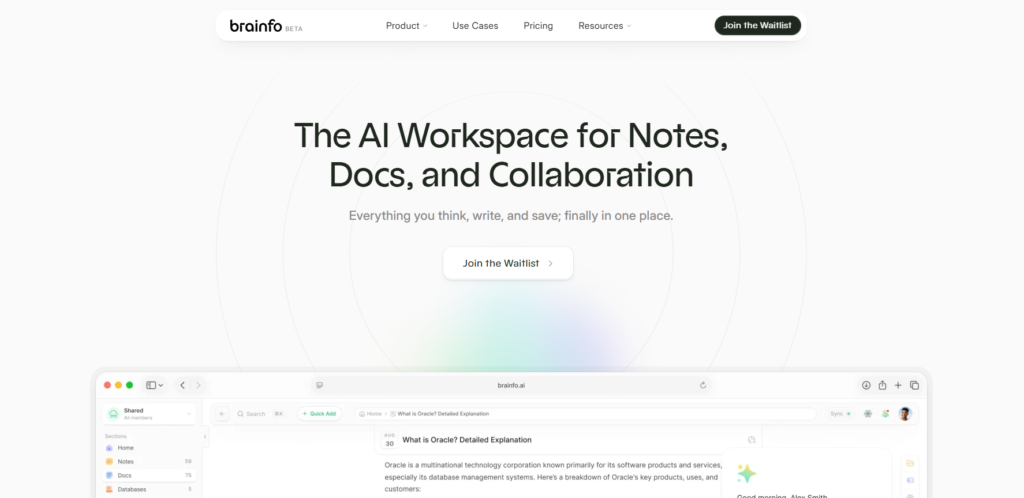
Brainfo fits people whose notes need to stay useful after the moment of capture. Instead of treating a campaign idea, research source, meeting note, and working document as separate tools, it gives you a shared workspace for notes, documents, bookmarks, tags, and collaboration.
That changes a practical workflow. A marketer can capture an idea as a note, save the supporting source as a bookmark, turn the work into a document, and keep it organized within the same space. Folders and tags help maintain structure, while real-time editing and inline comments support work with a team. For a broader workflow comparison, see these note-taking apps for client projects. If your shortlist also includes Evernote, compare the local-first approach in Brainfo’s Evernote alternative guide.
Brainfo is local-first: core content such as notes, documents, bookmarks, and tags remains available offline. AI chat, web search, and file upload still require an internet connection. That distinction matters if offline access and ownership are part of the reason you are leaving Google Keep.
Best for: Knowledge workers and small teams who want notes, research, documents, and collaboration to remain connected.
Consider another option if: You want a purely lightweight replacement with almost no setup, or you need the deepest possible plugin customization around local Markdown files.
2. Obsidian for linked personal knowledge
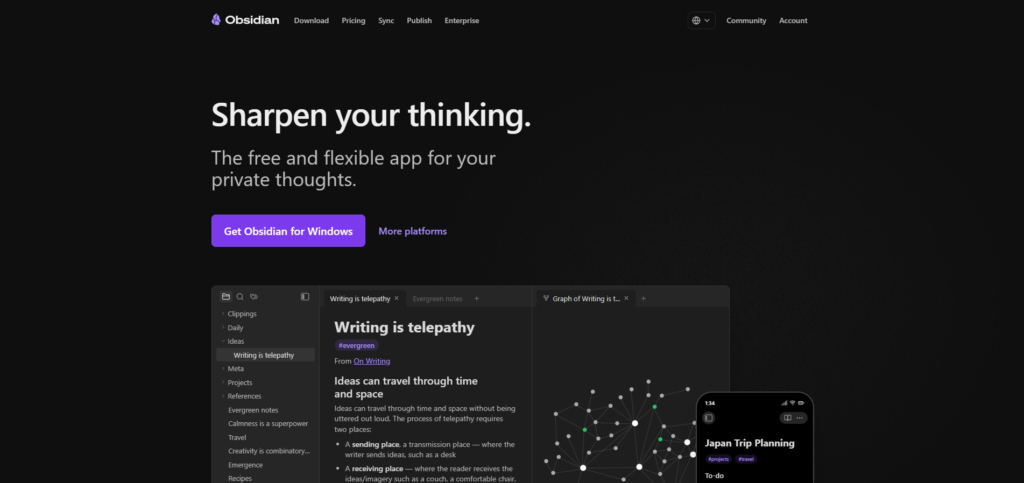
Obsidian is a strong fit when you want your notes to behave more like a personal library than a collection of separate documents. Its workflow centers on vaults, notes, links, and flexible extensions. The official help center documents core note linking, imports, sync options, and a large ecosystem of plugins and themes.
That flexibility is powerful for researchers, writers, and people who enjoy shaping their own system. It also means you should expect to make more decisions about folders, plugins, sync, and conventions.
Best for: People who want to build a durable, linked note system and are comfortable with some configuration.
Consider another option if: You need simple team collaboration out of the box or do not want to manage your own structure.
If you already know Obsidian is close but not quite right, see other Obsidian alternatives.
3. Notion for collaborative documents and structured work
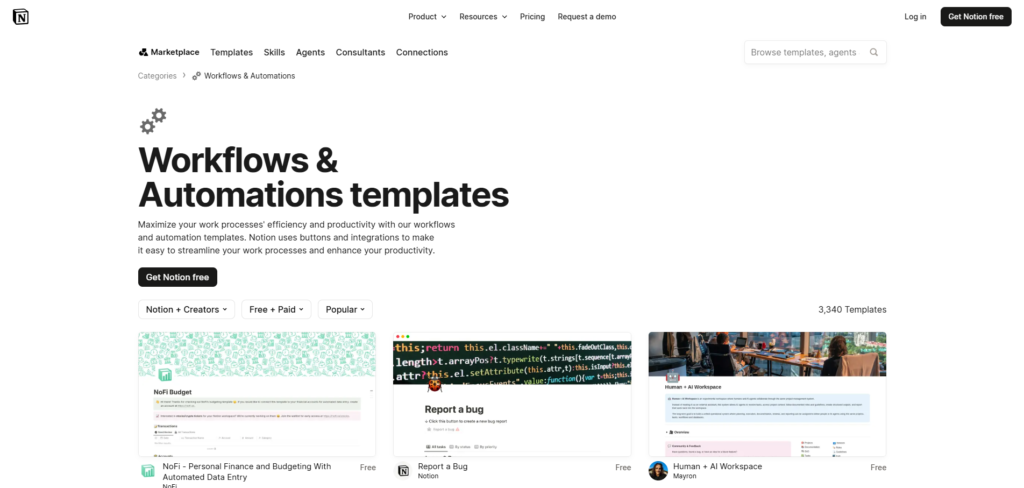
Notion is the better Google Keep replacement when your notes frequently become shared documents, project pages, or structured databases. Its current product page emphasizes team knowledge, documents, projects, connections, and AI features.
That makes it useful when a marketing team needs one place for briefs, editorial calendars, campaign references, and decisions. You can create a lightweight note page, then add enough structure as the work grows.
The trade-off is speed and simplicity. Notion can become overbuilt if every captured idea needs a database property before it can be saved.
Best for: Teams and individuals who want notes, docs, and structured project work in the same workspace.
Consider another option if: Offline-first work or local file ownership is your first priority.
4. Microsoft OneNote for Microsoft 365 users
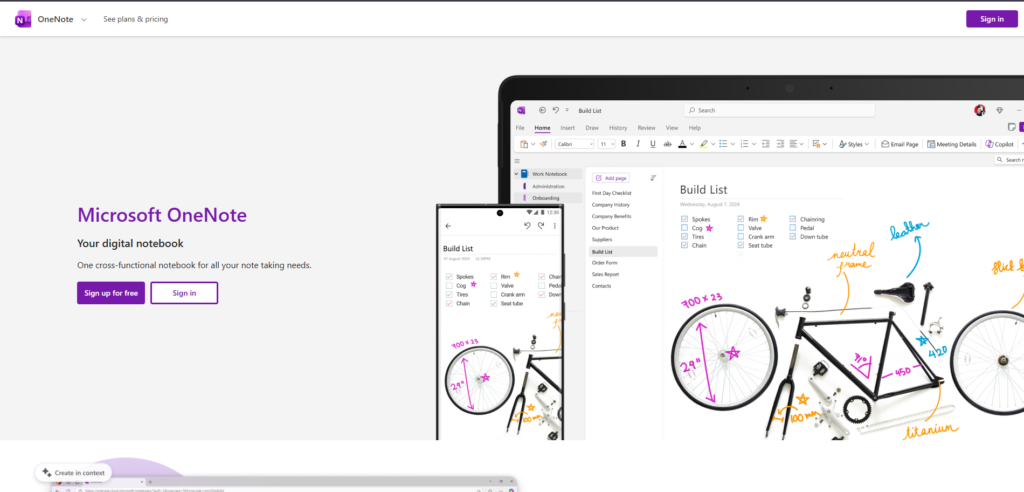
OneNote makes sense when your work already lives in Microsoft 365. Microsoft describes it as a cross-device place to capture ideas and organize projects, with collaboration, digital inking, voice transcription, and Copilot-related features.
Its notebook, section, and page model will feel familiar to anyone who thinks in binders. It is especially useful for meeting notes, mixed media, hand-drawn notes, and work that already moves through Teams, Outlook, or OneDrive.
Best for: Microsoft 365 users, students, and teams that value notebooks, handwriting, and familiar organization.
Consider another option if: You want a Markdown-based knowledge base or a minimalist writing environment.
5. Apple Notes for Apple-first users
Apple Notes is the low-friction choice for people who primarily use an iPhone, iPad, and Mac. It is often the most sensible upgrade from Keep when you want richer notes without adopting an entirely new productivity system.
It works best when Apple devices are your default environment and you want notes, scans, checklists, attachments, and shared folders without much setup. Apple’s current documentation confirms collaborative shared notes and folders, plus support for photos, PDFs, and scans.
Best for: People deeply invested in Apple hardware who want a straightforward daily notes app.
Consider another option if: Windows, Android, or Linux access is important to your workflow.
6. Standard Notes for privacy-sensitive notes
Standard Notes is built around privacy and cross-platform access. Its current feature documentation describes multiple note types, encrypted backups, revision history, nested folders, individual note protection, data export, and support across mobile, web, Windows, macOS, and Linux.
That combination is valuable if the content of your notes matters as much as their organization. It is a stronger fit for private journals, sensitive work notes, and personal information you do not want scattered across services.
Best for: People who want privacy-focused, cross-platform notes with straightforward organization.
Consider another option if: You want extensive team documentation, a large plugin ecosystem, or deep visual knowledge mapping.
7. Joplin for open-source, offline-first Markdown notes
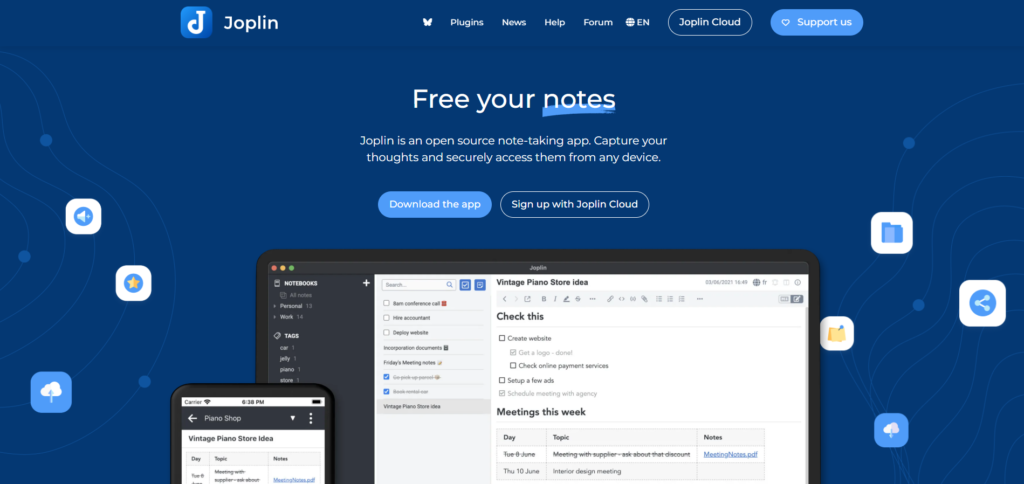
Joplin is a practical option for people who want open-source notes without giving up a normal notebook interface. Its official documentation describes it as a free, open-source note and to-do app with Markdown notes, notebooks, tags, full-text search, offline-first access, plugins, web clipping, and end-to-end encrypted sync options.
It is a good choice when you care about portability and want notes available even without a connection. The experience is more utilitarian than polished workspace tools, but that can be a fair trade for ownership and flexibility.
Best for: People who want Markdown, offline access, open-source software, and control over syncing.
Consider another option if: You want a visually refined app, advanced collaboration, or an all-in-one project workspace.
8. NotallyX for a familiar Android-first Keep replacement
NotallyX is the closest match here for people who actually like Google Keep’s card-based, lightweight approach but want an Android-first alternative. Its official site describes it as a minimal open-source notes app, while current project information documents rich-text notes, task lists, reminders, files, colors, pins, and labels.
This is not the choice for building a sophisticated knowledge system. It is the choice for preserving the quick-capture habit while changing the app underneath it.
Best for: Android users who want a familiar, minimal Google Keep-style experience.
Consider another option if: You need desktop access, team collaboration, cross-platform sync, or deeper note organization. Its project documentation also warns users to set up backups after reported data-loss issues, so it is not the right place for your only copy of important work.
Which Google Keep alternative should you choose?
Choose based on the kind of work your notes must support next.
- Choose Brainfo if notes, research, and documents need to become connected working knowledge.
- Choose Obsidian if you want linked notes and file-level flexibility.
- Choose Notion if your notes live alongside team projects and structured information.
- Choose OneNote if Microsoft 365 is already your working environment.
- Choose Apple Notes if you live on Apple devices and want less complexity.
- Choose Standard Notes if privacy is the main concern.
- Choose Joplin if open-source, Markdown, and offline access matter most.
- Choose NotallyX if you simply want a Keep-like Android app.
The organizational method matters too. A tool will not solve a system that has no clear home for active work and reference material. If that is the real problem, start with the PARA method before rebuilding your whole setup.
How to leave Google Keep without losing important notes

Do not migrate everything just because you are changing apps.
Start with notes tied to active projects, current responsibilities, and reference material you still use. Archive the rest in Google Keep until you know the new system has stuck.
Google lets you export Keep data, including note content, attachments, colors, labels, collaborators, and note state. Check the import rules of your chosen app before you move files, because not every tool preserves every Keep detail.
- Export Google Keep as a backup.
- Import a small, active set of notes first.
- Recreate only the folders, tags, or links you actually need.
- Use the new tool for two to four weeks before moving the archive.
- Keep the original export somewhere safe.
The goal is not to reproduce Google Keep perfectly. It is to create a better future workflow.
Try Brainfo if your notes need to stay available offline and remain connected to the documents, bookmarks, and people involved in the work. You can also explore Brainfo comparisons before switching.
Frequently asked questions
What is the best Google Keep alternative overall?
There is no single best choice for everyone. Brainfo fits connected knowledge work, Obsidian fits linked personal notes, Notion fits collaborative work, and Standard Notes fits privacy-focused notes.
What is the best free Google Keep alternative?
Joplin is a strong free option for open-source, offline-first Markdown notes. OneNote is also worth considering if you already use Microsoft services. Check current plan limitations before choosing.
Which Google Keep alternative is best for privacy?
Standard Notes is a strong privacy-focused option because its official documentation emphasizes encryption and data-protection features. Joplin is another option for people who want control over an offline-first setup.
Can I export all my Google Keep notes?
Yes. Google’s export tools can include note text, lists, attachments, labels, collaborators, colors, and note state. Check what your destination app can import before deleting anything from Keep.
Should I replace Google Keep or use it alongside another app?
Use both if Keep is still your fastest inbox. You can capture a thought in Keep, then move only the notes that need to become project context, research, or lasting knowledge.
Is Brainfo a Google Keep alternative?
Brainfo is a fit for people who have moved beyond quick capture into connected knowledge work. Its local-first core content remains available offline, while AI chat, web search, and file uploads require an internet connection.