

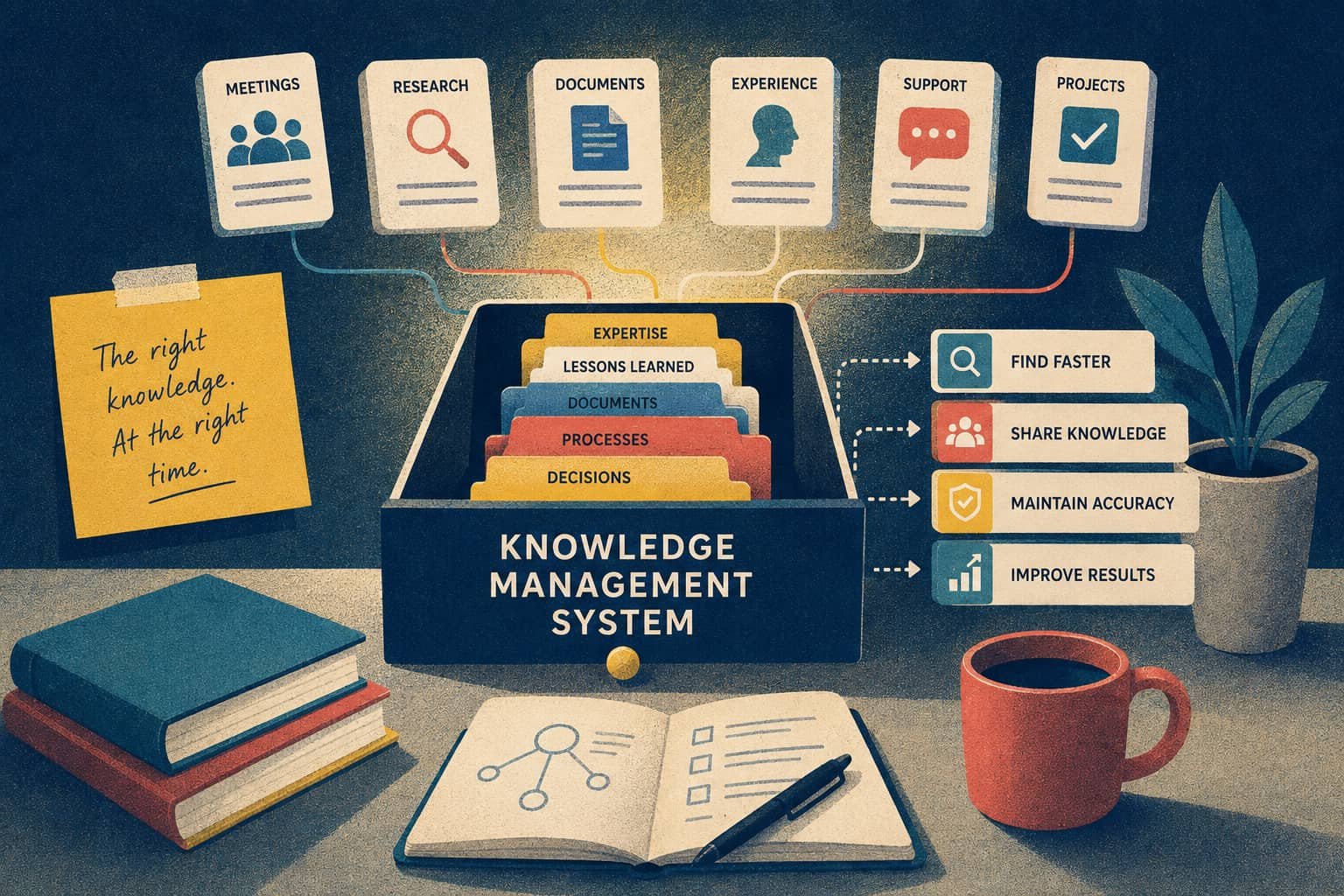
Obsidian is hard to replace for a good reason: it gives you a folder of Markdown files that remains useful even without Obsidian.
That sets a high bar.
Most people looking at Obsidian alternatives do not want the same app with a different logo. They want to fix one specific frustration: plugin maintenance, awkward team collaboration, limited built-in AI, or a setup that has slowly become a hobby of its own.
The right replacement depends on what you refuse to lose.
This comparison looks at data ownership, offline access, linked thinking, AI, collaboration, cost, and migration effort. It is based on current official product documentation. We have not claimed hands-on testing where none took place.
Disclosure: Brainfo publishes this article and is included as one of the alternatives. We apply the same criteria to it and list its limitations alongside its strengths.

The Best Obsidian Alternatives at a Glance
| Tool | Best for | Offline or local-first | Open-source status | Collaboration | AI role |
|---|---|---|---|---|---|
| Brainfo | Local-first content with acting AI agents | Notes, docs, bookmarks, and tags work offline | Not publicly verified | Real-time document editing | Specialist agents take workspace actions |
| Logseq | Open-source outliner workflows | Local files | AGPL-3.0 | Current Sync status needs checking | External tools and plugins |
| Notion | Databases and team knowledge | Selected pages work offline in its apps | No public OSS license | Real-time collaboration | Assistant and connected AI tools |
| Anytype | Private, object-based knowledge | Local-first with a local-only option | Mixed licenses | Encrypted collaboration | Secondary to its object model |
| Capacities | Object-based personal knowledge | Offline support | No public OSS license | Sharing is more limited | Context-aware assistant |
| Joplin | Open-source notes across devices | Local app with optional sync | Open source | Shared notebooks through Joplin Cloud | Not a core feature |
| AFFiNE | Documents and visual canvases | Local-first | Mixed licenses | Real-time collaboration | Built in |
| Tana | AI-assisted structured notes | No local Markdown vault | No public OSS license | Shared workspaces with limits | Central to the product |
| Craft | Writing, publishing, and sharing | Offline access | No public OSS license | Real-time collaboration | Writing assistant |
| Roam Research | Block-level networked thought | Cloud-based | No public OSS license | Not assessed in this review | Not its main draw |
| RemNote | Notes connected to spaced repetition | Offline-first | No public OSS license | Not its main strength | Learning-focused AI |
If you want the short version:
What Actually Matters When You Choose an Obsidian Alternative?
Obsidian is free to use. Notes stay on your device, while optional Sync starts at $4 per user per month when billed annually. That combination remains difficult to beat. Obsidian pricing
The reasons to leave usually sit around the vault rather than inside the editor.
Plugin setup can become part of the job
Obsidian can become almost anything through community plugins.
That freedom carries maintenance. A workflow assembled from Dataview queries, templates, themes, sync rules, and community extensions needs occasional repair. Replacing Obsidian also means replacing that configuration.
Your notes may be portable Markdown. Your plugin-dependent workflow probably is not.
Before migrating, list the two plugins you use every week. If another app cannot replace them, you are changing your system as well as your software.
Personal knowledge and team knowledge need different tools
A personal vault can tolerate habits that fall apart in a team.
One person may enjoy linking every note manually. Ten colleagues need comments, permissions, shared spaces, predictable structure, and simultaneous editing.
Obsidian Sync supports shared vaults and updates notes across team members’ devices. Teams that need document-style collaboration or structured databases may still find Notion, Craft, AFFiNE, or Brainfo easier to adopt.
Local files, local-first, and open source mean different things
These labels often get mixed together.
Local files means the underlying files live in a folder you can inspect. Obsidian’s Markdown vault is the clearest example.
Local-first means the app prioritizes on-device data and can continue working offline, then sync changes later. The underlying storage may still use a database or proprietary format.
Open source concerns the software license. It does not guarantee plain-text storage, simple migration, or reliable backups.
Check all three separately. A product can satisfy one and miss the others.

How We Evaluated These Alternatives
Each app was reviewed against six questions:
- Where does the content live?
- Can you export it into a usable format?
- Does the app support links, backlinks, or another useful PKM structure?
- What works without an internet connection?
- Can several people work together?
- Does AI help with content, or can it take actions inside the workspace?
We also checked for a free plan, published pricing, official migration documentation, and an honest reason to stay with Obsidian.
There is no numeric score. A single number would hide the main issue: these criteria do not carry equal weight for every reader.
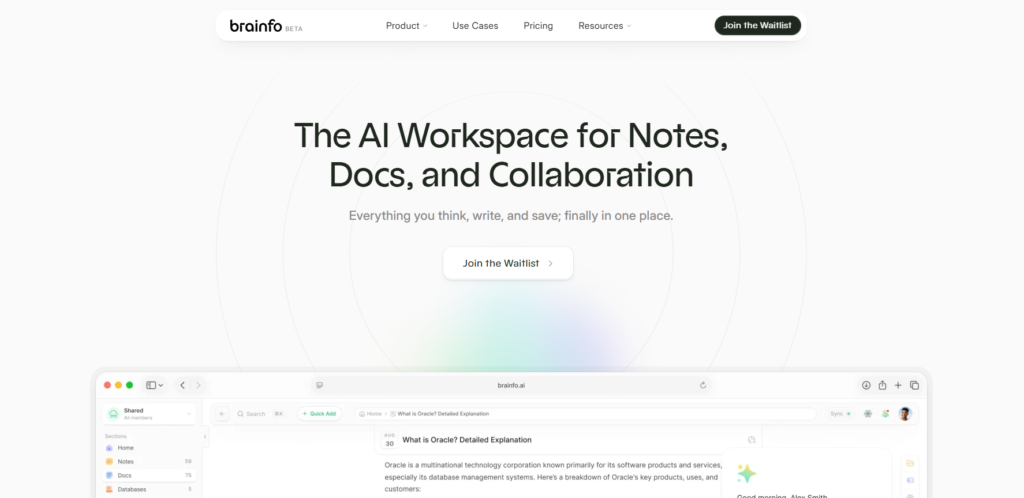
1. Brainfo: Best for Local-First Content and Acting AI Agents
Brainfo is built for people whose notes eventually turn into documents, research, and shared work.
Notes, documents, bookmarks, and tags are stored on the device first. You can keep working with that content offline, while queued changes synchronize after the connection returns.
The online features have a clear boundary. AI chat, web search, and file upload need an internet connection. Describing the entire product as fully offline would be inaccurate.
Brainfo’s AI uses a supervisor and three specialist agents. The Writer creates and manages notes, documents, and bookmarks. The Organizer works with folders and tags. The Researcher reads uploaded files and fetches web pages.
Delegation steps appear in the interface, so users can see which specialist is handling the work. Permanent deletion and similar destructive actions require explicit approval. Safe or reversible actions can run without an approval card.
That setup suits knowledge workers who spend too much time turning raw material into organized workspace content. A product manager could ask Brainfo to turn meeting notes into a document, place related material into a folder, or research a supplied URL.
Team features cover real-time document editing, live cursors, viewer presence, and inline comments. Comments are flat rather than threaded. Document bodies merge collaboratively, while titles use last-write-wins behavior.
Search has another boundary. Brainfo currently provides keyword search across titles and descriptions. We do not describe it as semantic search across every document.
Brainfo makes sense when you want local-first content, real-time document collaboration, and AI agents that create, organize, and research inside the current space. Keep looking if you require plain Markdown files, fully offline AI, semantic search across document bodies, or a large plugin marketplace.
For a focused comparison, read Brainfo as an Obsidian alternative.
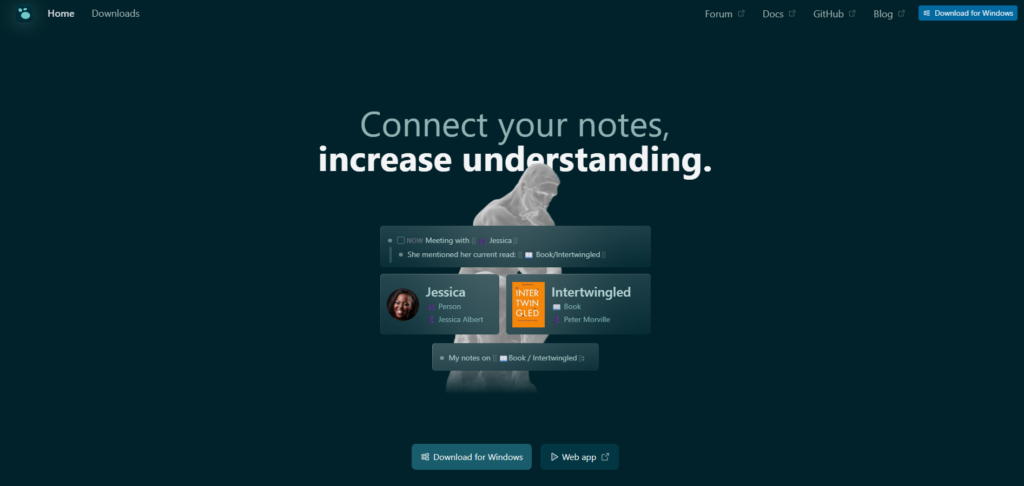
2. Logseq: Best for Open-Source Outliner Workflows
Logseq is one of the closest philosophical alternatives to Obsidian.
It focuses on privacy and user control, supports Markdown and Org-mode, and organizes thought around blocks and outlines. Its code is published under the AGPL-3.0 license. Logseq on GitHub
The editing model is the real decision.
Obsidian starts with pages and Markdown documents. Logseq encourages you to begin in the daily journal, write in blocks, and reference those blocks elsewhere. People who naturally think in bullet points often prefer it. Long-form writers may find the constant outline structure restrictive.
Collaboration and sync require extra scrutiny. The official Sync guide found during this review describes Sync as beta and says simultaneous use of the same graph is unsupported. That guide is older, so check the current position before relying on it. Logseq Sync guide
Logseq is a strong choice for an open-source, local-file outliner with backlinks and daily notes. It is a weaker fit when polished long-form writing or frictionless team collaboration matters more than block references.
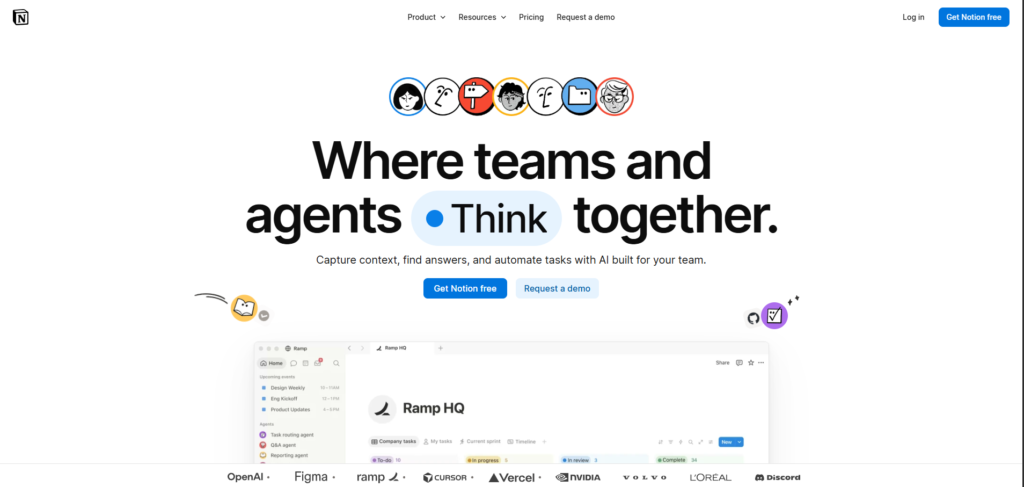
3. Notion: Best for Databases and Team Knowledge
Notion makes sense when your second brain is becoming a shared operating system.
Its strength is the combination of documents, databases, views, permissions, and collaboration. A research note can sit beside a project tracker, meeting database, wiki, and publishing calendar without depending on community plugins.
Notion supports offline work in its desktop and mobile apps. You choose pages to download, while recent and favorite pages can be downloaded automatically on eligible plans. Offline access is unavailable in the web app. Notion offline documentation
This remains a different ownership model from an Obsidian vault. You are working with downloaded Notion pages rather than opening a folder of independent Markdown files in any editor.
Notion fits a knowledge system built around databases, structured team processes, and familiar collaboration. Direct ownership of local Markdown files points elsewhere.
Notion has a free plan and several paid workspace tiers. Check the current limits on the official pricing page.
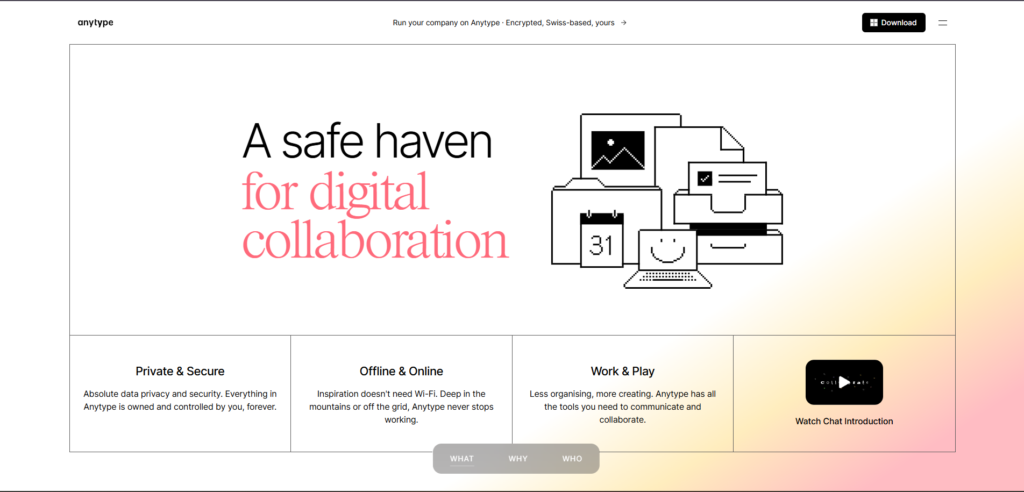
4. Anytype: Best for Private, Object-Based Knowledge
Anytype replaces folders full of pages with objects, types, relations, and channels.
It can run in local-only mode, where data stays exclusively on the device. Its local-first mode works offline and synchronizes encrypted data between devices. Anytype local-only documentation
Migration is less intimidating than the object model may suggest. Anytype has a dedicated Obsidian import process and can export content as Markdown or Any-Block. Obsidian migration guide
The licensing needs precise language. AnySync is an open-source protocol, while some Anytype clients use the Any Source Available License, which places conditions on commercial use. Calling every part of the product fully open source would blur that distinction. Anytype licensing and self-hosting
Anytype is worth considering when privacy, offline use, encrypted collaboration, and object-based organization suit your workflow. It will frustrate anyone who wants every note to remain a plain Markdown file that another editor can modify directly.
The free plan includes 100 MB of remote storage, with paid plans adding more storage and shared channels. Anytype pricing
5. Capacities: Best for Object-Based Personal Knowledge
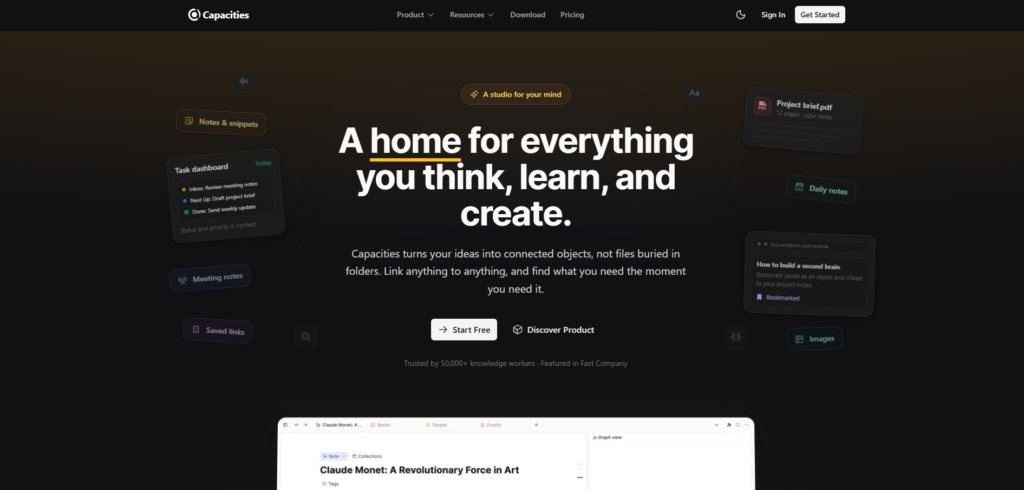
Capacities treats people, books, meetings, ideas, and projects as objects.
That approach reduces the temptation to build a deep folder tree. Each object type can have its own fields and views, while links connect related items.
Capacities has offline support, and changes synchronize after the app reconnects. Its free Basic plan includes unlimited spaces, objects and blocks, cross-device sync, import and export, full-text search, and offline support. Capacities pricing
The AI assistant can answer questions using context across a space and identify which notes supported the response. That is more useful than a blank chat box because the answer remains tied to your existing knowledge. Capacities AI update
The trade-off is structural. Moving from Markdown pages to an object system takes planning, especially if your Obsidian vault relies on front matter and custom queries.
Capacities suits structured personal knowledge without the work of building a database manually. Local Markdown files, open-source software, and extensive team collaboration are reasons to look at another option.
6. Joplin: Best for Open-Source Notes Across Devices
Joplin is a practical choice for people who value open-source software more than visual polish.
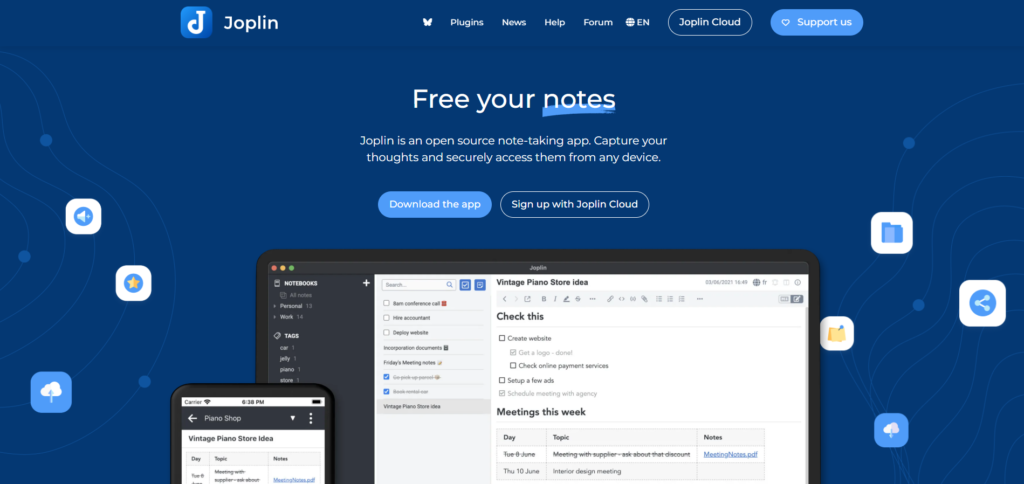
It is a free, open-source note and to-do app. Notes use Markdown and can be organized into notebooks, searched, tagged, and edited from Joplin’s desktop and mobile applications. Joplin documentation
You can synchronize through Joplin Cloud or connect services such as Nextcloud, S3, WebDAV, Dropbox, OneDrive, or a local filesystem. Joplin Cloud also supports publishing and shared notebooks. Joplin Cloud plans
Joplin feels more like a conventional notebook than a visual knowledge graph. That is an advantage for someone who finds Obsidian overly configurable. It is a limitation for users who rely heavily on graph navigation or visual canvases.
Joplin is a sensible pick for open-source Markdown notes, flexible sync choices, and solid mobile access. Visual knowledge mapping and built-in AI sit outside its main appeal.
7. AFFiNE: Best for Documents and Visual Canvases
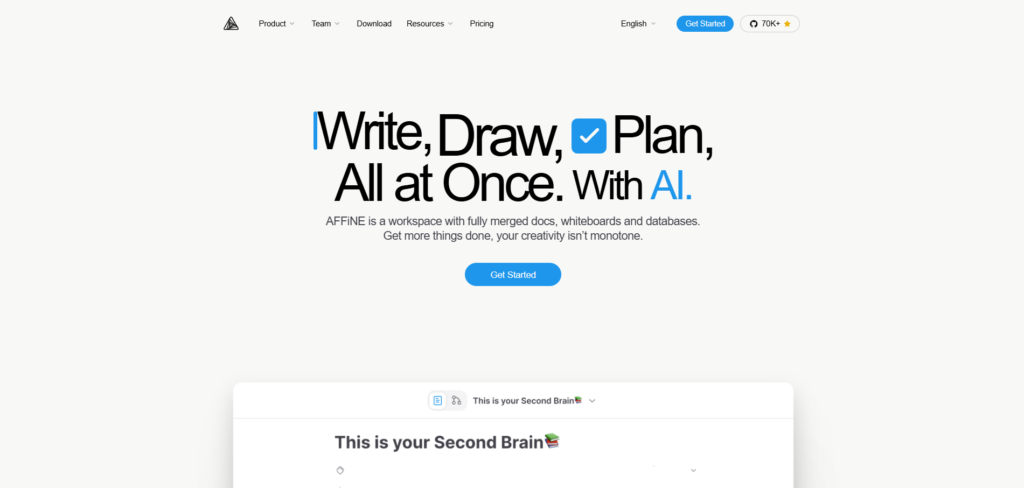
AFFiNE combines documents, whiteboards, databases, and AI in a local-first workspace.
Its Page and Edgeless modes let you write a structured document, then move into a canvas when the same project needs spatial planning. Real-time collaboration is available for documents and whiteboards. AFFiNE product overview
AFFiNE describes itself as open source, but its licensing has layers. The editor and much of the codebase use the MIT license, while parts of the enterprise backend use a more restrictive license. Buyers considering self-hosting should review the repository and license for the components they plan to deploy. AFFiNE pricing and licensing
AFFiNE fits work that moves between writing, whiteboarding, and shared planning. Obsidian still has the advantage when plugin depth and a mature Markdown community matter most.
The free tier includes local workspaces. Paid cloud and team plans add storage and administrative features.
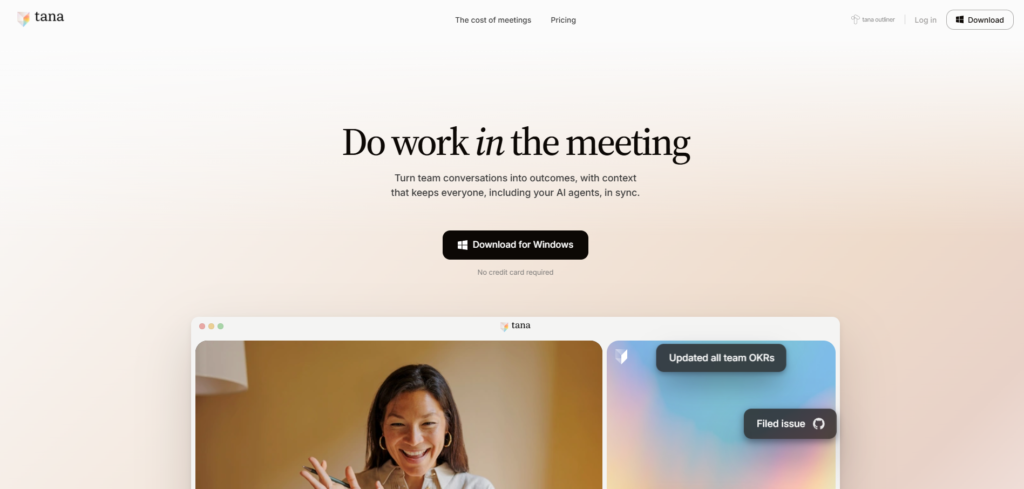
8. Tana: Best for AI-Assisted Structured Notes
Tana is built around nodes, fields, and reusable structures rather than conventional documents.
Its SuperTags let a note behave like a task, person, meeting, project, or another structured object. That structure can feed searches, dashboards, commands, and AI workflows.
Tana’s AI features include chat, prompts, command nodes, voice input, transcription, and meeting tools. Its export tools let users download or copy their data, which matters because Tana does not operate as a folder of local Markdown files. Tana help center, Tana export documentation
Shared workspaces allow several Tana users to work in the same context. The current documentation says they cannot write simultaneously in the same node, and per-member access control is still planned. Tana workspace documentation
This is a larger workflow change than moving between Markdown editors. Tana works best when you commit to its node and SuperTag model.
Tana works best when structured notes, AI-assisted workflows, and meeting capture belong in one system. It is a large compromise if direct access to a local Markdown vault is essential.
Tana has free and paid plans. Its public pages showed different plan structures during this review, so check current pricing before choosing a tier.
9. Craft: Best for Writing, Publishing, and Sharing
Craft is a strong fit for people who want documents to look finished without spending much time on formatting.
It supports linked documents, Collections, Markdown import, web publishing, a built-in assistant, and shared team spaces. Team members can edit the same document in real time.
Craft works offline across its supported platforms. Native macOS and iOS apps work offline by default, while Windows, Android, and web require a one-time offline setup. Craft platform documentation
Craft can import Markdown and offers migration guidance for other note-taking apps. Its focus remains polished documents rather than graph-heavy knowledge exploration. Move to Craft
Craft is appealing when writing, sharing, publishing, and clean presentation matter most. Open-source code, local Markdown ownership, and a deep graph workflow point to other tools.
Craft offers a free plan, while Plus is listed at $5 per month on its team page. Craft for teams
10. Roam Research: Best for Block-Level Networked Thought
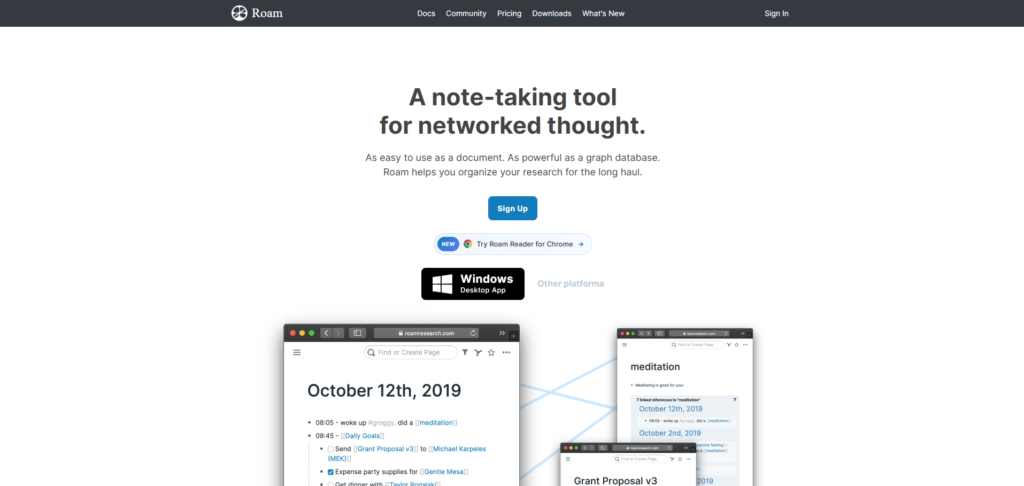
Roam Research helped popularize daily notes, block references, and networked thought.
The app describes itself as combining the ease of a bulleted document with the connection model of a graph database. That remains its clearest appeal. Roam Research
Roam’s block references can be more granular than page-level links. A paragraph can appear in several contexts without becoming several separate copies. Researchers and writers who think by recombining small ideas may find that model natural.
The trade-off is data architecture. Roam is cloud-based and does not give you an Obsidian-style folder of Markdown files. Current pricing was not clearly visible on its public landing page during this review, so check it inside Roam before subscribing.
Roam rewards people who care more about block-level references than file ownership. Offline-first work, transparent public pricing, and local Markdown storage are good reasons to rule it out.
11. RemNote: Best for Learning and Spaced Repetition
Most note-taking apps help you save information. RemNote is designed to help you remember it.
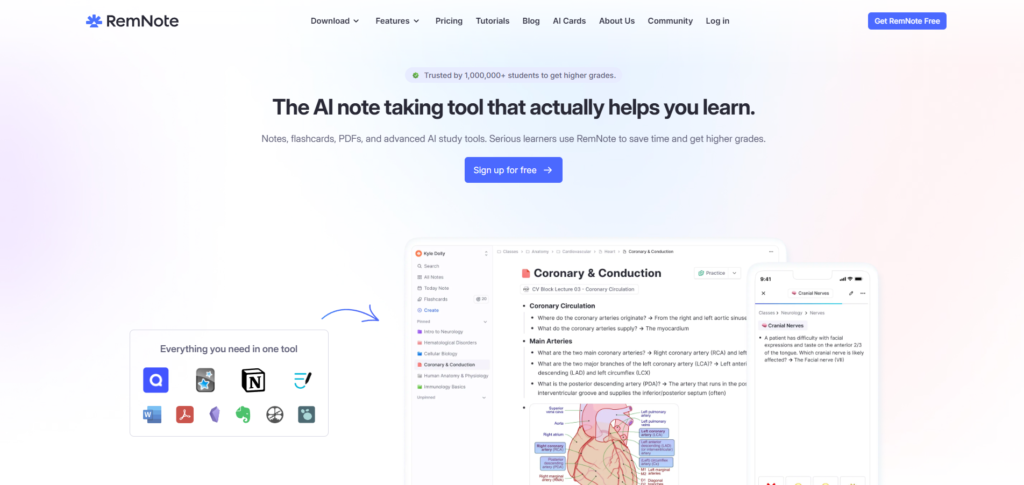
Flashcards live inside notes, so the surrounding explanation stays connected to the card. Its spaced-repetition system schedules reviews and includes exam-planning features. RemNote spaced repetition
RemNote is offline-first. Notes and flashcards remain available on the device, then synchronize after reconnecting. RemNote offline documentation
The free plan includes core note-taking, flashcards, spaced repetition, and limited document annotation. The Pro with AI plan was listed at $18 per month when billed yearly during this review. RemNote pricing
RemNote earns its place when studying, professional certification, or long-term retention is part of your PKM workflow. Team knowledge management and general-purpose document collaboration are different jobs.
Which Obsidian Alternative Fits Your Workflow?
The shortest route to a decision is to protect the feature you cannot replace.
You want local files and open-source software
Start with Logseq or Joplin.
Logseq is closer to Obsidian’s linked-thinking model. Joplin offers a more conventional notebook experience and more sync choices.
You want local-first privacy without a plain-file requirement
Look at Anytype.
Its local-only option, encrypted collaboration, object model, and direct Obsidian importer make it a credible choice when privacy matters more than editing files outside the app.
You need personal knowledge to become team knowledge
Compare Brainfo, Notion, AFFiNE, and Craft.
Notion is the database-heavy option. Craft focuses on writing and presentation. AFFiNE combines documents with visual canvases.
Brainfo fits teams that want local-first content alongside real-time document editing and agent-assisted organization. Every team member can edit; Brainfo does not currently have a viewer role. Team spaces can be open, closed, or private.
Decide what the AI should do
AI has a different job in each knowledge-management app.
Capacities uses an assistant that can answer questions with context from stored objects. Tana connects AI with structured nodes, commands, voice capture, and meeting workflows.
Brainfo takes an action-oriented approach. Its supervisor can delegate writing, organization, and research tasks to specialist agents. Those actions remain scoped to the current space, and irreversible operations wait for user approval.
Some users need help interpreting their notes. Others want the software to create a document, organize resources, or research a source after receiving one instruction.
You want less configuration
Craft, Joplin, and Capacities ask for fewer plugin decisions than a heavily customized Obsidian vault.
The trade-off is flexibility. A product that makes more decisions for you leaves fewer opportunities to build an unusual workflow.
How to Test an Obsidian Migration Before Committing
Do not move your real vault first.
Create a copy and import it into the two strongest candidates. Then test:

Spend a few working days in each app.
The winner is the one that handles your real notes with the least repair work. A polished demo vault proves very little.
When Keeping Obsidian Is Still the Right Choice
Obsidian remains a strong option when local Markdown, offline access, backlinks, and plugins are the features you value most.
It is also free to use without an account. Optional Sync and Publish services fund the product, while your basic vault remains on your device. Obsidian pricing
Migration has a cost.
If your frustration can be solved by removing unused plugins, simplifying your folder structure, or paying for Sync, staying may be the more rational decision.
Frequently Asked Questions
What are the best Obsidian alternatives for personal knowledge management?
Logseq is a close match for open-source linked notes, Anytype suits private object-based knowledge, Capacities offers structured PKM, and Brainfo combines local-first content with AI agents and team collaboration. The best option depends on the feature you need to preserve.
Which Obsidian alternatives are open source?
Logseq and Joplin are open-source options. AFFiNE has an open-source editor with separately licensed backend components. Anytype uses mixed licensing, including an MIT-licensed protocol and source-available client components. Check the license for the specific component you plan to use.
What is a simpler alternative to Obsidian?
Craft, Joplin, and Capacities require less plugin configuration than a customized Obsidian vault. Craft favors polished writing, Joplin offers conventional notebooks, and Capacities provides a predefined object-based structure.
Which Obsidian alternatives work online?
Notion, Craft, Tana, Roam Research, Brainfo, Anytype, Capacities, and AFFiNE provide online or synchronized access. Their offline behavior differs. Some are local-first, while others require selected content to be downloaded before disconnecting.
Which alternatives combine AI with team collaboration?
Brainfo, Notion, AFFiNE, Craft, and Tana combine AI features with collaborative workspaces.
Brainfo uses specialist agents that can create content, manage folders and tags, and research uploaded files or web pages. Notion emphasizes AI inside documents and databases. AFFiNE combines AI with documents and whiteboards, while Craft focuses on writing and shared documents. Tana connects AI with structured notes and meeting workflows.
The right choice depends on whether you need writing assistance, contextual answers, meeting support, or agents that take workspace actions.
Make Your Final Choice: Test Your Actual Work
Choose one alternative that preserves Obsidian’s strengths and another that solves the reason you want to leave.
Import a copy of your vault. Run two normal workdays through both tools. Then export a sample.
That final export test is easy to ignore. It tells you whether you are choosing a new home for your knowledge or a new lock-in problem.





