A meeting note in Capacities can connect a person, a project, and the article that informed a decision. Replacing the app is easy to imagine. Replacing that context takes more thought.
The best Capacities alternatives depend on what you want to keep. Start with Anytype for an object-based system, Obsidian for local Markdown files, Tana Outliner for structured nodes, Notion for shared databases, Craft for document-focused work, or Brainfo for research and AI-assisted workspace actions.
Before choosing, name the problem you want to solve. A different tool may improve collaboration while adding setup work. A simpler editor may make writing easier while leaving you to rebuild important relationships.
Disclosure: Brainfo publishes this article and is included in the comparison. Recommendations are based on official documentation reviewed on October 12, 2026. No hands-on migration tests or performance benchmarks are claimed. The project examples below are hypothetical.
The best Capacities alternatives at a glance
These are workflow recommendations, rather than an overall ranking. Choose the row that matches the part of your system you need to improve.
| Tool | Start here when you need | What to check before switching |
|---|---|---|
| Anytype | Object-based knowledge with local-first storage and encryption | Export fidelity, media availability, backup choices |
| Obsidian | Local Markdown files you can inspect and reuse | Properties, link paths, plugins, cross-device sync |
| Tana Outliner | Structured notes using nodes and supertags | Learning effort, AI credits, usable exports |
| Notion | Knowledge connected to shared databases and documents | Permissions, setup effort, downloaded offline content |
| Craft | Notes that become readable, shareable documents | Collections, relationships, export behavior |
| Brainfo | Research, documents, and agent-assisted organization | Current-space context, online AI, structure reconstruction |
What do you need to preserve from Capacities?
Write down one thing you refuse to lose and one thing you want to improve. That gives you a more useful shortlist than comparing every feature.
Object types, properties, and relationships
If your Person objects connect interviews to projects, that relationship is part of the knowledge. Copying the interview text alone may leave the next reader guessing who spoke or why the interview mattered.
List the types and fields you actually use. A collection you never open does not deserve the same migration effort as a project link you follow daily.
Think of personal knowledge management as the practice of capturing, connecting, finding, and applying information. The replacement should support your version of that practice.
Data ownership, offline access, and usable exports
Offline access, local storage, and readable files answer different questions. Can you work without a connection? Where does the app store information? Can another tool use it?
Capacities already supports offline work. Obsidian’s local Markdown files offer a different form of access; Anytype’s encrypted local storage is different again. Test attachments as well as text before treating any offline claim as complete.

The work you want AI to handle
Specify the job: explain selected notes, summarize a source, draft a document, or organize workspace content. Those tasks require different capabilities.
Capacities has an AI assistant, so the useful question is what changes in the workflow. Also check the available context and usage allowance. An answer that overlooks the key source can sound convincing while missing the decision.
How we compared these tools
Each option is considered against structure, data access, AI, collaboration, cost, and transfer effort. Official documentation establishes advertised behavior; it does not prove that your library will transfer correctly.
Our hypothetical project contains a meeting note, a participant record, a research source, and a decision document. For each tool, ask whether you can find the source from the decision and understand who contributed.
Exact paid rates are quoted only where the billing basis was readable. The other sections explain the plan questions to check. A documented export format does not establish automatic recreation of Capacities types, collections, or queries.
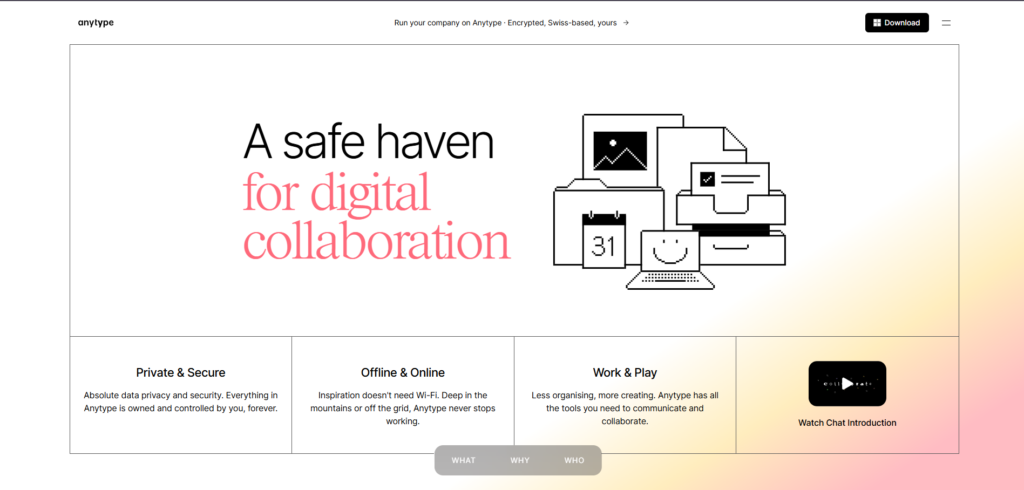
Anytype: For object-based knowledge with a different privacy model
Anytype belongs on your shortlist if typed, connected information is a strength you want to preserve. Its documentation describes local-first storage, end-to-end encryption, and personal or collaborative spaces.
What changes from Capacities
The concepts of objects, types, and properties give you a way to plan a structured replacement. In the project example, define the meeting and person records, then identify the relationship that keeps the source attached to the decision.
That is a proposed setup, not an observed import result. Similar terminology does not make two data models interchangeable.
Where the trade-offs matter
Anytype stores content locally, but its internal storage is not a folder of ordinary Markdown files. Media may download when requested, so check that the attachments you need are available before disconnecting.
Its official documentation also distinguishes standard local-first operation from an experimental local-only mode. Local-only removes the remote backup node and makes backup management your responsibility.
The Anytype export guide documents desktop export in Markdown and Any-Block. Options can include linked objects and files; chats and discussions have export limitations. Test the exit path before building a workflow around them.
Anytype lists free and paid plans, but exact current rates and allowances could not be independently confirmed from its live pricing display in this review. Check the storage and sharing allowance for your library. Choose it for its organization and storage model.
Obsidian: For local Markdown files and customization
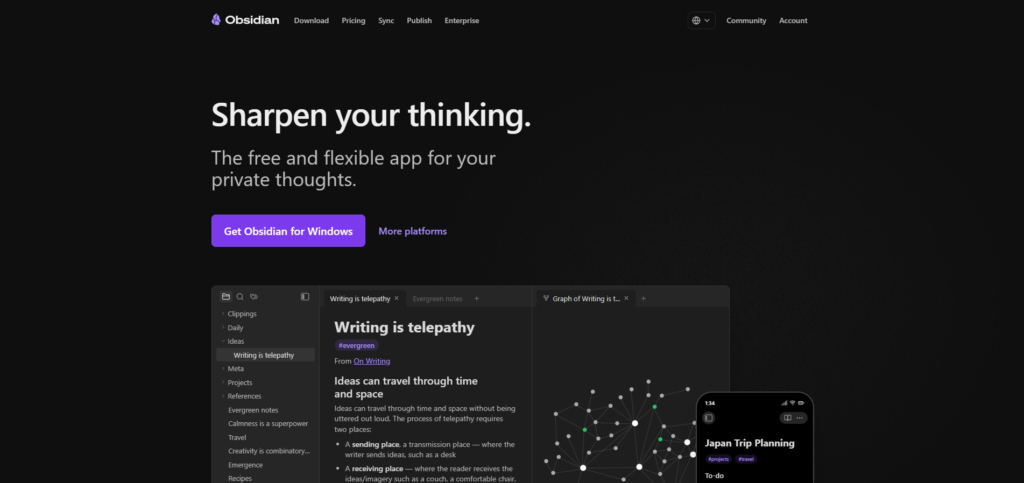
Obsidian is a strong candidate when independent, readable files matter most. Your notes are stored locally as Markdown, and links connect them inside the vault.
Rebuilding your structure with properties and links
For the example project, a meeting note can identify its date and participant, link to the research note, and point to the decision document. The information remains understandable even before you build elaborate dashboards.
A Capacities export may give you text and front matter to work with. Still, a field containing a person reference does not prove that every relationship becomes the link behavior you want. Inspect the paths and properties in a copied sample.
For related choices, see other linked-note workflows.
The setup and sync costs to consider
The Obsidian pricing page confirms that the core app is free to use, including commercial use. Optional Sync starts at $4 per user per month billed annually, or $5 billed monthly. Publish is a separate service.
Configuration has a cost too. If the replacement requires several plugins and queries, include the time to learn and maintain them in your decision.
Start with the smallest system that can complete the project. Add a plugin when a repeated task justifies it. Obsidian makes particular sense when file access and customization matter more than having the app prescribe the structure.
Tana Outliner: For structured notes built around supertags
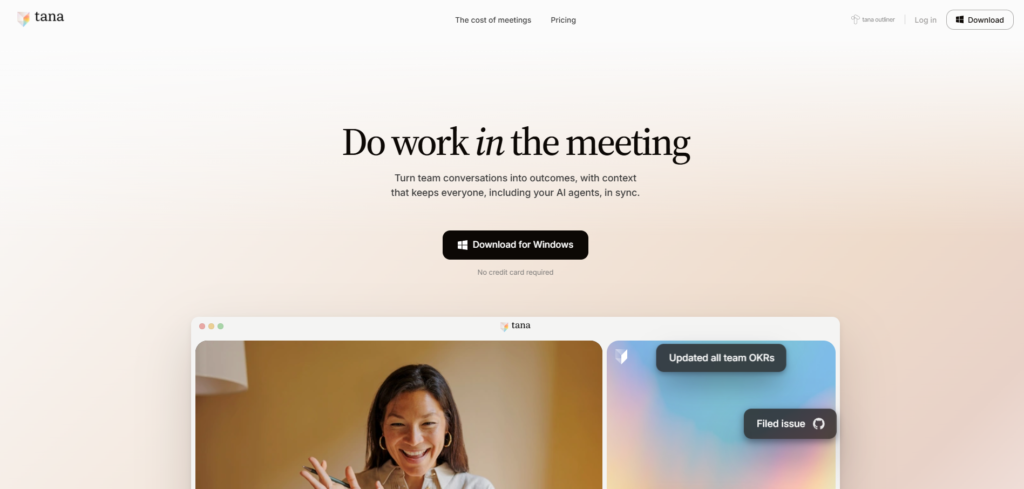
Tana Outliner is the product relevant to this PKM comparison. The company now distinguishes it from Tana, its separate agentic meeting platform. Check which product a review or subscription describes.
Moving from objects to nodes
Tana Outliner uses nodes and supertags. A supertag gives a node a type, allowing notes to become structured items such as meetings or projects.
For our hypothetical project, tag a meeting node and connect it to the person and project. Then ask whether a saved view can surface the decisions you need without browsing every meeting.
This suits readers who want reusable structure and are willing to learn an outliner. If managing types was your main frustration in Capacities, another structured system deserves a careful trial.
Check the learning curve and export path
The Tana Outliner plan comparison lists a free plan with supertags, live searches, and Markdown or JSON export. It also lists 500 included AI credits; paid plans expand the allowance and available workflows.
Do not compare AI by the presence of a chat box alone. Estimate the transcription and analysis work you need, then check the credits that work consumes.
Compare Plus and Pro against the billing interval you intend to purchase; no exact paid rate is quoted here. Also inspect whether an exported node retains useful relationships. This review does not establish a complete Capacities-to-Tana transfer.
Notion: For knowledge that belongs in shared databases
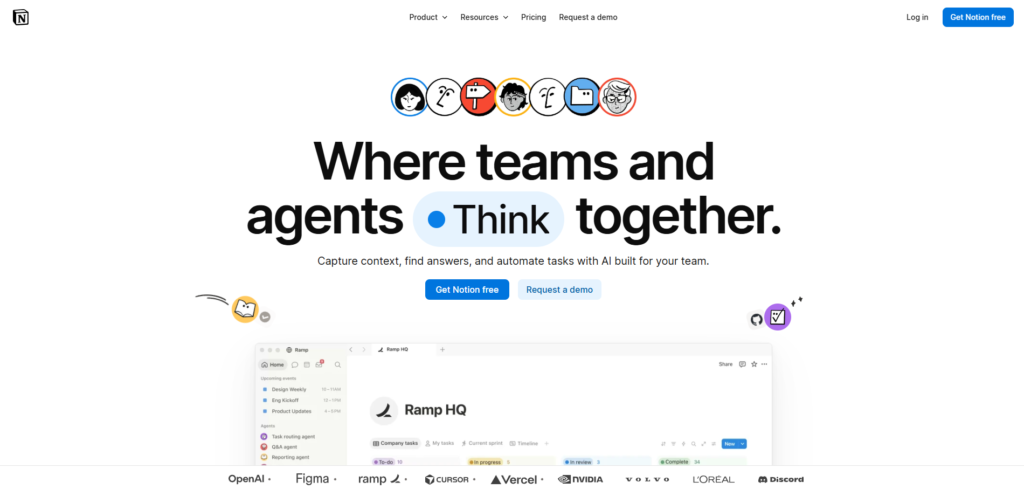
Notion is worth evaluating when personal notes are becoming a shared system of records. Documents and databases can give colleagues a common place for research, people, projects, and decisions.
Connecting people, projects, and decisions
In the project example, design a meeting database and connect its records to people and projects. Give the decision its own page, with enough explanation to remain useful to someone who missed the meeting.
That structure is an editorial proposal. The practical test is whether colleagues can find the decision and its source without learning your private naming habits.
To compare the broader approaches, compare Notion, Obsidian, and Brainfo.
Account for workspace complexity and offline limits
Notion supports downloaded pages offline in its desktop and mobile apps, not in the browser. Important subpages need separate downloads. The Notion offline guide describes downloading the first 50 rows of the first database view, with additional rows requiring attention.
The current Notion plan comparison displays Free, Plus, Business, and Enterprise tiers. The USD rates displayed for annual billing are $10 and $20 per member per month for Plus and Business. Free and Plus have trial AI capabilities; the AI-rich Business tier is a different cost commitment.
Database flexibility also means design choices. Start with the relationships you need, and avoid rebuilding every Capacities collection just because Notion can represent it. Choose it when a shared database workflow earns that complexity.
Craft: For knowledge that becomes a finished document
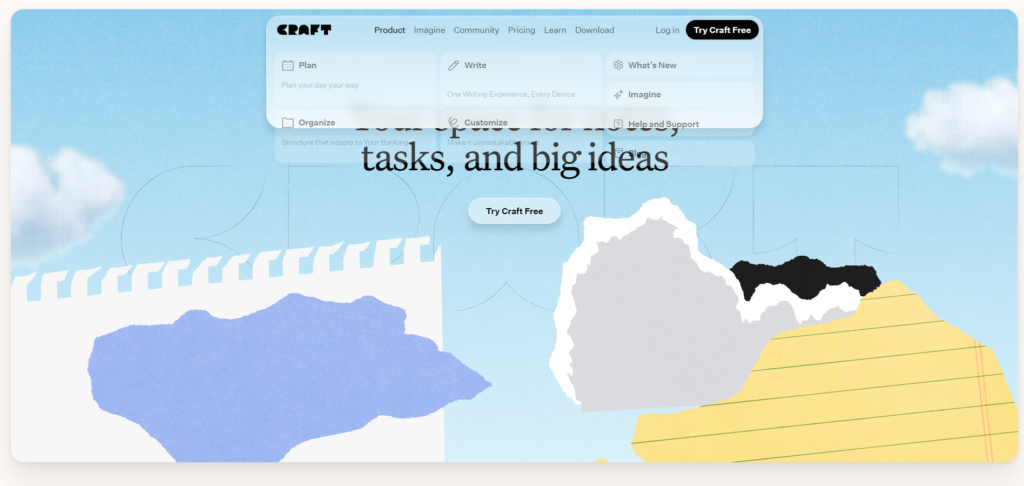
Craft is a candidate when your notes regularly become project briefs, research summaries, or documents other people need to read.
Writing, linking, and organizing with collections
Craft’s current product page describes spaces, folders, tags, and collections for structured data, alongside documents and tasks. Treating it as only a simple text editor would miss part of the current offering.
In our example, make the decision document the main reading surface. Keep the meeting context and source references close to the argument, then decide whether participant records need a collection or a simpler reference.
Test the structure you need to preserve
The Craft plan comparison lists Free and Plus, limits Free to 1,500 blocks and 1 GB of storage, and distinguishes individual Plus from shared-space bundles. Check the bundle and billing interval you need before comparing costs.
Test the relationships that matter, rather than assuming a collection recreates a Capacities object type. Open the sample document, navigate to its supporting material, and export it.
Craft is worth trying when the finished document is the main outcome. If the object graph is your primary working surface, check that the proposed setup supports that way of thinking before moving more content.
Brainfo: For research, documents, and AI-assisted workspace actions
Brainfo is worth evaluating when your knowledge needs to become organized workspace content and shared writing.
Turning selected sources into useful work
Its supervisor delegates to Writer, Organizer, and Researcher specialists. Writer manages notes, documents, and bookmarks. Organizer works with folders and tags. Researcher uses selected uploaded files and web pages.
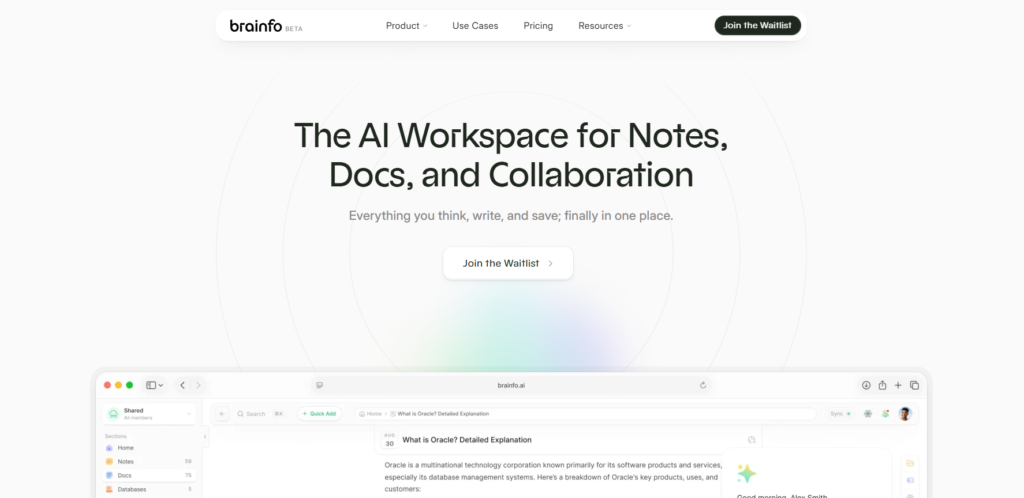
For the hypothetical project, keep the meeting as a document and the source as a bookmark. Select the relevant material in the project space and ask for a decision memo that separates evidence from unanswered questions. Review it against the originals. This is a proposed workflow, not a tested result.
See Brainfo’s workspace features for content types and collaboration, and how Brainfo’s AI works for the public overview. The Brainfo AI workflow guide explains why the request should identify the relevant sources and output.
AI work is scoped to the current space, and file research uses selected material in manageable batches. Destructive actions require approval; safe, reversible actions may run automatically. Shared-space members can edit, so check that access model before inviting collaborators.

Offline content and online AI have different boundaries
Core notes, documents, bookmarks, and tags remain available offline. AI chat, web research, and file uploads need an internet connection. This is not fully offline AI.
Workspace retrieval supports keyword search across titles and descriptions. Select the source you need for analysis; do not assume a search reads every document body.
A supported import format does not establish automatic recreation of Capacities types or collections in Brainfo. Plan the mapping and test the import. Brainfo lists paid plans with different AI usage allowances; compare the current subscription terms against the work you need.
How to choose between Capacities alternatives
You want to keep structured knowledge
Start by comparing Anytype and Tana Outliner. Build the person, meeting, and project relationships you use most. Choose according to how easily you retrieve and update that information.
You want more control over your files
Start with Obsidian. Inspect a sample in a text editor, follow its links, and try the sync setup you intend to use. Include attachments in the test.
You need research to become shared work
Compare Notion for database-led coordination, Craft for document-led work, and Brainfo for agent-assisted writing and organization. Ask which approach helps you complete a real deliverable with the fewest repairs.
For the Brainfo option, compare Brainfo with other knowledge tools before investing in a transfer.
Test a small project before switching
Export a copy of one active project. Keep the original unchanged. If Brainfo is a candidate, use the guide to moving from Capacities to Brainfo as a planning aid; it contains unresolved compatibility checks.
Capacities’ export documentation describes properties as front matter, collections as CSV, media in separate folders, and connections as local links. Media must be downloaded locally to be included.
Then check the destination against the source:
- Is the text complete and readable?
- Can you identify the people, dates, and project?
- Do important properties retain their meaning?
- Do links open the correct items?
- Are attachments available in context?
- Can you export a usable copy again?
Finally, complete an ordinary task with the sample. Write the project update and trace one claim back to its source. Missing context becomes easier to notice when you need to use it.
When keeping Capacities is the better choice
Keep Capacities when its object model supports your daily work and the proposed replacement solves no important problem. It already has a free core plan, offline support, and AI capabilities on paid plans.
A smaller change may help: simplify the types you maintain, retire unused fields, or make one project easier to navigate. Compare that effort with rebuilding the system elsewhere.
Choose two candidates, test the same project, and keep the option that makes your actual knowledge easier to use. A cleaner demo is not enough.

Frequently asked questions
What are the best Capacities alternatives for personal knowledge management?
Anytype, Obsidian, Tana Outliner, Notion, Craft, and Brainfo are worth evaluating. They support different priorities, including structured objects, local files, shared databases, finished documents, and AI-assisted workspace work. Choose according to what you need to preserve and improve.
Which Capacities alternative is closest to its object-based approach?
Anytype is a logical starting point because it also uses objects, types, and properties. Tana Outliner offers a related structured approach through nodes and supertags. Similar concepts do not guarantee automatic transfer of Capacities relationships or views.
Are there free Capacities alternatives?
Yes. Obsidian’s core app is free, and Anytype, Notion, Tana Outliner, and Craft list free plans. Allowances differ. Include sync, storage, collaboration, and AI costs in your comparison. Capacities itself also has a free Basic plan.
Which alternatives work offline?
Obsidian works with local notes, Anytype is local-first, and Brainfo keeps core content available offline. Notion supports downloaded pages in its desktop and mobile apps. Check attachments separately, and do not assume AI works without an internet connection.
Will my Capacities properties and links transfer?
Capacities exports properties as front matter and connections as local links. Whether they become working properties and relationships depends on the destination. Test a representative sample before transferring the full library; collections, queries, and views may need reconstruction.