You have the meeting notes, the research links, and the report. Tomorrow, someone will ask why you recommended one option over another. Can your knowledge system help you reconstruct the answer?
The Notion vs Obsidian vs Brainfo decision starts with that kind of task. Notion deserves consideration when shared databases organize your work. Obsidian is a strong candidate when independent Markdown files and connected personal notes matter most. Brainfo is worth evaluating when you want local-first core content, collaborative documents, and specialist AI agents helping with research, writing, and organization.
There is no universal winner. Choose the workflow you can maintain, then check the limits that could interrupt it.
Notion vs Obsidian vs Brainfo at a glance
| Decision factor | Notion | Obsidian | Brainfo |
|---|---|---|---|
| Starting point | Pages and databases in a workspace | Local Markdown files in a vault | Notes, documents, bookmarks, and chats in spaces |
| Useful emphasis | Structured records and shared processes | Connected ideas and direct file access | Agent-assisted research, writing, and organization |
| Organization | Database properties and views | Links, properties, folders, and Bases | Folders and tags, with Organizer assistance |
| Offline work | Downloaded pages in desktop and mobile apps | Local notes available on the device | Core notes, documents, bookmarks, and tags available offline |
| Collaboration | Shared pages and database permissions | Shared vaults through paid Sync; no native live co-editing | Real-time document editing and shared spaces |
| AI approach | Built-in Notion Agent, subject to plan and usage limits | Evaluate third-party plugins or a separate AI workflow | Supervisor delegating to Writer, Organizer, and Researcher |
| Main question to test | Does the structure help people use the information? | Can you maintain the files, links, and chosen extensions? | Do the supported agent actions fit your task and available sources? |
Notion’s database documentation, Obsidian’s Bases documentation, and its shared-vault guidance explain the relevant product models. Brainfo’s research and access limits are discussed below.
Start with the knowledge work you need to do
Capture and develop personal ideas
If most of your work happens alone, ask how you want to revisit an idea months later. You might search for a phrase, follow links between concepts, or browse a reading list.
Direct file access makes Obsidian particularly relevant here. You can keep the underlying text outside a hosted workspace. That advantage matters most when ordinary files are a requirement, rather than simply a preference for an offline app.
Coordinate shared information
A team may need to know who owns a decision, whether research is complete, and which project a note belongs to. Consistent records can be more useful than an elaborate personal linking system.
Notion is a candidate when those fields drive the process. Brainfo also supports collaborative work, but the choice should depend on the structure and permissions you actually need. Do not assume all shared workspaces offer equivalent access controls.
Turn sources into a working draft
For research-heavy work, the difficult step often comes after capture. You need to distinguish evidence from opinion, resolve disagreements, and explain a recommendation.
AI can help prepare that material. It does not remove your responsibility to inspect sources. Compare which content the tool can access, what actions it can take, and how much review the resulting draft needs.
One research project, three ways to work
Imagine evaluating a new customer-onboarding process. You have three meeting notes, several web sources, and a research PDF. Your output is a decision note explaining the proposed change, evidence, objections, and next step.
The following is a hypothetical workflow based on documented capabilities, not a hands-on benchmark. Each route has the same intended outcome.
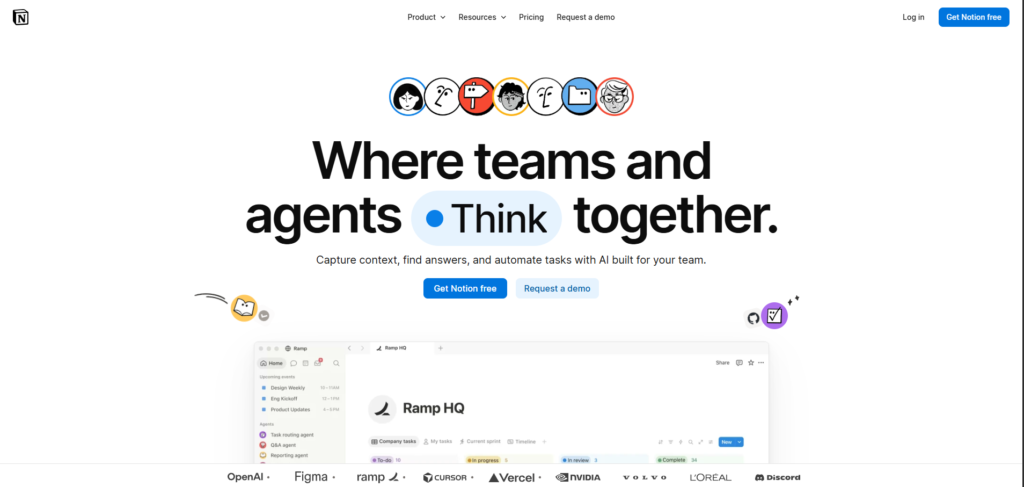
Notion: organize the project around pages and databases
Create a project page and a source database. Each source can have properties such as topic, review status, and relevance. Write the decision in a separate page and make the supporting records easy to reach.
This route helps when the team needs consistent fields alongside the writing. Notion database items are pages, so structured records can also hold substantial notes. Its database permissions can distinguish editing content from changing the database structure. See Notion’s database guide.
Notion Agent can help create or edit pages and databases using accessible context. You still decide whether the evidence supports the recommendation. Notion’s Agent documentation also lists limits, including actions it cannot take on permissions and workspace settings.
The practical tradeoff is maintaining the structure. A source tracker helps only if people update it and understand the fields.
Obsidian: build connected notes in a local vault
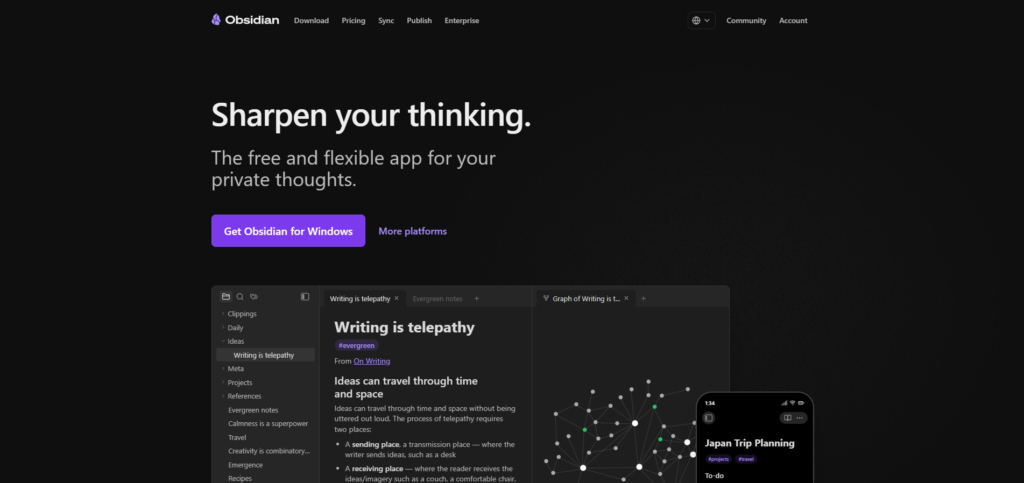
Keep research notes in your vault. Give each source a note with its original link or reference, record useful observations, and connect relevant ideas to the decision note.
Bases provides database-like views over files and their properties. It can support a review list without turning the underlying content into a hosted database. The official Bases guide describes the relationship between Markdown files, properties, and views.
This route is attractive when your reasoning grows through connected notes. You can write a small observation now and connect it to another project later.
Your files also need a backup and device-access plan. Any plugin-dependent behavior should be tested separately from the readability of the underlying Markdown. A readable file does not guarantee that another application reproduces every feature around it.
Brainfo: research, write, and organize with specialist agents
For a Brainfo pilot, keep the relevant material within the project space. Brainfo’s AI workflow guide describes Researcher working with selected uploaded files and web pages, Writer creating and managing notes, documents, and bookmarks, and Organizer handling folders and tags.
A useful request would be: prepare a decision draft from the selected sources, identify conflicting evidence, and leave uncertain conclusions clearly marked. Review the output against the original material before sharing it.
Brainfo’s supervisor delegates to these specialists. Destructive deletion actions require explicit approval, while safe reversible actions may run automatically. The distinction matters when assistance can change workspace content.
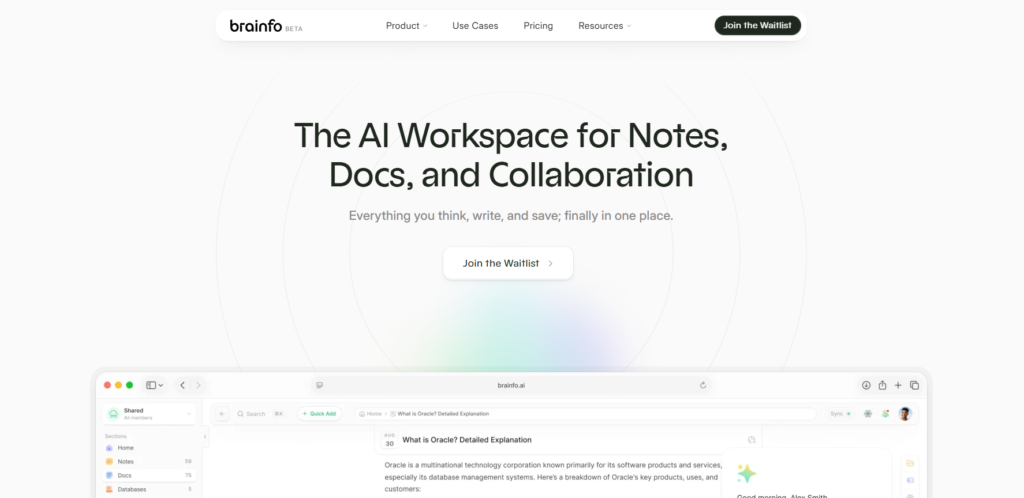
AI chat, web search, and file uploads require internet access. Research uses selected files in manageable batches. AI operates within the current space, and ordinary workspace search supports keyword matching across titles and descriptions. When the decision depends on a particular source, select that material for research and check the answer against it.
For the narrower product comparison, see how Brainfo compares with Obsidian.

Compare offline access, ownership, and collaboration
Offline access has different limits
Notion supports offline work in desktop and mobile apps, including its free plan. Pages need to be downloaded; paid plans can automatically download recent and favorite pages. Offline access is not available in the browser. Subpages are not automatically included, and downloading a database initially includes the first 50 rows of its first view. See Notion’s offline documentation.
Obsidian keeps notes locally on your device. Brainfo’s core notes, documents, bookmarks, and tags are also local-first, but its online AI services are a separate dependency.
Before choosing, disconnect on the device you actually use. Open a source, edit a note, and check what remains available. Having an offline mode is only useful if the material you need is present.
Local storage and portability are separate questions
Obsidian’s Markdown files provide direct access to the text. Notion supports exports including HTML, Markdown, and CSV, but its export documentation warns that uploading an export does not instantly recreate a workspace.
For Brainfo, confirm which export options are available in your account before treating it as a fit for a portability requirement. This comparison does not establish export availability or recovery fidelity. Local-first content does not establish that your working notes are independent Markdown files.
For any tool, export a representative sample and open it elsewhere. Check the information you would need to recover, rather than merely confirming that a download exists.
Shared access is different from editing together
Obsidian Sync supports shared vaults. Each collaborator needs an active Sync subscription. However, the official collaboration guide says it does not support live collaborative editing on the same file or fine-grained permissions. Edits appear through synchronization.
Brainfo supports real-time document editing, presence, cursors, and flat inline comments. Its space roles are owner, admin, and member; members can edit. A read-only member role should not be assumed.
Notion’s documented database permission options may matter if teammates should edit records without redesigning their structure. Choose by the access and editing behavior your team requires, especially when two people must work on the same document.
What AI and customization add to the cost
Compare the cost of the complete workflow. Subscription price is one part; setup and maintenance time are another.
Obsidian’s core app is free, including commercial use. Sync and Publish are optional paid services. An AI setup built around third-party plugins may bring provider charges and configuration work. Check the official pricing page and the chosen plugin’s documentation separately.
Notion offers free and paid plans. Its current pricing page distinguishes AI trials from broader access on higher tiers. Its Agent documentation explains usage allowances and credits for premium models. Verify the features your actual plan includes rather than assuming every AI capability is bundled.
Brainfo’s pricing page lists multiple plans and AI usage levels, while the same page advertises a waitlist. Confirm that you can access the product, then check billing terms, AI allowances, and upload limits for the account you would use before budgeting for the workflow.
For a fair comparison, write down the monthly cost of the setup you need and the recurring work it creates. A system that requires constant repair can be expensive even when its core app is free.
Choose the tool that fits your constraints
Give the greatest weight to the requirement you cannot compromise on.
| Your priority | Tool to evaluate first | Important check |
|---|---|---|
| Shared databases drive projects and decisions | Notion | Required views, permissions, offline content, and plan |
| Notes must remain directly accessible Markdown files | Obsidian | Backup, device sync, and plugin dependencies |
| Research, writing, and organization should use specialist agents alongside collaborative documents | Brainfo | Supported actions, online dependencies, and current availability |
| Several people need live editing of the same document | Notion or Brainfo | Access controls and actual editing behavior |
| You want minimal AI dependence | Start with the simplest adequate setup | Whether ordinary capture and retrieval already solve the task |
These are editorial recommendations from the documented models, not performance scores. Brainfo is not automatically the right choice because it uses agents. Notion also has agent capabilities, and Obsidian may suit someone who wants to choose a separate AI layer.
If Notion is your starting point, the dedicated Brainfo and Notion comparison addresses that narrower decision. If none of these approaches fits, explore other Obsidian alternatives.
When your current tool is worth keeping
Keep it when you can find past decisions, develop ideas, and share the right information without excessive maintenance. A new feature is not a sufficient reason to rebuild an archive.
Using two tools can work when each has a clear job. For example, private exploratory notes and approved team documentation may have different homes. Decide which copy is authoritative and when information moves between them. Avoid maintaining duplicate versions of everything.
Frequently asked questions
Which of these PKM tools should a beginner choose?
Choose by the first task you need to complete. Notion is worth trying for structured records, Obsidian for local Markdown notes, and Brainfo for agent-assisted knowledge work. Start with one project and a simple setup before building a larger system.
Can Notion, Obsidian, and Brainfo work offline?
Their offline behavior differs. Notion uses downloaded pages in its desktop and mobile apps. Obsidian works with local notes. Brainfo keeps core content available offline, while AI chat, web search, and uploads require a connection. Test the content on your actual device.
Which tool fits collaborative knowledge work?
Evaluate Notion for structured shared records and permissions, and Brainfo for real-time document work with agent assistance. Obsidian supports shared vaults through Sync, but its native collaboration does not include live co-editing of the same file.
How does built-in AI differ from an Obsidian plugin workflow?
Built-in services connect assistance to the product’s supported content and actions, with plan limits. A plugin workflow lets you choose extensions and providers, but you must check configuration, costs, and what content each extension can access. Review generated claims in either approach.
Can I use more than one tool without duplicating my system?
Yes, if each tool has a defined role and important information has one authoritative home. Transfer selected outputs when they become useful elsewhere. Copying the entire archive between tools creates more maintenance and makes it harder to know which version is current.
Try one real project before moving your archive. Capture the sources, write a decision note, revisit it later, and test access, sharing, and recovery. Choose the tool that makes those tasks understandable enough to repeat.