
An Obsidian vs Evernote decision can look simple in a feature table and still lead you to the wrong place for your work.
The real question is what should happen after you capture a note. Do you want to file it, find it later, and move on? Or do you want it to connect to ideas, projects, references, and other notes over time?
Choose Evernote when fast capture, familiar organization, and straightforward retrieval are the priority. Choose Obsidian when you want durable Markdown files, linked thinking, and the freedom to build a personal knowledge system around your own habits.
Neither tool is universally better. They solve different problems.
The short answer
| If you need to… | Better fit |
|---|---|
| Capture notes, web pages, and documents with little setup | Evernote |
| Build a long-term second brain from connected notes | Obsidian |
| Keep notes in plain Markdown files you control | Obsidian |
| Use a familiar notebook-style structure | Evernote |
| Experiment with plugins and custom workflows | Obsidian |
| Start taking useful notes today without designing a system | Evernote |
A simple rule helps: choose Evernote when your main problem is getting information into one reliable place. Choose Obsidian when your main problem is making information more useful after you have captured it.
Obsidian and Evernote solve different jobs
Obsidian is a system you build
Obsidian treats your notes as files in a local vault. You can write in Markdown, link one note to another, organize material with folders and tags, and shape the workflow with plugins. Its official Evernote-switch page describes local storage, offline use, plain-text files, and extensibility. Obsidian’s comparison page provides the current product framing.
That model is powerful when your notes need to develop. A rough idea can become a project note. A research note can link to a concept, a decision, and the source that informed it. Over time, the value is not just in finding a note. It is in seeing how your thinking connects.
The trade-off is responsibility. You need to decide how to structure your vault, which plugins are worth maintaining, and how you want syncing and backups to work. That is enjoyable for some people and needless friction for others.
If durable local files and a custom knowledge system appeal to you, Brainfo’s Obsidian alternative gives useful context on the difference between a Markdown vault and a more assembled workspace.
Evernote is a system you can start using
Evernote follows a more familiar note-taking model: create a note, put it in a notebook, add tags when helpful, and search for it later.
That is a strength when speed matters. You can capture a meeting note, collect an idea, and keep it in a familiar notebook structure without deciding how it will connect to everything else in your life. The system asks for less design up front.
The limitation appears when your archive grows and your notes need to become more than stored information. You can organize Evernote carefully, but it does not naturally encourage the same note-to-note relationships or personal knowledge workflows that attract people to Obsidian.
For readers who are leaving Evernote but are not committed to Obsidian, see Brainfo’s broader Evernote alternatives guide.
Obsidian vs Evernote at a glance
| Dimension | Obsidian | Evernote |
|---|---|---|
| Core model | Local Markdown vault with linked notes | Notes, notebooks, tags, and search |
| Best for | Personal knowledge management and custom workflows | Quick capture and familiar organization |
| Setup effort | Higher | Lower |
| File ownership | Plain-text files you manage | Exportable notes in an app-based system |
| Connected thinking | Native links and backlinks | Possible through note links, but not the core model |
| Customisation | Extensive through settings and plugins | More opinionated and ready to use |
| Collaboration | Better assessed through your chosen sync and workflow | Better assessed through your real sharing workflow |

This comparison is not about which tool has more boxes checked. It is about where the maintenance lives.
With Evernote, much of the value comes from using a familiar capture-and-retrieval system consistently. With Obsidian, the value comes from deciding how notes relate and then keeping that system useful.
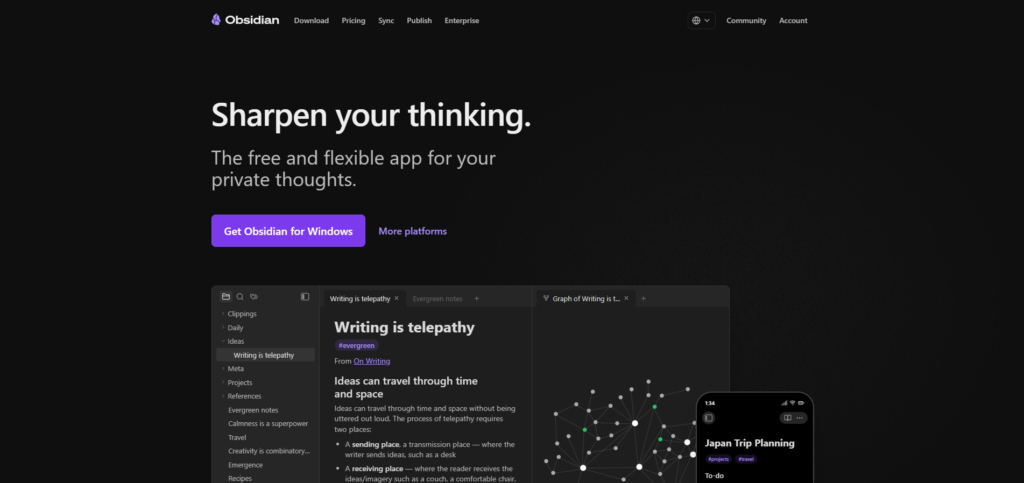
Choose Obsidian when ownership and connected notes matter
Obsidian is usually the stronger fit when your notes need to become a long-term knowledge asset.
Choose it if you want notes stored as plain Markdown files, enjoy linking ideas and sources, need a local-first workflow, or prefer tailoring a system instead of accepting a fixed structure.
A researcher can create one note for a paper, another for a claim, and a third for a project decision. The links between those notes make the archive easier to revisit. A writer can connect fragments, sources, outlines, and finished pieces without forcing them into one notebook hierarchy.
Obsidian is less appealing if you want software to make most organizational decisions for you. A blank vault can be freeing, but it can also become an unfinished project.
Choose Evernote when capture and retrieval matter most
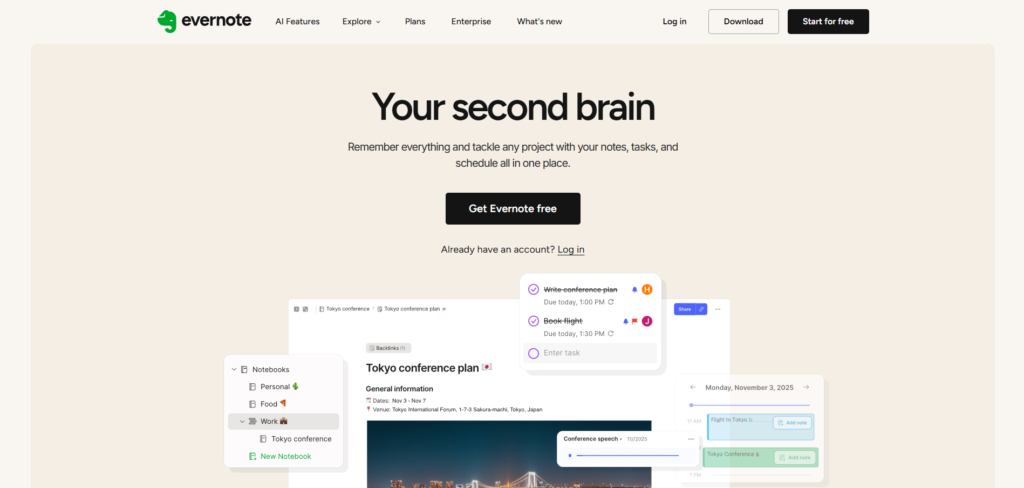
Evernote is usually the better fit when you need a dependable place to collect material now and find it later.
Choose it if you want to start with notebooks and notes rather than system design, capture web pages and documents regularly, or need a lower learning curve for yourself or other users.
Imagine a consultant finishing a client call, saving a web page, scanning a receipt, and recording a follow-up task between meetings. The priority is not creating a knowledge graph. It is reducing the chance that useful information disappears.
Evernote can handle that job well when you use consistent notebook names, tags, and search habits. The risk is assuming that a growing collection of notes will become a knowledge system on its own. It may not.
The trade-offs a feature table misses
Setup and maintenance
Obsidian has a higher initial cost in attention. You can begin simply, but eventually you will make choices about folders, links, templates, plugins, sync, and backup.
That effort pays off when your work benefits from a tailored system. It does not pay off when you only need a dependable place for meeting notes and saved articles.
Evernote has the opposite trade-off. It gets you started quickly, but it will not force a better habit when your notes become harder to reuse. You still need naming rules, tags, review habits, and a clear sense of what belongs in a note.
Files, sync, and portability
If long-term ownership is a deciding factor, Obsidian has a clear advantage: its core notes are plain Markdown files in a local vault.
Evernote is not a dead end, though. Its desktop app can export notes and notebooks as ENEX or HTML, which gives users a practical backup and migration path. Export is currently a desktop-only action. Evernote’s export documentation explains the available formats and options.
The practical question is not only “Can I export?” It is “Can I open and trust the exported information if I change tools?” Test that with a representative sample of notes, attachments, tags, and internal links before committing years of work to any platform.
Collaboration and shared knowledge
Obsidian is a natural fit for an individual who wants to shape a personal system. Collaboration can be possible, but it is not the reason most people choose it.
Evernote is also familiar for shared collections, but it is still best judged against your real working process. If several people need to edit, comment, assign ownership, and retrieve decisions together, a note app may not be enough by itself.
Can you move from Evernote to Obsidian safely?
Yes, but treat migration as a quality check, not a copy-and-paste task.
Evernote supports exporting notes and notebooks to ENEX. Obsidian’s official Importer can then bring Evernote .enex files into a vault as Markdown files. Obsidian’s import guide also explains important details around tags and notebook stacks.
- Export a representative notebook from Evernote using the desktop app.
- Keep the original account and export file intact.
- Import the ENEX file into a test Obsidian vault.
- Check note counts, tags, dates, attachments, formatting, and search.
- Open important notes and inspect internal links manually.
- Decide how folders, tags, and links should work before importing everything.
Do not expect every formatting choice to transfer perfectly. The point is to discover which differences matter before you move thousands of notes.
If you decide that an AI-native workspace is a better destination than a Markdown vault, Brainfo’s Evernote migration guide covers that different path.

What if you want local-first notes with built-in AI?
Obsidian and Evernote are not the only choices.
Brainfo may fit people whose work spans notes, documents, bookmarks, and research, but who do not want to assemble every layer through plugins. Its workspace combines local-first core content with AI assistance and real-time collaborative editing.
The distinction matters in practice. A product manager or small research team can keep project notes, source links, and working documents in one space, then use AI to help draft, organize, or research from selected files and web pages. People who want a deeply customised, plain-Markdown vault may still prefer Obsidian. People who mainly need quick capture and familiar notebooks may still prefer Evernote.
Keep one limitation in view: Brainfo’s notes, documents, bookmarks, and tags are available offline, but AI chat, web search, and file uploads need an internet connection.
If that assembled, local-first workflow is what you need, see how Brainfo approaches an Obsidian migration before committing to a plugin stack.
Make the decision
Choose Obsidian if you want notes to become a personal knowledge system you own and actively shape.
Choose Evernote if you want to capture information quickly, keep it in a familiar structure, and retrieve it without turning note-taking into a configuration project.
Use both only when each tool has a defined role. For example, you might capture temporary material in Evernote and move durable ideas into Obsidian. Without a deliberate handoff, you will create two incomplete systems instead of one useful one.
The best choice is the one you will maintain after the novelty wears off.
FAQ
Is Obsidian better than Evernote?
Not universally. Obsidian is better for local Markdown files, linked notes, and custom personal knowledge workflows. Evernote is better for people who value quick capture, familiar notebooks, and a lower setup burden.
Which is easier for beginners?
Evernote is usually easier for beginners because its notebooks-and-notes model asks for less setup. Obsidian is approachable when you start small, but it becomes most valuable when you are ready to make choices about folders, links, templates, plugins, sync, and backup.
Can Obsidian import Evernote notes?
Yes. Obsidian’s official Importer supports Evernote .enex files. Export a small notebook first and check tags, attachments, formatting, and note counts before moving your entire archive.
Which is better for a second brain?
Obsidian is usually the more direct fit for a second-brain system because it centers local Markdown notes, links, and custom workflows. Evernote can hold useful information, but it is more naturally a capture-and-retrieval tool.
Can I use Evernote and Obsidian together?
Yes, if you define a clear handoff. For example, use Evernote for temporary capture and Obsidian for durable notes that need links and long-term development. Avoid storing the same decision in both places.