


Choosing an Evernote alternative is easy if you treat it like a feature checklist. It is much harder, and more useful, if you start with the work your current notes system has to keep doing.
Maybe you rely on fast web capture. Maybe your notes contain years of client decisions. Maybe you want local files that are still readable if you switch apps again. Or perhaps you need several people to work in the same knowledge space without turning note-taking into a database project.
The best Evernote alternatives are not interchangeable. Pick the one that preserves the part of your workflow you cannot afford to lose.
Start with the workflow you need to preserve before comparing tools.
The quick answer
Start with the reason you are looking for a replacement:
That is a shortlist, not a universal ranking. A tool that is excellent for a research archive can be frustrating for a small team. A quick mobile capture app may not be the right place to build a long-term knowledge system.
Choose an Evernote alternative by what cannot break
Before opening a dozen free trials, write down the one job Evernote currently does for you that would cause the most trouble if it disappeared. That answer narrows the list quickly.
Your capture and retrieval workflow
If you save web pages, scan documents, attach files, and search them later, test that exact workflow in the new tool. Do not assume that an app with a nice editor will handle your old archive the same way.
Create three representative test notes:
- A simple note with tags.
- A long note with formatting, tables, and links.
- A note with attachments, images, or a web clip.
The goal is not to make every imported note perfect on day one. It is to learn which compromises are acceptable before you move thousands of notes.
Device access, offline use, and ownership
Some people need their notes available without a connection. Others care more about a cloud workspace that behaves the same everywhere. Those are different needs.
If long-term file ownership is the deciding factor, favor tools that give you a clear export path or store content in durable formats. If your work is mostly quick capture across an existing device ecosystem, a simpler cloud or platform-native tool may be a better fit.
Collaboration and shared knowledge
Solo note-taking and shared knowledge work often look similar until multiple people need to update the same material. A team needs to know who can edit, how changes appear, where comments live, and whether important decisions remain findable later.
For client and team workflows, collaboration should be a real requirement rather than a bonus. Brainfo’s guide to note-taking apps for client projects makes the same practical point: more collaboration features are useful only when the work actually requires them.
Migration effort and verification
Evernote’s desktop app can export notes and notebooks as ENEX or HTML. ENEX is the format most relevant to a switch, but exporting is only the first step. Evernote’s current export instructions are worth following before you commit to a new tool.
Plan to verify at least these items after a test import:
- Note count and notebook structure
- Tags and dates
- Attachments and images
- Internal links and formatting
- Searchability of the imported notes
Keep your original Evernote account and a local export until the test passes. Migration is a quality check, not a copying task.

Use these priorities to decide which two alternatives deserve a real migration test.
Best Evernote alternatives at a glance
| Alternative | Best for | Why it may fit | Important trade-off |
|---|---|---|---|
| Brainfo | Connected personal and team knowledge | Local-first core content, notes, docs, bookmarks, collaborative editing, and agent-assisted research | AI chat, web research, and file upload need an internet connection. |
| Notion | Structured team workspaces | Direct Evernote import plus flexible pages and databases | More setup than a simple notebook. |
| Obsidian | Local files and linked knowledge | ENEX import into durable Markdown files | You must decide how to manage sync and structure. |
| Microsoft OneNote | Flexible, familiar free notebooks | Free standalone app with freeform pages | Not a local Markdown archive. |
| Apple Notes | Apple-first capture | Quick notes, scans, attachments, and iCloud sync | Best fit depends heavily on your device mix. |
| Joplin | Open-source migration | Documented ENEX import into notebooks | You need to choose and manage your preferred sync setup. |
| UpNote | A simple notebook-style switch | Current ENEX import path | Less suitable when advanced team workflow is the priority. |
| Amplenote | Notes that lead to tasks | ENEX importer with tags and task-oriented workflows | Some imported content can need review or may not map across. |
The table is a starting point. Use the following profiles to choose a small test list, not to install every app.
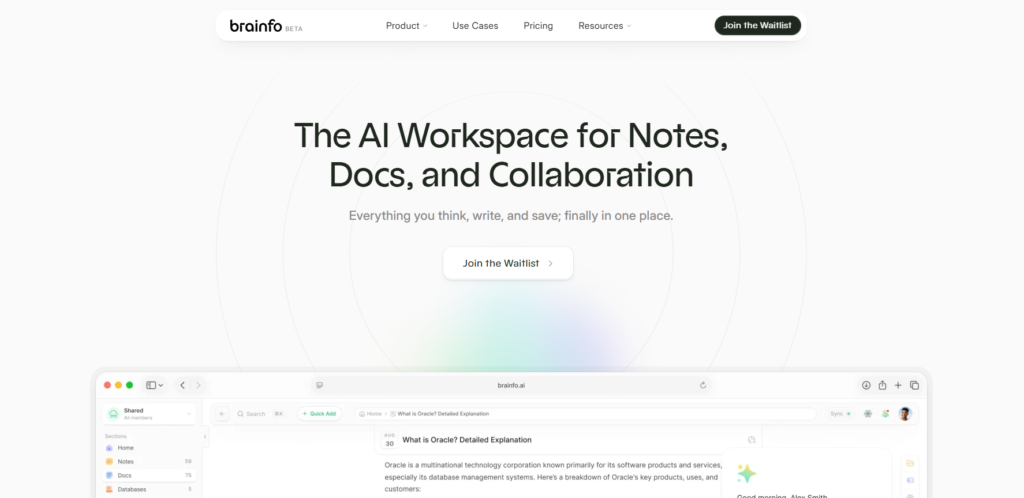
Brainfo for private, connected knowledge work
Brainfo makes sense when Evernote is no longer just a place to store notes. It is a candidate for people who want notes, documents, bookmarks, research, and collaborative work in the same workspace.
Consider a product manager reviewing customer interviews. The useful unit of work is not one saved note. It is the source material, the notes taken from it, the decision document, and the shared context the team returns to later. In Brainfo, the Writer specialist can work with notes, documents, and bookmarks, the Organizer specialist works with folders and tags, and the Researcher specialist works with selected files and web pages. Brainfo AI Features
Brainfo’s core notes, documents, bookmarks, and tags are local-first and available offline. It also supports real-time collaborative editing and flat inline comments, which can help a small team keep working material close to the decision it supports. Brainfo Features
There is one important qualification. Local-first core content does not mean every Brainfo function works without a connection. AI chat, web research, and file upload need internet access. Do not choose Brainfo on the assumption that it provides unlimited workspace context, a fully offline AI platform, or semantic search across every item. If your main reason for switching is a polished web clipper or OCR search inside a very large scan archive, compare that workflow carefully before you move.
For a direct product comparison, see Brainfo vs Evernote.
Notion for collaborative, structured workspaces
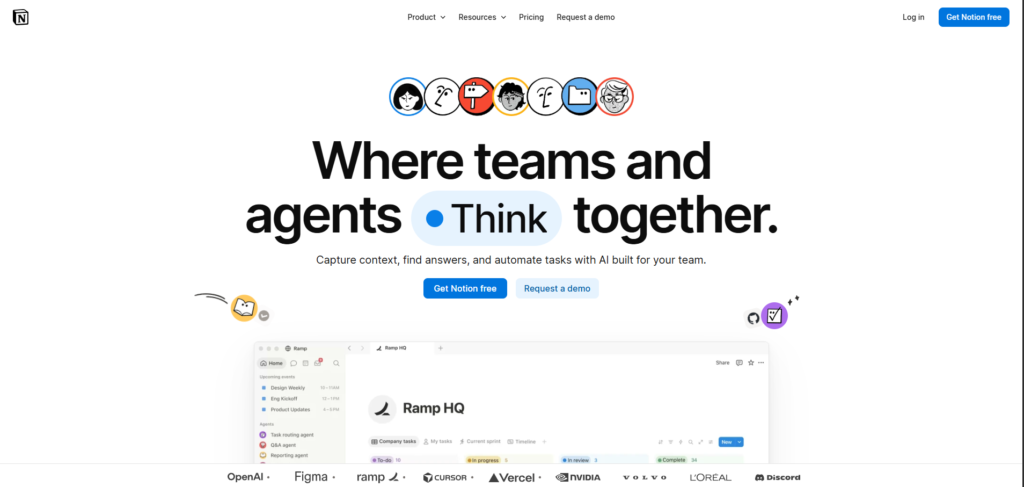
Notion is a good fit when your notes are already becoming shared documents, project hubs, and databases. Its official import flow lets you connect an Evernote account from Settings and import notebooks into Notion, with notebooks becoming pages and notes becoming database items. Notion Help
Choose Notion when you want to build a shared operating system for projects, not just replace a notebook. A team can connect meeting notes to tasks, project records, and documentation in the same structure.
The trade-off is setup. If you only want to capture a thought quickly and find it later, database properties and templates can become overhead. Test one real project before you redesign your entire information system.
Obsidian for local Markdown files and linked notes
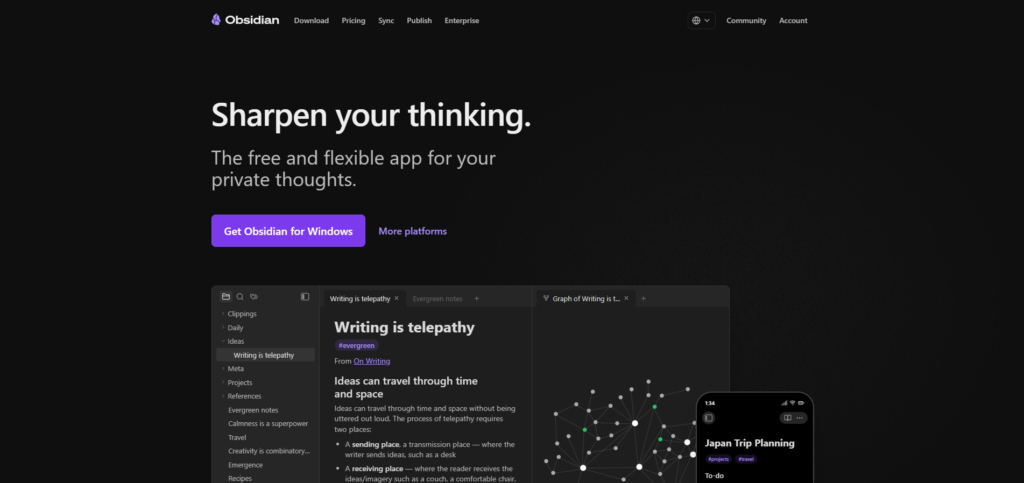
Obsidian is a strong candidate for people who want their notes stored as durable Markdown files and who enjoy connecting ideas over time. Its official Importer plugin supports Evernote .enex files and converts imported data into Markdown files. Obsidian Help
This is particularly appealing for writers, researchers, and technical knowledge workers who care about local ownership, backlinks, and a system they can shape over time. It is also a useful route if you want a future switch to start with readable files rather than a proprietary archive.
The trade-off is that flexibility creates decisions. You need to decide how folders, properties, plugins, and sync should work. If you do not want to design a system, begin with a small vault and a light structure.
Microsoft OneNote for a familiar free notebook
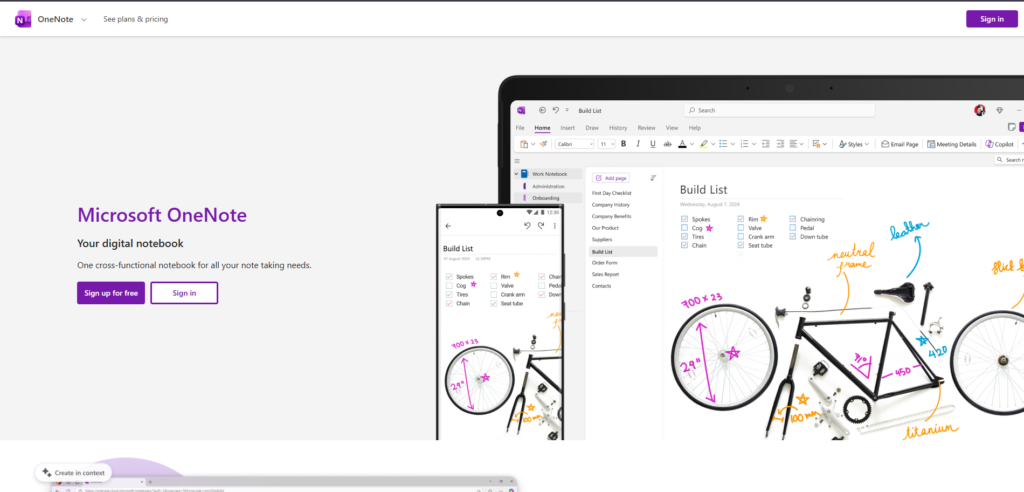
Microsoft OneNote is a sensible replacement when you want the familiar idea of notebooks, sections, and pages without turning note-taking into a technical project. Microsoft describes OneNote as a free standalone app, and its freeform page model works well for meeting notes, sketches, and mixed media. Microsoft Support
Choose OneNote if you work in Microsoft 365 already or if you need an approachable no-cost place to collect notes. It is especially practical for people who prefer visual pages over a strict document structure.
The limitation is strategic rather than technical. OneNote is a strong notebook, but it is not the obvious choice when your core requirement is a local Markdown archive or a deeply linked personal knowledge system.
Apple Notes for Apple-first capture
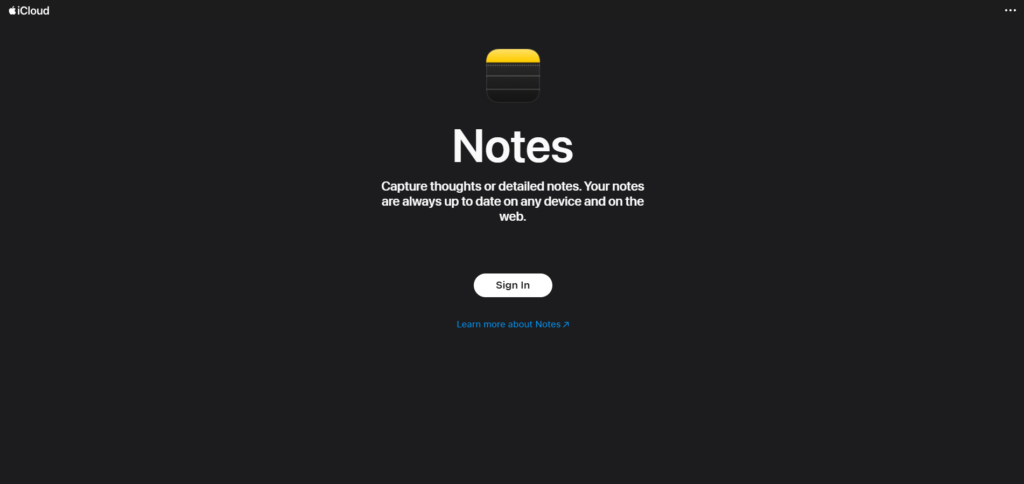
Apple Notes is worth testing if your work mainly happens on an iPhone, iPad, and Mac. Apple documents support for quick notes, checklists, drawings, scans, attachments, and iCloud-based updates across devices. Apple Support
It works best when you want less structure, not more. A quick note should take seconds, and a shared household or personal folder should remain simple enough that you actually use it.
Its main constraint is your device mix. If Windows, Android, or a cross-platform team are essential to your workflow, test everyday access before you decide that convenience on Apple hardware is enough.
Joplin for open-source, ENEX-based migration
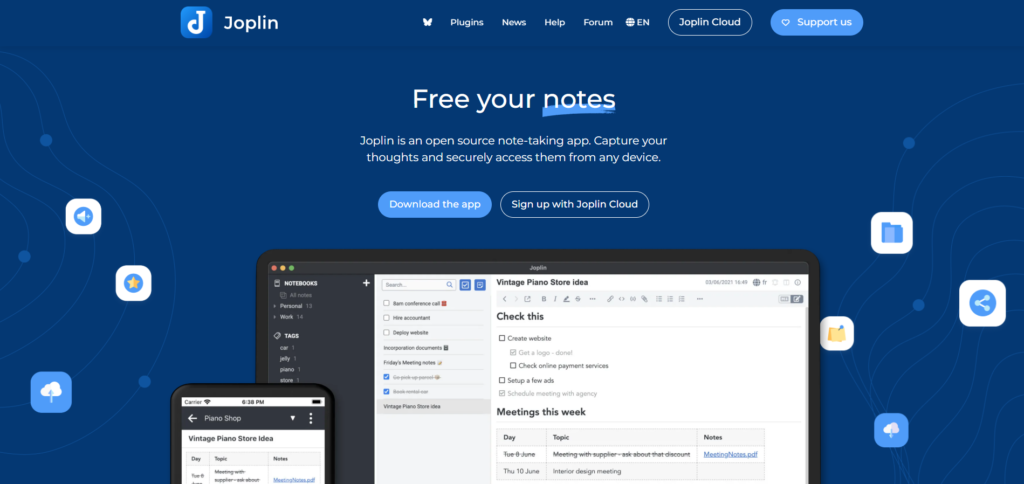
Joplin is a useful option for readers who want an open-source note-taking path with a documented import process. Its desktop app can import ENEX files into a new notebook, and it can import one file or a directory of files. Joplin Help
This makes Joplin appealing when you value a deliberate, inspectable migration process. It can be a better fit than a glossy all-in-one workspace if your priority is keeping control of the data and deciding how syncing should work.
The trade-off is that you are responsible for more choices. Confirm your preferred sync method and test it across the devices you actually use before moving your whole archive.
UpNote for a simple notebook-style switch
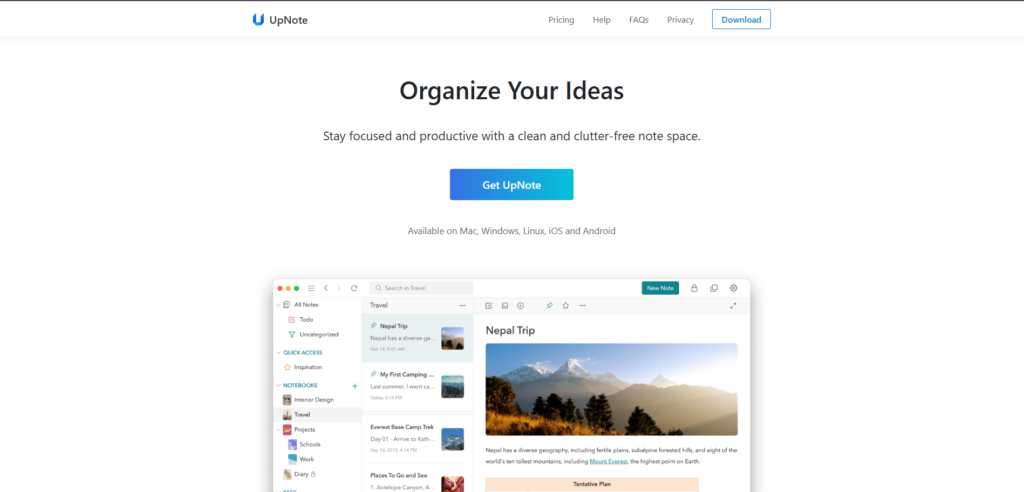
UpNote is a practical option if you want the mental model of notes and notebooks without a large workspace layer. Its current help documentation describes importing Evernote .enex files through its desktop app. UpNote Help
Choose UpNote when the reason you are leaving Evernote is friction, not a desire to build a complex system. The migration path is worth testing if you want a focused app for individual notes, tags, and notebooks.
Do not choose it only because it feels familiar. Check your real requirements for collaboration, research workflows, and export before you bring in a long-lived archive.
Amplenote for notes that lead to tasks
Amplenote belongs on the shortlist when the notes you keep are usually the start of work that needs to happen later. Its official Evernote importer accepts ENEX files and can bring in notes and tags, while its documentation also identifies limitations for some attachments and unsupported features. Amplenote Help
That makes it a more focused choice for people whose Evernote system contains ideas, follow-ups, and planning material rather than only reference notes. The right test is simple: import a week of real meeting notes and see whether the resulting tasks and references are easier to act on.
Do not assume perfect migration fidelity. When a tool is built around a different model, some formatting or attachments may need attention after import.
Move carefully: export, test, and verify
The safest switch is rarely a one-click replacement. It is a short, controlled test.

Treat migration as a controlled test, not a one-click commitment.
1. Export a backup before you evaluate apps
Use Evernote’s desktop export process to create an ENEX backup. Preserve it in a place you control. If your notes contain sensitive or irreplaceable material, make a second backup before experimenting with importers.
2. Test one representative notebook
Pick a notebook that contains the hard parts of your archive: attached files, tags, old notes, and formatting. Import it into two or three candidates, then review the result in the context you will actually use.
For example, test whether you can find a three-year-old client decision, open its attachment, and understand the surrounding notes. A successful import is not merely a high note count. It is a usable archive.
3. Verify what changed before moving everything
Compare note counts, tags, links, dates, attachments, and search results. Keep a short issue list. If an app fails at a requirement that matters every week, remove it from the shortlist even if its feature page looks impressive.
The same principle applies to a personal knowledge system. Personal knowledge management is about making information usable later, not just storing more of it.
Make the final choice
Choose the smallest system that solves your real problem.
If you need quick personal capture, test Apple Notes or UpNote. If you need a familiar free notebook, start with OneNote. If local Markdown files and linked thinking matter, try Obsidian. If an open-source migration path matters, test Joplin. If notes should become tasks, test Amplenote. If you need shared, connected knowledge work across notes, documents, saved sources, and AI-assisted workflows, compare Brainfo with your current setup.
The right replacement is the one you can still understand after a busy month, not the one with the longest feature list.
Frequently asked questions
What is the best Evernote alternative?
The best choice depends on what you need to preserve. Notion fits structured team work, Obsidian fits local Markdown and linked notes, OneNote fits a familiar free notebook, and Brainfo fits connected knowledge work across notes, documents, bookmarks, and research.
What is the best free Evernote alternative?
Microsoft OneNote is a strong free option when you want a conventional notebook system. Obsidian and Joplin are worth testing when local files or an open-source approach matter more than a ready-made workspace. Confirm current plan limits before making a final choice.
How do I move notes from Evernote to another app?
Export a representative notebook from Evernote’s desktop app as ENEX, import it into the new tool, and check notes, tags, attachments, formatting, and search before moving the rest of your archive.
Is Notion or Obsidian better as an Evernote replacement?
Choose Notion when shared documents, databases, and collaborative project structure matter most. Choose Obsidian when you want local Markdown files and a system for connecting ideas over time.
Does Brainfo work offline?
Brainfo’s core notes, documents, bookmarks, and tags are available offline. AI chat, web research, and file upload require an internet connection. Brainfo Features





