


Consultants rarely lose time because information does not exist. They lose it because the source is buried in a browser tab, a client folder, a meeting note, or someone else’s memory.
That makes choosing an AI workspace a workflow decision, not a hunt for the flashiest assistant. If you are comparing the best AI workspaces for consultants, focus on the handoff that keeps failing. The right tool should help you keep client context clear, turn research into decisions, and make those decisions usable when the next engagement starts.
For most consultants, there is no single best AI workspace. Notion is a strong fit for structured client hubs. Confluence fits firms that need more governance. Brainfo fits teams and individuals who want research, notes, documents, and bookmarks close together in a local-first workspace. Use a research or document-analysis tool alongside your workspace when that job is genuinely separate.
The short answer: choose a workspace by the handoff it fixes
A workspace earns its place when it removes a handoff that currently causes rework.
To compare the best AI workspaces for consultants, begin with the handoff that costs your practice the most time or trust.
If your team loses track of project status, owners, and related documents, a structured client hub may help. If people cannot tell which internal guidance is current, you need clearer ownership and governance. If valuable research disappears once the project ends, you need a durable place for sources, notes, decisions, and reusable frameworks.
| Your bottleneck | Start by evaluating |
|---|---|
| Client briefs, meetings, and tasks live in different places | A structured client workspace |
| A growing team cannot find trusted internal material | A governed knowledge base |
| Sources and project reasoning disappear after delivery | A research and knowledge workspace |
| You need fast answers from a defined source pack | A document-analysis tool, alongside your workspace |
| You need cited web discovery | A research tool, alongside your workspace |
The distinction matters. A chatbot can help draft an email. A research tool can help surface sources. Neither automatically becomes the place where a future teammate can understand what the client decided and why.
What counts as an AI workspace for consulting?
An AI workspace is the durable home for work that needs to survive beyond one conversation or one deliverable. It should give each client or project an obvious context and make it possible to retrieve the evidence behind an earlier recommendation. The best AI workspaces for consultants make that context useful after the engagement, not only while it is active.
A workspace is not a chatbot, research tool, or task board
ChatGPT, Claude, Gemini, and similar assistants can be useful across a consulting practice. But they are not automatically your system of record.
The same goes for research tools. Perplexity provides numbered citations that link back to original sources, which makes it useful for a first research pass. You still need to inspect those sources and record the implication for the client in your actual project system. Perplexity Help Center
Gemini Notebook is useful when you already have a bounded set of material, such as reports, interviews, PDFs, or Google Docs. It lets you work with sources inside a notebook and returns source-grounded responses with inline citations. That is valuable during analysis, but the final decision record should still live in the workspace your team will revisit. Gemini Notebook Help
The four jobs a consulting workspace must support
A useful workspace should help you:
- Keep each client’s material separate.
- Preserve sources, decisions, and the reason behind a recommendation.
- Make current knowledge easy for the next person to find and trust.
- Match collaboration and access rules to the sensitivity of the engagement.
If the tool adds more classification work than retrieval value, it will become another system people avoid updating.
How to choose the best AI workspace for consultants
Keep client knowledge and access boundaries clear
Do not treat confidentiality as a feature you add after selecting a tool. Before importing client material, establish which information can be shared, who can invite people, who can export content, and what needs a separate workspace. This is a meaningful divider among the best AI workspaces for consultants.
For a solo consultant, that may mean one client space with a small set of consistent fields. For a firm handling regulated or highly sensitive information, access, ownership, review dates, and approval rules need to be designed before migration.
Confluence is particularly relevant when this governance need is the main problem. Its spaces have permissions that determine what people can do, and its cloud product has a role-based access model. Atlassian Support
Preserve sources, decisions, and reusable context
A source link is not enough. A future reader also needs the publication date, the key caveat, the client context, the decision owner, and the status of the recommendation.
A practical consulting record can be simple:
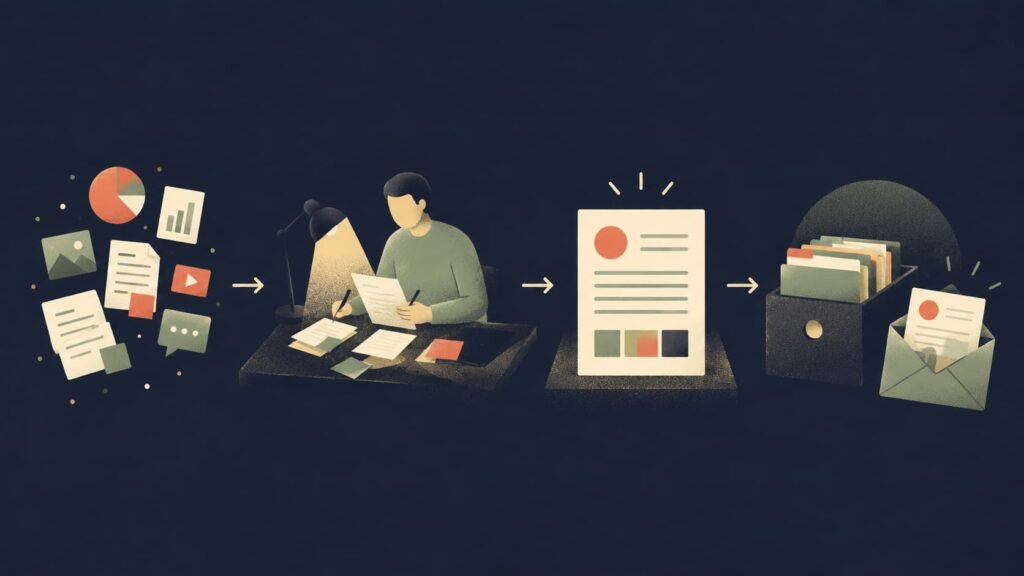
source → interpretation → decision → owner → review date
This is more useful than a large archive of documents with no indication of whether anyone relied on them.
Match collaboration and governance to firm size
A solo consultant and a 50-person advisory firm should not make the same trade-offs.
A solo operator may prioritize speed, low maintenance, local ownership, and the ability to reuse research across engagements. A boutique team may need live editing, shared project contexts, and a repeatable client-hub structure. A larger firm may need stronger access controls, content ownership, and formal review habits.
More features are not automatically better. The best workspace is the one your team can explain, maintain, and trust.
Test the workflow on one active engagement
Do not begin by moving every old file into a new platform. Choose one active client project and test the workflow.
Can a colleague find the source behind the recommendation? Can they see whether it is still current? Can they tell which client context it belongs to? Can they understand the next action without asking the original author?
If the answer is no, fix the workflow before scaling it.
Best AI workspaces for consultants by use case
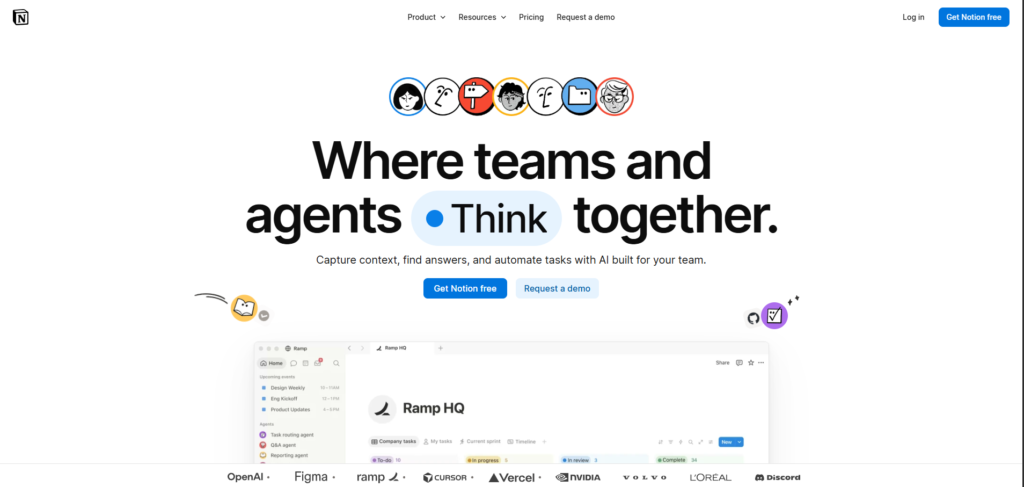
Notion for structured client hubs
Notion is a strong option for consulting teams that want a flexible home for briefs, project decisions, reusable templates, and client-facing working documents. It belongs on a shortlist of the best AI workspaces for consultants when structured client hubs are the priority.
Its wiki features include page owners and verification, which can help teams signal that a page is current and assign responsibility when that verification expires. Notion Help Centre
Use Notion when each client needs a structured operating space. A simple model might connect:
Client → project → meetings → decisions → deliverables
The trade-off is governance. Notion’s flexibility can create inconsistent naming, duplicate databases, and unclear ownership if every consultant builds a different system. Start with a small standard: one client page, one project index, one decision-log format, and one owner for any page that others should trust.
Compare Brainfo and Notion if you are deciding between a database-shaped client hub and a local-first knowledge workflow.
Confluence for governed firm knowledge
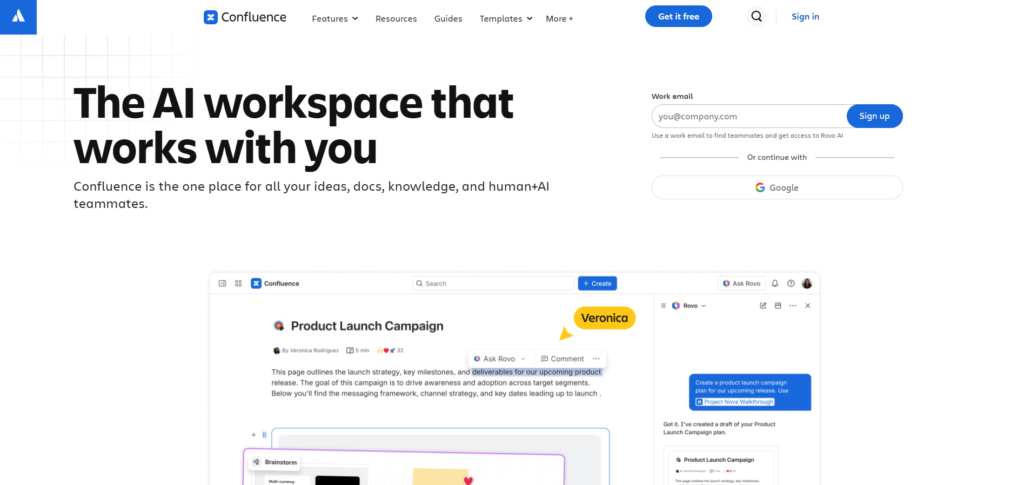
Confluence is a better fit when the primary challenge is firm-wide knowledge rather than a single consultant’s working archive. Among the best AI workspaces for consultants, it is the stronger option when governance is the first requirement.
It is built as a team workspace for creating and sharing knowledge, and its permission model is useful when different teams need different levels of access. Confluence
Use Confluence when your firm needs to maintain approved methods, reusable delivery assets, proposal content, and institutional knowledge that should outlast individual projects.
The trade-off is administration. A firm knowledge base needs owners, review rules, and a working taxonomy. Without them, the result can become a well-organized collection of outdated advice.
Brainfo for local-first research and mixed client knowledge
Disclosure: Brainfo publishes this guide. The assessment below is a fit recommendation, not an independent product test.
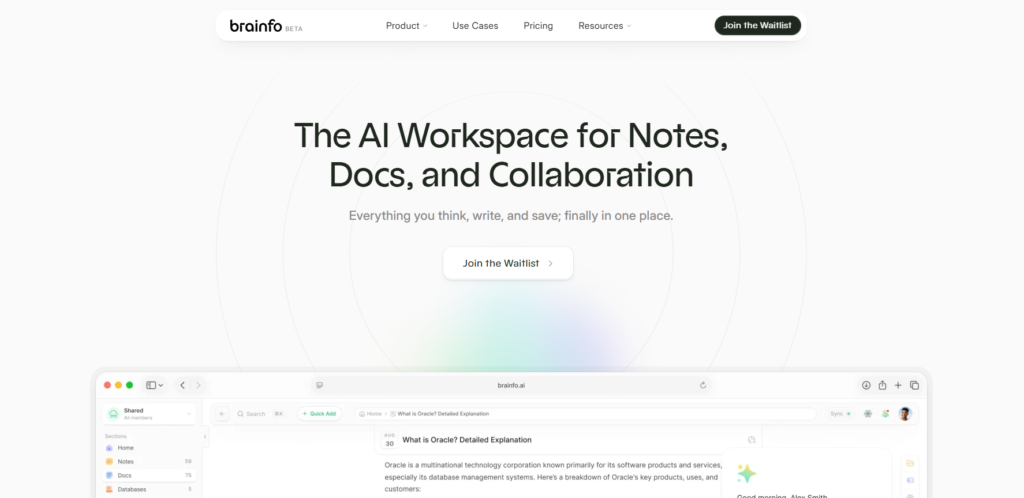
Brainfo fits consultants who want notes, documents, bookmarks, and research activity close to the work they are shaping. It is one of the best AI workspaces for consultants whose work depends on local-first access and mixed client knowledge.
Its local-first core content, including notes, documents, bookmarks, and tags, can remain available offline. Its AI features can help with selected files and web pages when online. Brainfo also supports shared spaces and real-time collaborative editing. Brainfo Features and Brainfo AI
A practical workflow could look like this:
client space → meeting notes → research links → working document → decision record → deliverable
That structure is helpful when a project produces mixed material and the team needs to return to the original reasoning months later.
There are limits worth keeping visible. AI chat, web research, and file uploads require an internet connection. Brainfo has owner, admin, and member roles, and members can edit, so a firm that needs a read-only client role should treat that as a selection constraint.
Compare Brainfo with other knowledge tools if local ownership, mixed content, and AI-supported research are central to your decision.
When a workspace is not the answer
Do not choose a workspace to solve a different problem.
If your issue is cited market research, start with a research tool and save the validated conclusion in your workspace. If your issue is a dense diligence pack, use a source-grounded notebook and move the final decision into your project record. If the real issue is task execution, a project-management tool may matter more than a knowledge system.
The goal is not one platform for everything. The best AI workspaces for consultants are part of the smallest stack that preserves the work that should compound.
Build the smallest stack that fits your practice
Independent consultant
Use one durable knowledge workspace for client context, notes, decisions, and reusable frameworks. Add a research tool when you need quick discovery and a document-analysis tool for bounded source packs.
Avoid maintaining separate systems for notes, research, and project history unless each has a clear job.
Boutique consulting team
Use a shared workspace for client hubs, decision logs, reusable templates, and clear ownership. Add a research tool for discovery and a meeting tool only when it improves the quality of the record.
The key question is whether the next project team can understand an earlier recommendation without recreating the work.
Firm handling sensitive reusable knowledge
Use a governed knowledge base for approved methods and firm-wide material. Keep client project work in defined access boundaries. Assign owners and review dates to material that people will reuse in proposals, delivery, or client recommendations.
A tool choice cannot replace a confidentiality policy. Confirm access, retention, and sharing rules before moving sensitive client material.
How to pilot a workspace without migrating everything
Choose one active project. Create a client context, one decision-log template, and one research-note format.
For each important source, save the original link, the date, the implication for the client, and the person responsible for the decision. At the end of the engagement, ask one simple question: could another consultant reuse this work without asking where anything lives?
If not, improve the workflow before importing your archive.
The right workspace should make the next client project easier, not turn knowledge management into another client project.
Frequently asked questions
What is the best AI workspace for consultants?
There is no universal winner. The best AI workspaces for consultants fit the handoff you need to fix: Notion for structured client hubs, Confluence for governed firm knowledge, and Brainfo for local-first research and mixed client knowledge.
Do consultants need one AI tool or a stack?
Most consultants need a small stack. Keep one workspace as the durable system of record, then add research, document-analysis, meeting, or delivery tools only when they solve a distinct problem.
Is Notion good for consulting teams?
Yes, especially when teams need flexible client hubs, linked projects, reusable templates, and a consistent structure. It works best when the team sets clear conventions instead of letting every consultant create a separate system.
Can AI research tools replace a knowledge workspace?
No. They can accelerate discovery or source analysis, but they do not automatically preserve client-specific decisions, owners, and context for future work.
What should consulting firms check before moving client data into an AI workspace?
Check access controls, sharing rules, retention, export options, client confidentiality requirements, and how each team member will use the workspace. Confirm those details in the vendor’s current documentation before migration.





