


NotebookLM is designed for asking questions about a defined collection of sources. Google’s Gemini Notebook site is the current official product destination.
But that is only one part of knowledge work.
You may need to find academic evidence before you start reading. You may want a note system that remains useful after a project ends. Or you may need local control, collaboration, or a writing workspace rather than another source-chat window.
That is why the best NotebookLM alternative is not one universal app. The NotebookLM alternatives worth testing solve different jobs in your workflow.
Choose a NotebookLM alternative by the work you need done
Start with the gap, not the feature checklist.
NotebookLM can still be the right choice for a bounded collection of sources and cited answers. “Gemini Notebook” is included here as a search-term variant that readers may encounter.
The best NotebookLM alternatives at a glance
| Tool | Best for | Why consider it | Watch-out |
|---|---|---|---|
| Elicit | Academic research | Literature search, screening, extraction, and evidence synthesis | It is research-first, not a general note system |
| SciSpace | Research-paper reading and literature review | Literature review tools and chat with PDFs | It is focused on academic research rather than everyday knowledge management |
| ResearchRabbit | Mapping a research field | Citation maps and related-paper discovery | It helps you discover and connect literature, not maintain a general notes workspace |
| Claude Projects | Project-based document work | Persistent project knowledge across related chats | Your working knowledge still lives inside a Claude project |
| Brainfo | Ongoing knowledge work | Local-first core content, writing, research, organization, and collaboration | AI chat, uploads, and web research need an internet connection |
| Obsidian | Personal notes and local ownership | Local files, linked notes, and a flexible personal knowledge base | AI and team workflows take more setup |
| Notion | Structured team workspaces | Documents, databases, collaborative planning, and integrated AI options | It is a broad workspace, not a specialist research notebook |
| AnythingLLM | Open-source and self-hosted document AI | Self-hosting options, document chat, and model choice | Setup and maintenance are part of the deal |

Do not confuse research with knowledge management
Research is usually a bounded activity. You gather a source set, test a question, compare evidence, and produce an answer. A research notebook is valuable because it keeps that work grounded in the material you selected.
Knowledge management starts when the result has to survive the project. A decision needs a home. A useful quote needs a link to the brief that used it. A client insight needs to be found by a teammate who was not in the original conversation. That calls for different strengths: reliable capture, organization, retrieval, editing, and permissions.
Some teams need both. They use a research tool to investigate a source set, then move the final notes, decisions, and reusable documents into their working knowledge base. This is usually more practical than forcing one product to perform every role equally well.
The useful comparison is therefore a handoff test: can the insight move from source analysis into the place where people will actually use, revise, and share it?
Best NotebookLM alternatives for research and document analysis
Elicit for evidence discovery and literature reviews
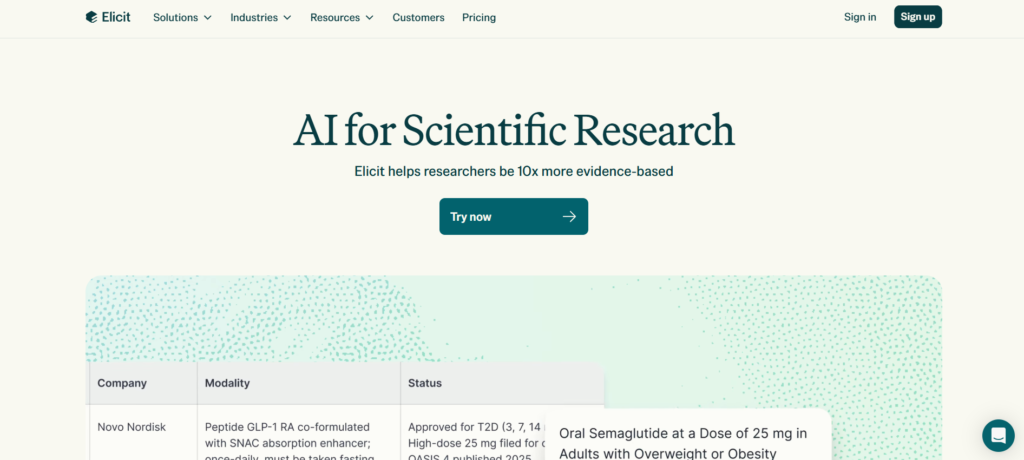
If your problem starts before you have a source collection, Elicit is a better fit than a source-only notebook. Its workflow is built around finding research, screening it, extracting information, and synthesizing evidence. Elicit describes support for systematic-review screening and data extraction, alongside search and reports. Its current free plan includes limited agent and report usage, while paid plans add deeper review workflows and collaboration. See Elicit’s research workflow and current pricing.
This makes Elicit one of the strongest NotebookLM alternatives for research, especially for students, analysts, and teams who need to establish what the evidence says before discussing it.
The limitation is equally important: research discovery is not the same as a durable place to write, connect, and maintain everyday knowledge. You may use Elicit to build the evidence set, then move the useful findings into another workspace.
SciSpace for reading papers and reviewing literature
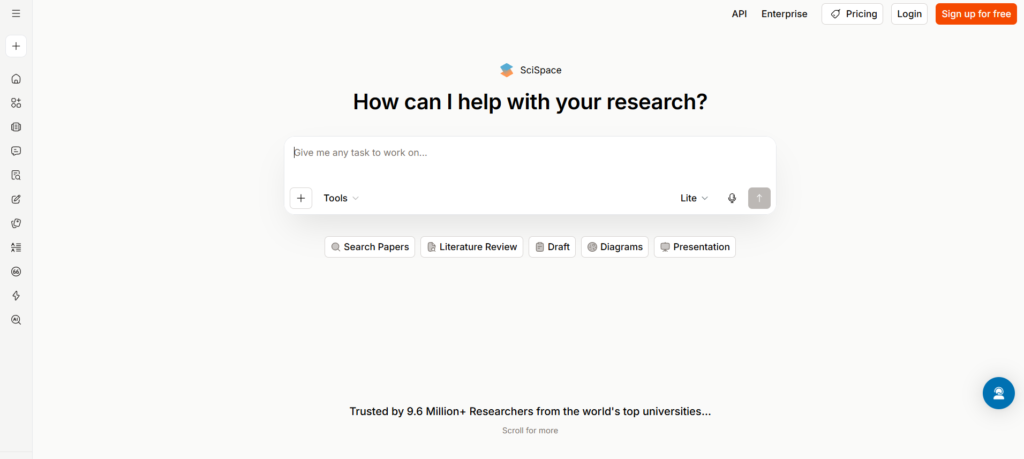
SciSpace is a useful NotebookLM alternative when the material is primarily academic and you want research-specific help rather than a general document workspace. Its official product and pricing pages describe literature-review tools, Chat with PDF, and paper-writing support. SciSpace’s research overview and pricing page are the current references.
Choose SciSpace when the next step after reading a paper is comparing it with related work, finding gaps, or building a literature review. It is a more natural fit for a thesis or research brief than a general-purpose note app.
Its limitation is scope. If your knowledge base also includes client decisions, working documents, project planning, and non-academic notes, you may need a second workspace to keep that material organized.
ResearchRabbit for mapping related papers
ResearchRabbit helps researchers move from one useful paper to the wider field around it. Its official site describes related-paper discovery, citation maps, author tracking, and research-trend exploration. ResearchRabbit’s researcher page explains the workflow.
Choose it when a list of search results is not enough and you need to see how papers, authors, and citation trails connect. It is particularly useful early in a literature review, when you are still defining the edges of a topic.
Do not treat it as a replacement for a source-chat tool or a note system. ResearchRabbit’s core strength is discovery and mapping, so you will still need somewhere to analyze a source pack in depth and preserve your final decisions.

Claude Projects for a focused working context
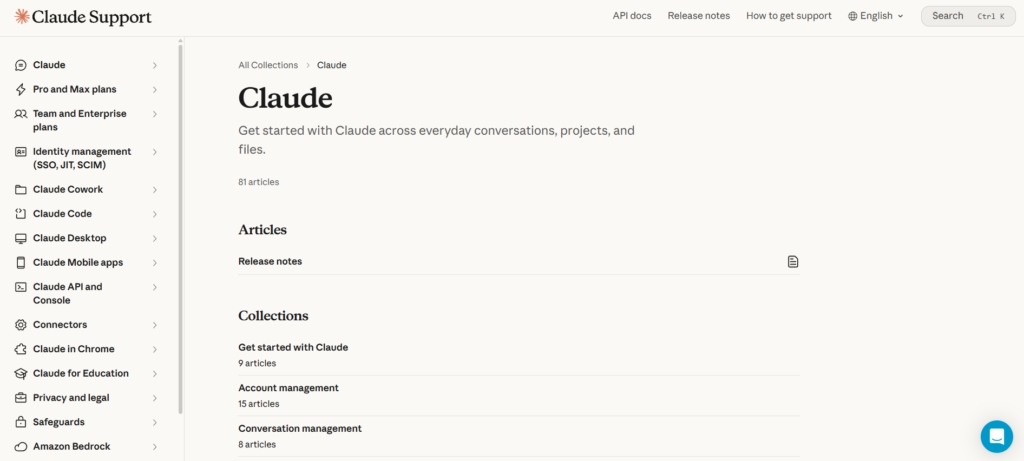
Claude Projects works well when you need a repeatable space for a client, a product, a writing project, or a body of documents. Anthropic lets you upload documents, text, code, and other files to a project knowledge base, so related chats can use that context. Claude’s Projects documentation also explains how project knowledge can use retrieval when it approaches context limits.
Choose Claude Projects if you need conversational analysis and writing around a defined project. It can feel more flexible than a traditional AI notebook when your work moves between source analysis, drafting, and file creation.
Do not choose it solely because you want a long-term, tool-independent archive. A project is still a context layer inside Claude. Test export, organization, permissions, and your ability to find information months later before making it your only knowledge system.
Best AI notebook alternatives for notes and knowledge management
Brainfo for ongoing knowledge work
Brainfo fits when the source-chat moment is only the beginning. It brings notes, documents, bookmarks, and tags into a local-first workspace, then adds a team of specialist agents for writing, organization, and research.
Among NotebookLM alternatives for long-term knowledge work, Brainfo is most relevant when research needs to become reusable documents, decisions, and shared context.
In practice, that can look like this: capture a useful source, turn the key insight into a document, organize it with folders or tags, and use the Researcher with selected uploaded files or web pages when you need source-backed help. The Writer can manage notes, documents, and bookmarks, while the Organizer works with folders and tags.
Core content, including notes, documents, bookmarks, and tags, remains available offline. AI chat, web search, and file uploads require an internet connection.
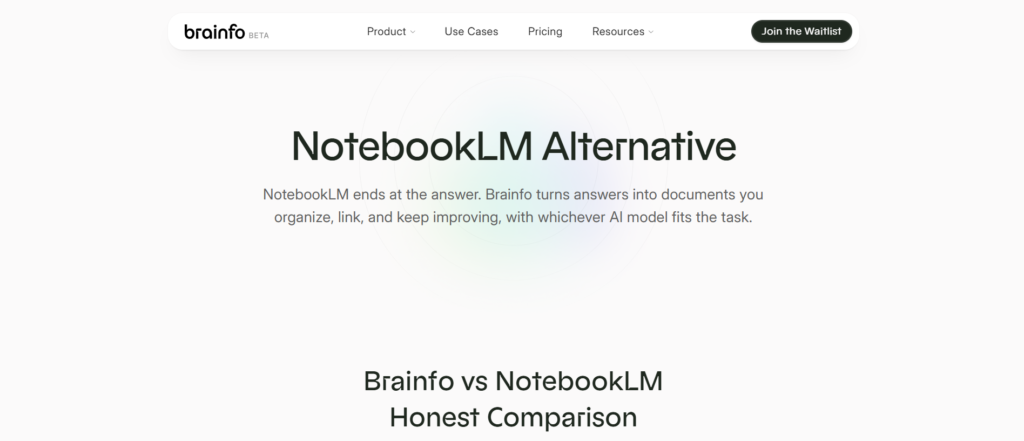
Brainfo also supports real-time collaborative editing, presence, cursors, and inline comments. For a direct comparison with NotebookLM, see Brainfo’s NotebookLM Alternative page.
Brainfo is not the best choice when you only need to interrogate a small fixed collection of sources with a study-focused audio experience. It is a stronger fit when those sources need to become reusable documents, decisions, and shared knowledge after the first research session.
Obsidian for personal knowledge you control
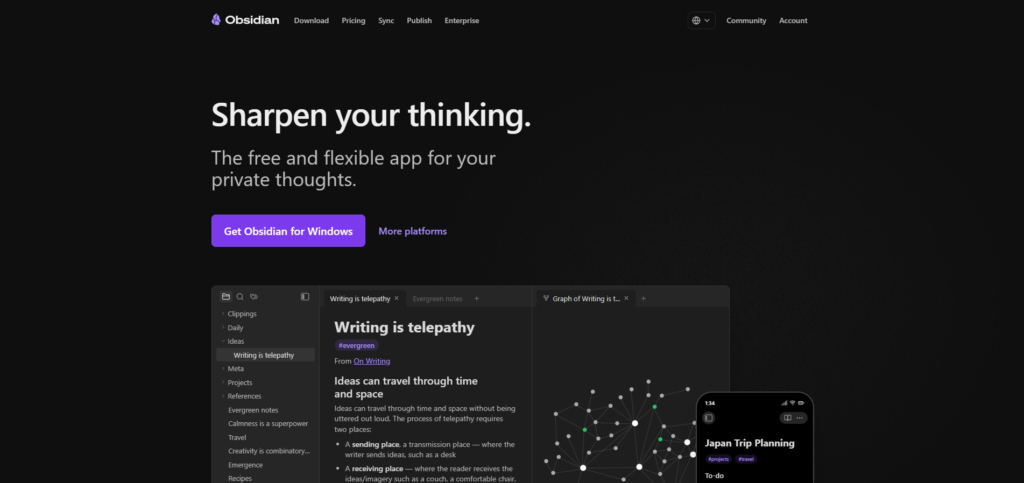
Obsidian is a strong alternative to NotebookLM for note-taking, personal use, and local ownership. Its core app is free without limits, and its optional Sync service adds device synchronization, version history, and shared vault support. Obsidian’s pricing page and Sync documentation describe the current options.
Choose Obsidian if you want your notes to live as files you organize and connect over time. It is especially useful for people who enjoy building a personal system around folders, links, metadata, and plugins.
The trade-off is friction. You will make more design decisions, and document chat or AI workflows may require plugins, separate services, or your own model setup. That is a feature for people who want control and a cost for people who just want answers.
Notion for shared, structured work
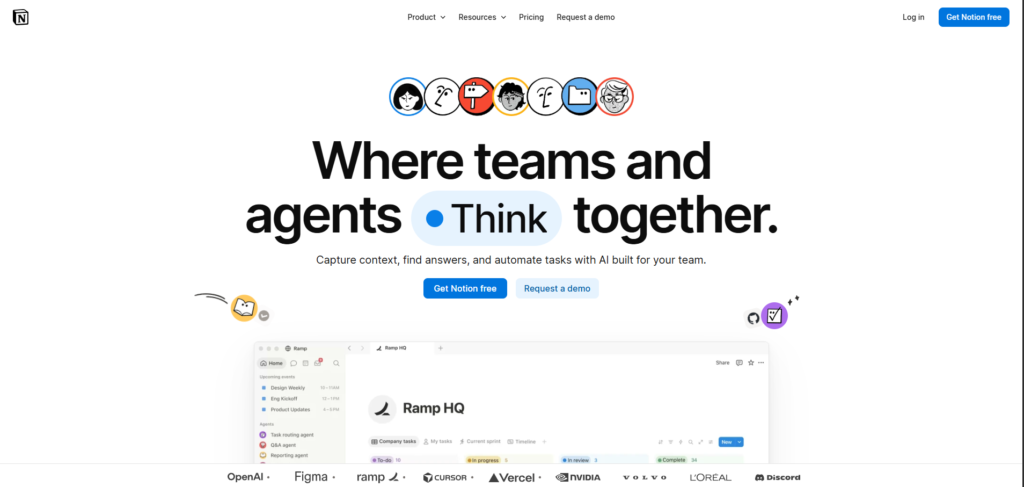
Notion is a better replacement when the job is running a shared workspace: project plans, databases, team documentation, and collaborative documents. Its free plan supports individual organization, while its current plans and AI capabilities vary by tier. Notion’s pricing page is the source of truth before you buy.
Pick Notion when structure and team visibility matter more than local files. It is useful for teams that need research to flow into a project hub with tasks, databases, and documentation.
For teams comparing NotebookLM alternatives, this makes Notion a stronger candidate for structured operations than for source-by-source investigation.
If you are deciding between Notion and NotebookLM specifically, read Notion vs NotebookLM: 5 Better Workflow Choices. The useful question is not which tool has more AI. It is whether the outcome should be a source-grounded answer or a shared operating system for work.
Best free and open-source NotebookLM alternatives
“Free” can mean three different things:
- A free tier with usage limits.
- Free desktop software with paid sync or AI services.
- Open-source software you can run yourself.
AnythingLLM is worth considering if you want an open-source document-AI option. Its official site describes a self-hosted, multi-user deployment option and a desktop app; its documentation covers document attachments and retrieval workflows. AnythingLLM’s product page and self-hosting overview are the right starting points.
This category has a predictable catch: self-hosting is not a magic privacy button. You still need to decide where the model runs, how documents are stored, who administers the system, how updates are handled, and whether your team can support it. For some people, that is worth the control. For others, it is a distraction from the work.
Open-source NotebookLM alternatives make the most sense when that operational control is part of the requirement, not simply a feature to compare on a list.
Which NotebookLM competitor should you choose?
The strongest NotebookLM alternatives are the ones that remove the specific bottleneck in your current workflow, rather than copying every part of NotebookLM.
- You need peer-reviewed evidence and systematic review work: start with Elicit.
- You need to read papers or construct a literature review: try SciSpace.
- You need to map citation trails and related work: use ResearchRabbit.
- You need an AI collaborator around one defined project: try Claude Projects.
- You need an ongoing workspace for notes, writing, research, and shared knowledge: try Brainfo.
- You need a personal, local-file knowledge base: try Obsidian.
- You need a shared operational workspace with databases and docs: try Notion.
- You need self-hosting or open-source control: evaluate AnythingLLM.
Before you move, run one real task through two candidates. Import a small representative set of material. Ask the same questions. Write the next document. Then test search, sharing, export, and offline behavior where relevant.
That last step reveals more than a feature comparison ever will.
How to compare NotebookLM alternatives without wasting a week
Most comparison tables hide the cost of changing your workflow. A tool can look perfect because it has document chat, a free tier, or a long feature list. That does not tell you whether it helps with the work you do after the first answer.
Run a small, realistic evaluation instead. Choose one active project and collect a representative set of material: a few source documents, one unfinished note, one decision you need to record, and one deliverable you need to write. Give two candidate tools the same task.
Then check five things:
- Source confidence: Can you see where the answer came from, and can you correct the source set when it is incomplete?
- Capture: Can you move a useful conclusion into a durable note or document without losing context?
- Retrieval: Can you find that conclusion a month later, when you remember the decision but not the exact wording?
- Ownership: Can you export the work in a form you can keep and use elsewhere?
- Collaboration: If someone else needs the result, can they understand the source, the decision, and the next action?
You do not need every tool to score well in every category. Elicit may win the source-confidence test. Obsidian may win ownership. Notion may win shared structure. Brainfo may fit the handoff from research to ongoing knowledge work. The point is to choose the tool whose strengths match the part of the workflow that currently breaks.

When NotebookLM is still the better tool
Keep NotebookLM when your work is primarily about a known source collection: course material, research papers, interview transcripts, project documents, or a set of videos. Its official product destination is Gemini Notebook.
The mistake is expecting every alternative to reproduce its strengths while also becoming a research database, a note app, a local archive, a team wiki, and a writing tool. Those are different products with different trade-offs.
A better setup may be two tools, not one replacement. Use NotebookLM for a bounded research task, then keep the useful outcomes in the workspace where your work actually continues.
This is why NotebookLM alternatives often work best as a complementary stack rather than a forced one-tool replacement.
FAQ
What is the best free alternative to NotebookLM?
It depends on the job. Obsidian’s core app is free for local note-taking, Elicit has a limited free research tier, and open-source tools such as AnythingLLM can be self-hosted. Check current usage limits and infrastructure costs before treating any option as completely free.
Among free NotebookLM alternatives, choose based on whether you need local notes, research discovery, or self-hosted document AI.
What are the best NotebookLM alternatives for students?
Students doing literature research should consider Elicit. Students building a lasting study or note system may prefer Obsidian. If the goal is asking questions about a fixed set of course sources, NotebookLM may still be the simplest option.
Is there an open-source NotebookLM alternative?
Yes. AnythingLLM is an open-source option with self-hosted and desktop paths. It can be a good fit if you are comfortable owning setup, model choices, storage, and updates.
What can replace NotebookLM for note-taking?
Brainfo, Obsidian, and Notion are stronger fits when you need notes to become an ongoing knowledge system. Choose Brainfo for local-first knowledge work with AI and collaboration, Obsidian for local files and customization, or Notion for shared structured work.
Are Gemini Notebook alternatives better for writing?
Some are. Claude Projects, Brainfo, and Notion are more suitable when research needs to become a document, plan, or repeatable team workflow. NotebookLM remains better suited to source-grounded exploration than full writing and knowledge management.





