


You can use both Notion and NotebookLM to take notes, summarize information, and work with AI. That surface-level overlap hides the real decision.
Notion vs NotebookLM is not mainly a feature contest. It is a choice between an ongoing workspace for work that changes over time and an AI research environment built around a defined set of sources.
Choose Notion if you need a shared place to run projects, maintain documentation, organize databases, and keep decisions visible. Choose NotebookLM, now called Gemini Notebook, if you need to question a focused collection of PDFs, web pages, videos, or documents and check the citations behind the answers.
If research needs to become lasting work, the right answer may be both.
The short answer
| If you need to… | Better fit |
|---|---|
| Manage projects, tasks, docs, and team knowledge | Notion |
| Analyze a source pack and inspect citations | Gemini Notebook |
| Turn research into a maintained system of decisions and work | Use both with a clear handoff |
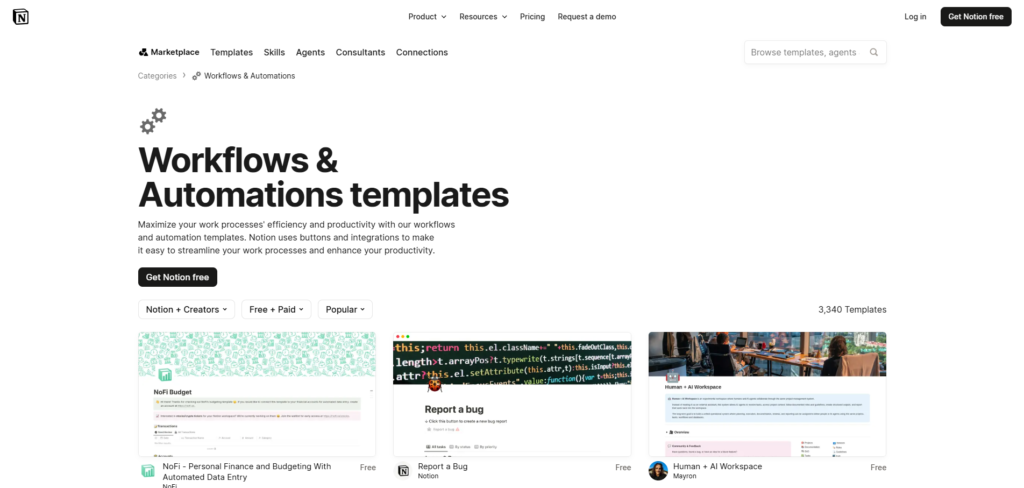
Notion is a flexible workspace. Its databases can hold pages with owners, due dates, URLs, and other properties, while its project tools connect work items to the context around them. Notion databases and Notion Projects & Tasks describe those capabilities.
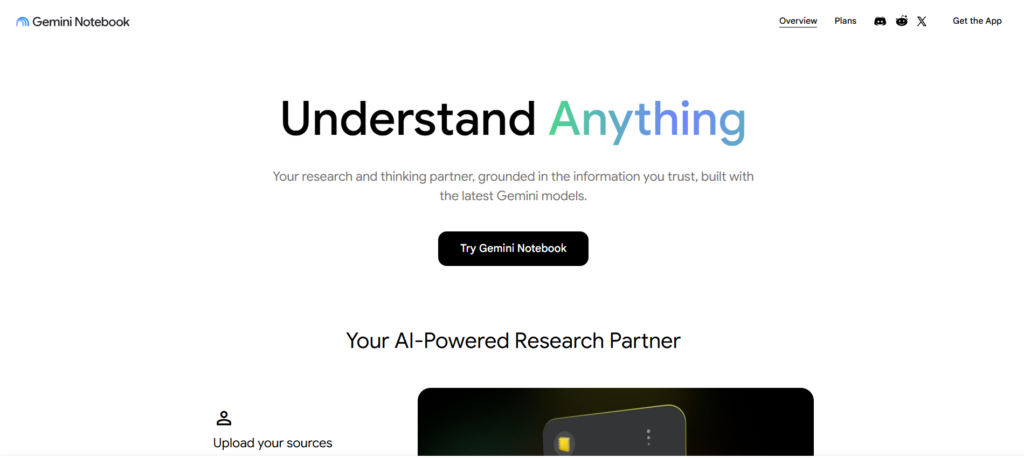
Gemini Notebook is a source-grounded research tool. It can work from documents, websites, YouTube videos, audio, Google files, and other supported sources, then produce answers with inline citations that open the relevant source passage. See Gemini Notebook source types and how Gemini Notebook chat works.
Practical comparison at a glance
| Dimension | Notion | Gemini Notebook |
|---|---|---|
| Core job | Run ongoing documents, databases, projects, and team knowledge | Understand a defined collection of sources |
| Persistent organization | Pages, databases, properties, and linked work records | Independent notebooks organized around a research project |
| Source-grounded citations | Useful workspace context, but not the main research-control model | Inline citations to selected notebook sources |
| Collaboration and project operations | Built for shared pages, permissions, tasks, and project databases | Share notebooks and research artifacts, but not a project operating system |
| Typical output | Briefs, decision logs, wikis, project records, and working documents | Cited answers, briefings, study aids, mind maps, and media overviews |
| Principal limitation | Flexibility requires setup and maintenance | The notebook does not automatically become a durable knowledge base |
Why they feel similar but solve different problems
Both products make information easier to work with. Both can summarize material, help you write, and reduce the time spent hunting for an answer.
The difference is where the information goes next.
In Notion, a note can become a project brief, a decision log, a team wiki page, or an entry in a content calendar. The system is designed for information that will be edited, assigned, linked, and reused.
In Gemini Notebook, the starting point is a source collection. You might load research papers, interview transcripts, market reports, or course materials, then ask what those sources agree on, where they conflict, or which claims have evidence behind them.
That makes Gemini Notebook particularly useful when the question is, “What do these materials say?” Notion is stronger when the question is, “How do we organize and act on this work from here?”
Notion vs NotebookLM: compare the workflow
The best way to choose is to follow your information through four questions.

1. Where does the information live after today?
Pick Notion when the information needs a permanent home.
A product team might keep meeting notes, roadmaps, requirements, decisions, and project status in one workspace. A consultant might build a client hub with a brief, research archive, deliverables, and follow-up actions. Notion’s pages, teamspaces, databases, and permissions are built for that kind of ongoing coordination. Notion sharing and permissions explains the available access controls.
Pick Gemini Notebook when the source set itself is the project.
For example, you may be preparing for a client workshop with 20 reports and transcripts. The job is to understand the material quickly, ask precise questions, and check the evidence before you form a recommendation. You may not need to maintain that notebook after the workshop.
2. Do you need to trace answers back to the supplied evidence?
This is Gemini Notebook’s clearest advantage.
Its chat uses selected notebook sources and adds citations that point to the relevant quotes, text, or images. You can include or exclude sources as you refine the question. That makes it practical for source-bound tasks such as literature reviews, policy analysis, diligence research, and exam preparation.
A citation is useful, but it does not make an answer automatically correct. It only shows that the answer is supported by a source in the notebook. You still need to check whether the source is reliable, current, and complete enough for the decision you are making.
Notion can help teams find and summarize workspace content, but it should not be treated as the same kind of source-verification environment for a defined research pack.
3. Are people, projects, and operating records involved?
If yes, Notion is usually the better starting point.
Notion’s project and task databases let teams connect work to documents and meetings, track assignments, and adapt the system as processes change. Its permission settings also allow teams to share a page with particular people, groups, or teamspaces at different access levels.
Gemini Notebook can be shared, and its generated artifacts can be useful for discussing a research pack. Google documents private viewer and editor access, plus sharing for notebooks and artifacts. Gemini Notebook sharing But it is not primarily a task-management system or an operating database. Treat it as a research-phase tool, not the system that owns the project.
4. Will you need the result six months from now?
This question catches many bad tool decisions.
A Gemini Notebook research session may produce a sharp answer today. But if the conclusion needs an owner, a revision date, supporting context, related decisions, and a connection to future work, it needs to move into a durable knowledge system.
Notion is better suited to that long tail of work. You can attach the research link, write the decision in plain language, add the next action, and place it where the relevant people will actually find it.
Where Notion is the better choice
Choose Notion when you are building a system people will keep using.
It is especially strong for:
The tradeoff is setup. Flexibility can create a useful operating system, but it can also create a maze of inconsistent databases, unclear naming, and stale pages. Start with a small shared standard: one project template, one decision-log format, and one definition of what a current page looks like.
Where Gemini Notebook is the better choice
Choose Gemini Notebook when your immediate problem is understanding a curated body of material.
It is especially strong for:
Google documents that Gemini Notebook can create source-based outputs including study guides, briefings, audio overviews, and mind maps. See the Gemini Notebook overview. Audio and video outputs can make a source pack easier to consume, but they are not a replacement for source review. Google notes that AI-generated video overviews may include inaccuracies or audio glitches. Gemini Notebook Video Overviews
Its limits are conceptual as much as functional. A notebook can help you understand a topic, but it does not automatically become your organization’s living record.
A practical workflow that uses both
For research-heavy work, use the tools in sequence rather than forcing either one to do everything.
- Create a focused notebook in Gemini Notebook. Add the documents, links, transcripts, or media relevant to one question.
- Ask questions that reveal the evidence. Look for agreement, disagreement, assumptions, and missing information. Open the citations before you rely on an answer.
- Write a short research conclusion. Distinguish what the sources establish from your recommendation.
- Move the durable output into Notion. Save the decision, its source links, owner, next action, and review date where the rest of the work lives.
- Update the working record when new evidence arrives. The research notebook may stay fixed. The decision record should not.
This workflow prevents two common failures: dumping unverified AI summaries into a company wiki and letting useful research disappear once the notebook is no longer active.
For a broader view of this type of tool stack, see Brainfo’s guide to research and knowledge-management tools for consultants.

When a third option makes sense
Notion and Gemini Notebook are not the only choices. Consider Brainfo when you want the work that survives a research session to remain available as local-first notes, documents, bookmarks, and tags.
A useful workflow is:
- Use Gemini Notebook to investigate a defined source pack and inspect its citations.
- Keep the verified takeaway, source links, and open questions.
- Use Brainfo’s Writer specialist to turn that material into a note or document, then use the Organizer specialist to place it in the right folders and tags.
- Return to the source whenever the decision needs checking or updating.
Brainfo’s Researcher specialist can work with selected uploaded files and web pages, while its core notes, documents, bookmarks, and tags remain available offline. AI chat, web search, and file uploads require an internet connection. That makes it a plausible long-term knowledge option, but not a replacement for source checking or human judgment. Brainfo AI features and Brainfo features provide the current product details.
For direct product-specific evaluation, see Brainfo’s NotebookLM comparison and how Brainfo compares with Notion.
Make the choice
Choose Notion if your work depends on persistent organization, collaboration, projects, and a knowledge base that evolves.
Choose Gemini Notebook if you need to analyze a bounded source pack, ask questions grounded in those materials, and inspect supporting citations.
Use both if the research must outlive the research session. Let Gemini Notebook help you understand the evidence. Let your long-term workspace hold the decisions, actions, and knowledge that follow.
FAQ
Can Gemini Notebook replace Notion?
Usually, no. Gemini Notebook can hold notes and help you work with sources, but it is not designed to replace an ongoing workspace for projects, team documentation, databases, and durable operating records. It can replace part of a research workflow, not the whole workspace.
Is Gemini Notebook better than Notion AI for research?
Can Gemini Notebook replace Notion?
Usually, no. Gemini Notebook can hold notes and help you work with sources, but it is not designed to replace an ongoing workspace for projects, team documentation, databases, and durable operating records. It can replace part of a research workflow, not the whole workspace.
Can I use Notion and Gemini Notebook together?
Yes. Use Gemini Notebook to inspect and synthesize a focused source pack, then move validated conclusions, source links, and next actions into Notion. This keeps research traceable without turning your project workspace into a pile of raw documents.
Which is better for students?
Gemini Notebook is often better for studying from course-specific materials because it can create source-based study aids and cited answers. Notion is better for managing the wider academic system: assignments, reading lists, class notes, and project plans.
Does a Gemini Notebook citation mean the answer is reliable?
It means the answer can be traced to a source in the notebook. You should still inspect the cited passage and judge the quality, relevance, date, and completeness of the source set. A well-cited answer from weak or incomplete sources can still lead to a weak conclusion.





