


A consulting engagement ends with two kinds of knowledge. The client-specific evidence and recommendation stay inside the agreed project boundary. A general method you refined might help on the next engagement, but only after you strip out confidential context. The hard PKM question is how to preserve both records without confusing them.
The best PKM tools for consultants depend on how you build that personal, reusable layer. Obsidian offers local Markdown files, Notion structured pages and databases, Capacities linked objects, Anytype local-first spaces, and Brainfo mixed notes, documents, and bookmarks. Each model changes how you separate a private project record from a portable method. None can grant permission to reuse client material for you.
This comparison uses current official product documentation and a proposed consulting workflow. It is not a hands-on benchmark. Check your client’s data requirements and test the finalists with a real, permitted project before moving sensitive work.
Best PKM tools for consultants at a glance
| Tool | Personal knowledge model | Start with it when | Main trade-off to test |
|---|---|---|---|
| Obsidian | Linked Markdown files | You want a portable library of methods you maintain | Shared work and structure require deliberate setup |
| Notion | Pages and databases | Your method library needs properties and shared review | Exports and permissions need testing at the page level |
| Capacities | Linked objects and types | People, methods, and projects need distinct structures | Personal spaces cannot be shared as team spaces |
| Anytype | Local-first objects in spaces | Separate private and collaborative knowledge is central | Backup and export behavior need a real test |
| Brainfo | Notes, documents, bookmarks, folders, and tags | Methods and their source trail use mixed formats | AI and uploads need connectivity; members can edit |
For a fair comparison, create the same method card in each tool: a neutral description of the method, when it applies, a limitation, a review date, and a pointer to the restricted origin only where permitted. Then ask whether you can retrieve that card during a different project without accidentally surfacing the earlier client’s files.
What a consultant’s PKM system must preserve
Separate client context from reusable expertise
A consultant may improve a market-sizing method during a client engagement. The original figures, assumptions, and recommendations may be restricted, while a generalized checklist may be reusable. Define two destinations before choosing an app: a restricted project record and a reviewed personal method library. Check the engagement terms before moving anything between them.
The method card should be usable without its private origin. Replace client names, internal numbers, and identifiable circumstances with a general procedure. If removing those details makes the method meaningless, keep it in the restricted project record. This editorial rule is a workflow recommendation, not a claim that a tool can determine reuse rights.
If your main problem is finding outside evidence or building a firm-wide knowledge base, the broader research and knowledge tools for consultants guide addresses those jobs. This article focuses on the system a consultant returns to for their own accumulated reasoning.
Keep a source, interpretation, and decision together
A useful project record still needs a traceable chain: source and date → relevant finding → interpretation → decision → owner → review date. The personal method card has a different job: describe the reusable procedure and its limits without carrying the client’s evidence into another engagement.
For example, a restricted record might explain why a market report changed one client’s pricing recommendation. A separate method card could say how to check sample coverage before using a market report. A future consultant can apply the method, while the original decision remains inside its client boundary.
Here is a small, fictional card to copy into each shortlisted tool. It contains no client figures or source files:
| Method card field | Example entry |
|---|---|
| Name | Check sample coverage before applying a market estimate |
| Use when | An external market report informs a segment-level recommendation |
| Procedure | List the report’s population, dates, geography, and excluded segments; compare them with the question at hand; mark each mismatch before calculating |
| Limit | A broad survey may not support a niche or recent segment; seek another source or state uncertainty |
| Provenance | Developed during an engagement; private project pointer only if the contract and access rules allow it |
| Review | Recheck the underlying report and assumptions before using the method in another context |
On a new engagement, the card prompts a fresh coverage check. It does not carry over the earlier client’s conclusion. If even the provenance pointer is disallowed, omit it from the personal library and retain the trail only in the restricted project record.
This is also why note capture alone does not settle the PKM choice. If you chiefly need a better way to capture conversations and follow-ups, start with the narrower note-taking apps for consultants comparison. If you need to connect a meeting to sources and later decisions, keep reading.

Test retrieval, ownership, and export before migrating
Build five sample records in each finalist: a permitted project source, its interpretation, its decision, a generalized method card, and a second project index. Search from the second project for the method without naming the first client. Can you find the neutral card without exposing the private evidence? Then export the cards and inspect text, links, attachments, and space boundaries.
Export available does not mean a working system will move intact. Notion documents page and workspace exports, with access-dependent exclusions. Capacities exports objects and spaces, but links between objects do not carry over when moving content between spaces. Anytype offers desktop exports in Markdown and its own format.
Compare cost after identifying the required plan and add-ons for sync, collaboration, storage, and AI. Check the current Obsidian, Notion, Capacities, and Brainfo pages and confirm checkout terms before buying.
Compare the tools by the job they do
Obsidian for consultant-owned Markdown knowledge
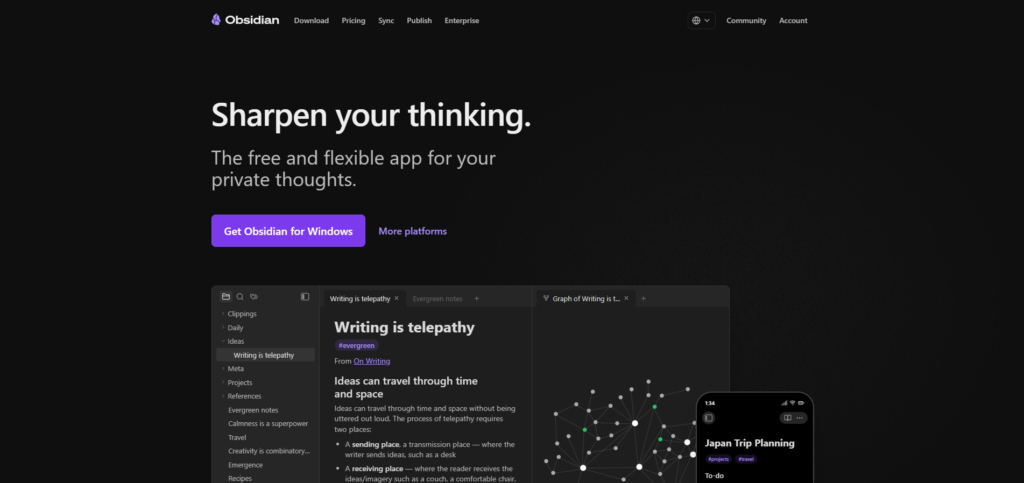
Obsidian stores notes as Markdown files in a local vault. That is attractive when you want to open your notes outside the app, organize them in ordinary folders, and build links among concepts over time. A solo consultant could keep a vault of public research and reusable methods, with a separate vault or agreed storage arrangement for a client project. Obsidian Sync supports shared vaults, but collaboration has its own plan and limits.
A backlink does not decide whether an insight may be reused, and a graph does not tell a colleague whether a recommendation is current. Obsidian fits someone willing to maintain those rules. If a team needs live, governed client pages with little setup, test another option alongside it.
Notion for structured client hubs and collaboration
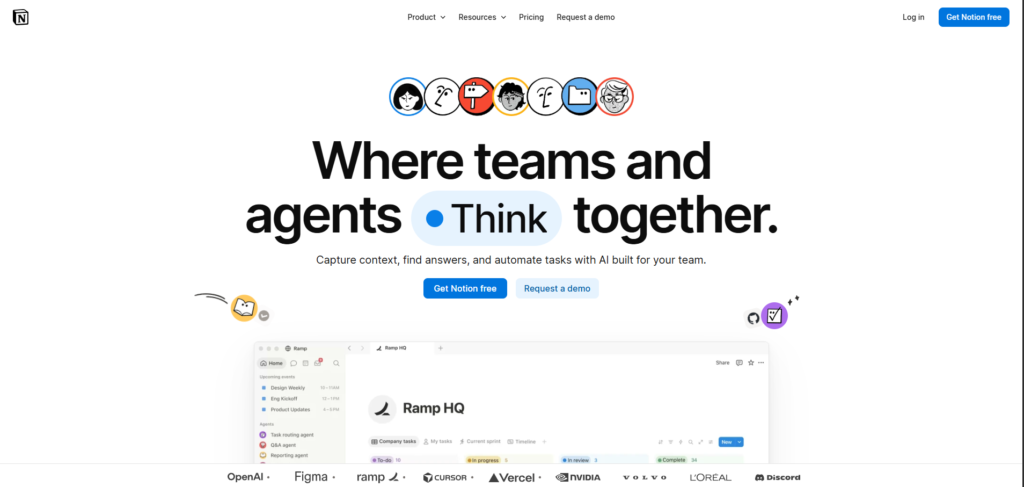
Notion makes it possible to assemble a client hub from pages and databases: project brief, meeting log, source register, decisions, and deliverables. Its sharing settings distinguish workspace and teamspace roles and allow page-level access such as view or edit. That flexibility is useful when a boutique practice needs a common record another consultant can understand.
Use the flexibility sparingly. Start with one client page, one decision template, and a few properties: owner, status, source link, and review date. Confirm the access inherited by every page, especially when a guest is invited.
Notion supports offline pages, but the material available offline depends on what has been downloaded and the plan. Export a representative client hub to see how its structure travels. If your method depends on database relations or restricted pages, inspect the output rather than assuming that a ZIP recreates the live workspace elsewhere.
Capacities for linked, object-based research
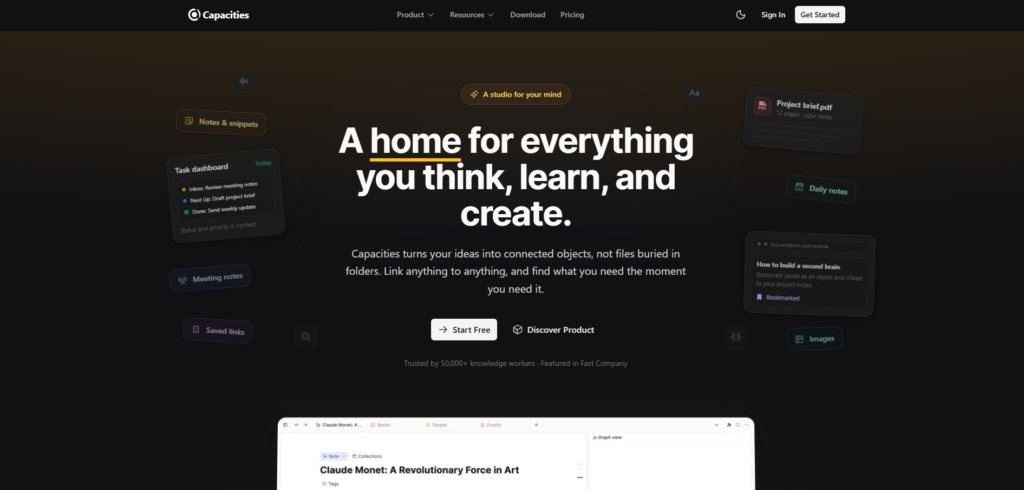
Capacities organizes knowledge as objects, such as people, meetings, and projects, with properties and links among them. That model can suit a consultant whose research frequently asks which interviews informed a hypothesis or where else a method appeared. Separate spaces can keep domains distinct, and the product offers exports when you need to inspect or move records.
The constraint is material: Capacities says its spaces are personal and cannot currently be shared as team spaces, although individual objects can be shared. Search is generally scoped to the open space, and links do not cross spaces. Decide what belongs in a general, permitted methods space before creating many client spaces.
Its offline documentation says notes can be downloaded, while full-text search and AI features do not work offline. Media availability depends on download settings. Test the exact retrieval step you expect to perform on a train or at a client site without a connection.
Anytype for private, space-based knowledge
Anytype describes a local-first system with personal and collaborative spaces. Content lives on the device first. Its documentation distinguishes the usual encrypted sync mode from a local-only mode with no remote backup. A consultant who puts control of stored material high on the list should compare those modes, especially when working on several devices.
Privacy claims do not replace a recovery plan. In local-only mode, the loss of a device can mean the loss of data unless you maintain your own backups. Test retrieval and backup under your chosen sync model.
Anytype’s current export documentation describes desktop export of individual objects, views, or a channel in formats including Markdown. The interface documentation also uses the term space, so verify the exact export scope in the version you use. Make a test export with attachments and linked records, then check the result yourself.
Brainfo for mixed notes, documents, and bookmarks
Disclosure: Brainfo publishes this guide and is one of the products being compared.
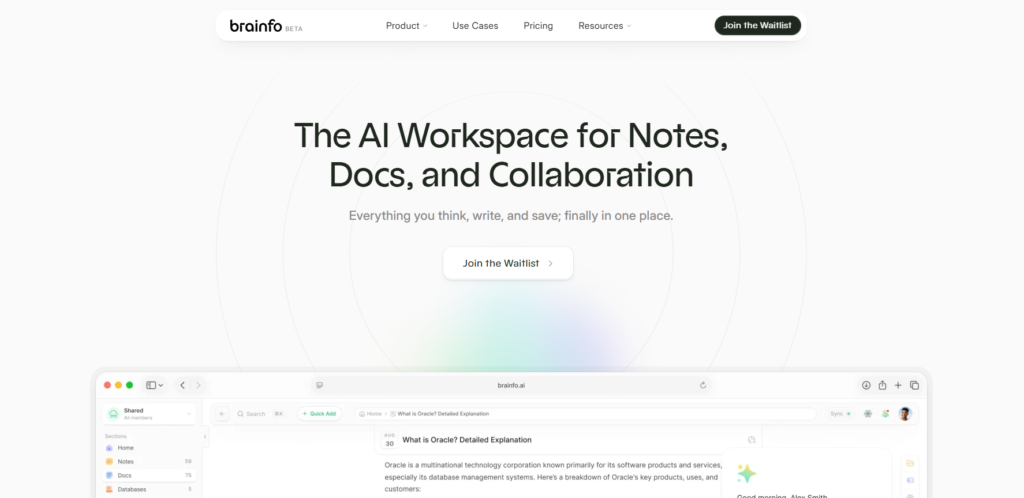
Brainfo is a fit when a consultant needs to keep a meeting note, a working document, and a saved research link close to the decision they support. For example, you could save a public source as a bookmark, record your interpretation in a note, and write the client-specific recommendation in a document within the relevant space. Folders and tags help organize those records; the Writer, Organizer, and Researcher specialists work with content, organization, and selected files or web pages respectively.
Its core notes, documents, bookmarks, and tags are local-first and can remain available offline. AI chat, web research, and file uploads require an internet connection. AI work is scoped to the current space, so do not assume a single conversation can inspect every client space. Keep a human check between a source summary and a client recommendation.
Brainfo supports shared work and real-time editing, but its documented roles are owner, admin, and member, with members able to edit. A consultant who needs to give a client read-only membership should treat that as a selection constraint and check the available sharing route before moving the project. Compare Brainfo with other knowledge tools if mixed content and collaboration are central to your decision. Availability and plan terms require a final publication check.
Run a one-project PKM pilot before you switch
Capture one source and one meeting decision
Use an approved project or synthetic example. Create its restricted source and decision records, then write a generalized method card that removes identifying context. Do this in two shortlisted tools. The test is whether the method remains useful on its own and whether its private origin stays private.
After a few days, open a second project and search for the method using a different phrase. Check whether the result reveals a client name, confidential figure, or restricted attachment. If it does, fix the boundary before judging search quality.
Retrieve the reasoning later and test an export
Ask another authorized person to find the method and explain when it should not be applied. Then export the sample and open it outside the app. Check whether the method’s limits survive and whether any link or attachment crosses into restricted material.
A failed pilot may reveal a poorly abstracted method rather than a poor app. Fix that record before importing a backlog. For the broader habit of keeping a personal system active, see how to build a second brain from one project.
Which setup fits your consulting practice?
An independent consultant may prefer Obsidian for readable files, Anytype for its private space model, or Capacities for structured connections. Choose based on the record you create and the export you can understand.
A small team should put access and handoff first. Notion offers page permissions and shared structures; Brainfo offers collaboration around mixed content, with members able to edit. Capacities’ personal spaces cannot currently be shared as team workspaces. Test a contractor’s role and a colleague’s handoff.
For a sensitive engagement, begin with the client’s contract and data policy. Decide where the source files may reside, who may see them, whether external AI processing is allowed, and what happens at project close. A local-first label alone does not answer those questions. Run the pilot with non-sensitive or approved material until the configuration has been reviewed.

Frequently asked questions
What is the difference between a PKM tool and a note-taking app for consultants?
A note-taking app captures material. A PKM system also gives that material enough structure and context to be found, assessed, and reused later. The same product can do both jobs; the distinction is in the workflow you maintain.
Should I keep every client in a separate PKM space?
Use separate spaces when they match your contractual and access requirements, but test search, linking, sharing, and export across those boundaries. A folder may organize material without providing an access boundary. Keep reusable methods separate from confidential client evidence.
Which PKM tool works best offline?
It depends on the action you need offline. Obsidian keeps Markdown files locally. Anytype’s local-first mode works offline, while its local-only mode places backup responsibility on you. Capacities downloads notes but limits some offline search and AI functions. Brainfo’s core content and its online AI work should be evaluated separately.
Can a solo consultant later share a PKM system with a team?
Often, but the sharing model varies. Notion has page and teamspace permissions; Obsidian offers shared vaults through Sync; Anytype describes collaborative spaces; Capacities currently shares individual objects rather than an entire space. Test the exact roles and handoff your team needs before building the personal system around future collaboration.
How do I avoid losing my knowledge when changing tools?
Export a small, representative project before migrating everything. Open the files elsewhere and inspect text, attachments, links, metadata, and folder or space boundaries. Keep the original system available until the exported sample proves that the information you rely on remains understandable.
Start with two tools that fit your access requirements. Run the same permitted project through both, retrieve one decision, and inspect one export. The better PKM system is the one that leaves a trustworthy trail you can use on the next engagement.





