


A OneNote notebook can hold years of meeting notes, sketches, clipped pages, and decisions. That history makes switching harder than choosing a new editor. An app may look cleaner while losing the one thing you rely on, such as handwriting beside a diagram or access to notes on a flight.
The best Microsoft OneNote alternatives solve different problems. Start with the job your notes must keep doing, then test a small part of your archive before moving everything.
The short answer: choose by the job your notes do
| If your priority is… | Start by comparing… | Watch for… |
|---|---|---|
| Handwriting and PDF markup | Goodnotes, Apple Notes | Device fit and how old ink transfers |
| Offline text notes with export options | Obsidian, Joplin | Obsidian uses local Markdown files; Joplin uses a local app database |
| Shared documents and project structure | Notion, Brainfo | Setup, permissions, and offline behavior |
| A familiar notebook with a documented migration route | Zoho Notebook, Joplin | Changes to layout, attachments, and links |
| Microsoft 365 integration and freeform capture | OneNote itself | Whether switching solves a real problem |
This is a shortlist for testing, not a universal ranking. OneNote remains a capable choice when its flexible pages and Microsoft integration already fit your work. If your shortlist has narrowed to two familiar workspaces, read our deeper Notion vs OneNote comparison.

What should a OneNote replacement preserve?
Before comparing feature lists, choose two or three notes you would hate to rebuild. A typed meeting record, a page with pasted images, and a handwritten page will reveal more than a blank trial account.
Handwriting, freeform pages, and PDF markup
OneNote lets you type, draw, and place material on a flexible page. Microsoft emphasizes digital ink and annotation in its OneNote overview. A conventional document editor may accept images of handwriting without giving you a similar writing experience. A dedicated pen app may feel better on a tablet but be less useful for shared project documents.
Ask what “supports handwriting” means in practice. Can you write beside typed text? Search the handwriting? Annotate a PDF? Edit the result on every device you use? These are separate capabilities.
Offline access, ownership, and export
“Works offline” also needs a closer look. Obsidian stores Markdown files in a folder on your device, according to its data storage documentation. Notion lets users download individual pages for offline use; its offline guide says subpages are not automatically downloaded with a parent page. Those are different models, even though both can support some work without a connection.
Check how you get your notes back out. A readable export is useful, but it does not prove that ink placement, internal links, attachments, and metadata will survive a move.
Shared notes and connected work
A personal notebook can be loosely organized. Shared knowledge needs clearer answers: who can edit, where decisions live, and how someone finds the source six months later.
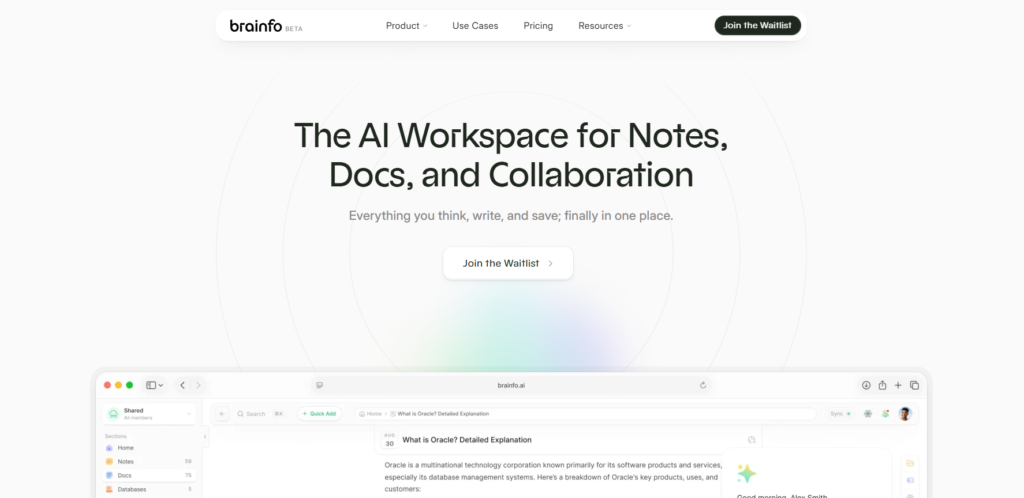
Notion is useful when notes become databases, project pages, and team documentation. Brainfo is worth considering when notes sit alongside documents, bookmarks, and research in a shared knowledge workspace. If you mostly want to capture a thought quickly, either workspace may require more structure than you need.
The best Microsoft OneNote alternatives by use case
Brainfo for connected knowledge work
Choose Brainfo when a note is part of a larger piece of work. A product manager, for example, can keep interview notes, saved sources, and a decision document in the same workspace. Brainfo’s notes, documents, bookmarks, folders, and tags support that workflow, while real-time editing lets colleagues work on shared material. Its Writer, Organizer, and Researcher specialists can help create content, organize folders and tags, and work with selected sources.
Core notes, documents, bookmarks, and tags are local-first and available offline. AI chat, web research, and file upload need an internet connection. Brainfo is a better candidate for connected knowledge work than for recreating OneNote’s pen-first, freeform page. The current Brainfo features page documents Word, Markdown, HTML, and plain-text imports but does not document a direct OneNote importer. If you decide to move, test a small OneNote export in a supported format and inspect the result before planning a larger transfer.
Notion for structured team work
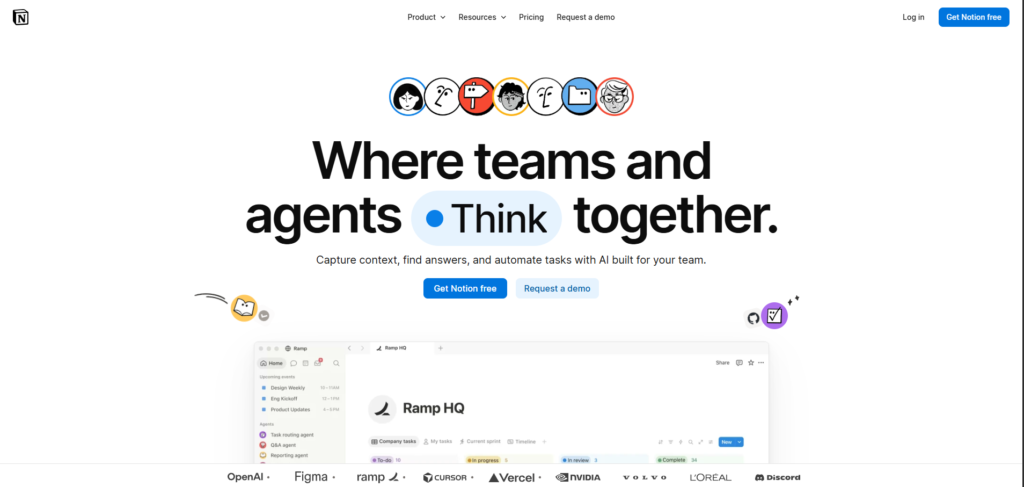
Choose Notion when meeting notes should connect to projects, databases, owners, and repeatable processes. Its pages can become a team wiki or a project hub. That flexibility is useful if somebody will maintain the structure; it is overhead if all you need is a quick notebook.
Notion’s offline support is more capable than an old “online only” label suggests, but it is conditional. You can download pages individually, and some paid plans automatically download recent and favorite pages. Important subpages need their own offline download. Notion’s import guide lists files such as Word, Markdown, HTML, PDF, and ZIP; it does not list a direct OneNote import in the current supported-app list. Test a representative export before assuming your notebook hierarchy or ink will map cleanly.
Obsidian for local files and linked ideas
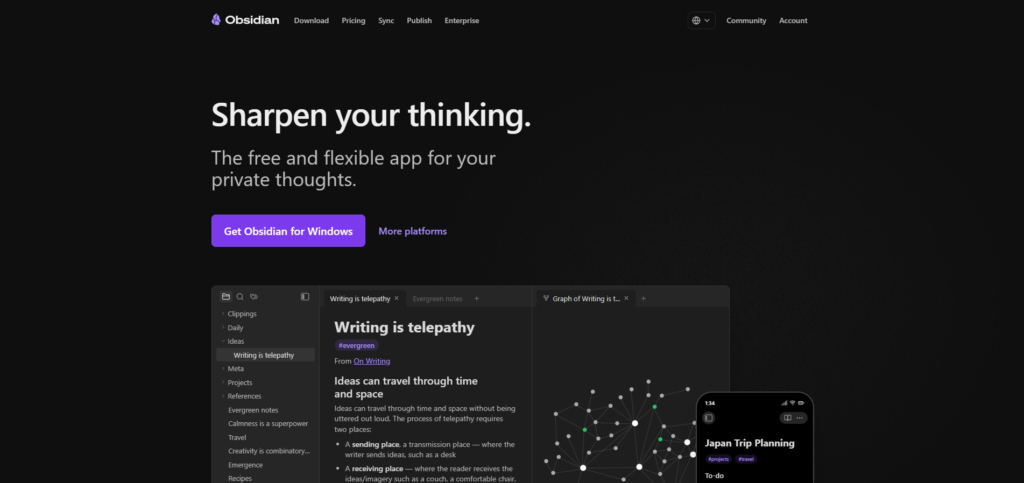
Choose Obsidian if long-term readability and connections between text notes matter more than a familiar notebook canvas. Its notes are Markdown files in a local vault. Links between notes can turn a collection of pages into a personal knowledge system, while sync is a separate choice you must set up.
Obsidian documents an official OneNote Importer. It can use notebooks synced to a Microsoft account or OneNote .one and .onepkg files. The account route has ownership and organizational-permission limits; the file route depends on exports available from the Windows desktop version of OneNote. A documented importer makes Obsidian a serious candidate, but it does not promise that every drawing or page layout becomes an editable Markdown equivalent. If the local-file model appeals to you but Obsidian does not, our Obsidian alternatives guide explores that category further.
Joplin for open-source notebooks
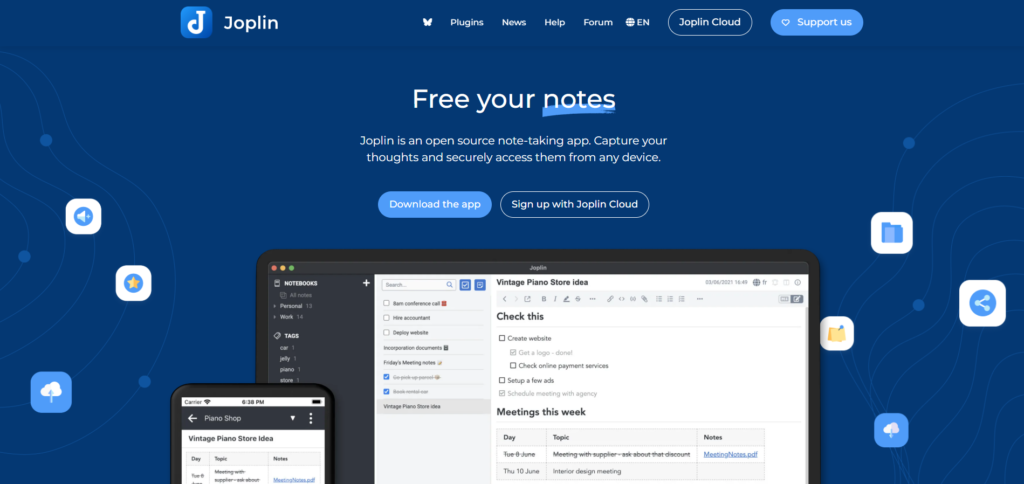
Joplin is a good test for someone who wants notebooks, local control, and an open-source app without building a heavily customized system. Notes can be organized into notebooks, and users can choose how to sync across devices.
Its official import documentation includes OneNote routes. The OneDrive ZIP method requires a recent Joplin version and may run into trouble with very large notebooks. The Windows desktop export route has its own format and platform requirements; .onepkg import is limited to Joplin running on Windows. Check your exact OneNote account, device, and notebook size before treating “supports import” as a one-click answer. Joplin’s structured notes also do a different job from a page covered in freely placed ink.
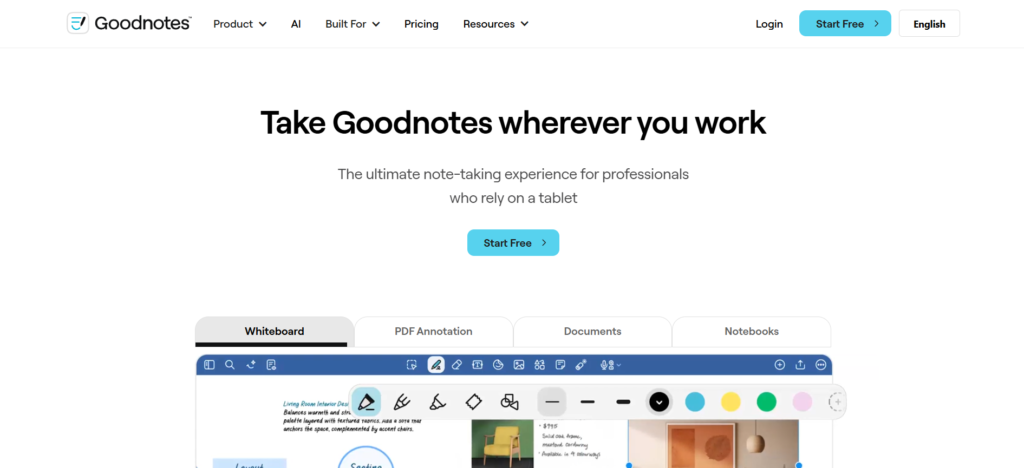
Goodnotes for writing by hand
Goodnotes deserves a trial if the pen is the reason you use OneNote. Its PDF annotation page describes handwritten markup and searchable handwriting. That makes it relevant to students, reviewers, and anyone who works directly over documents.
It is a handwriting-centered choice, not automatically a replacement for shared project knowledge. Check the experience on your own devices and compare the current Goodnotes plans. Its support documentation distinguishes Apple and non-Apple access and sync; a purchase on one platform does not automatically mean the same library and features everywhere. Do not assume a OneNote notebook can be imported intact.
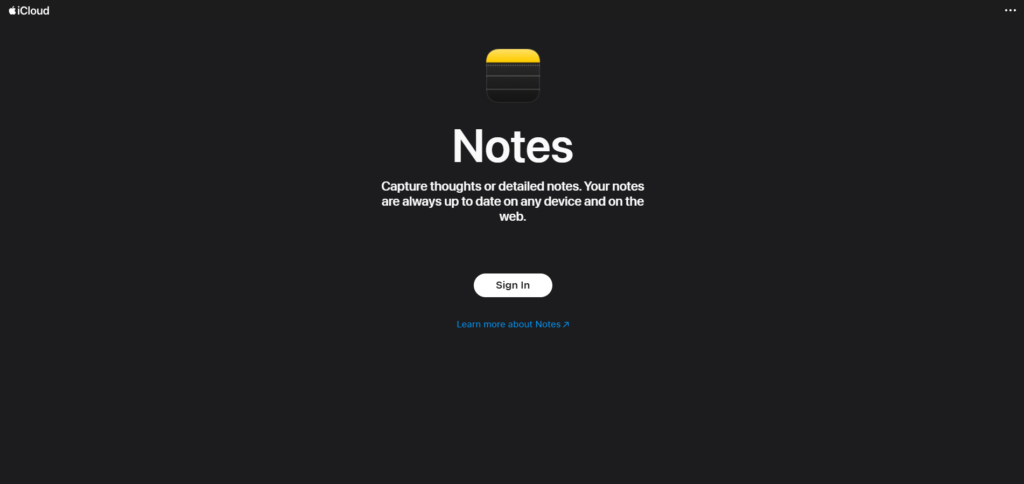
Apple Notes for quick capture on Apple devices
Apple Notes is the simpler option when your day runs through an iPhone, iPad, and Mac. Apple documents iCloud sync across those devices, and Notes supports drawings and handwriting with compatible hardware. A fast capture habit may be worth more to you than a complex knowledge system.
The device mix is the deciding constraint. iCloud.com access does not make it the same cross-platform workflow as a native Windows or Android note app. Test how you will read, add, and share notes on every device you actually use. Apple’s import instructions describe supported file types, but do not establish a direct OneNote import. Plan a small manual trial rather than assuming a notebook transfer.
Zoho Notebook for a notebook-style switch
Zoho Notebook is another candidate when you prefer recognizable notebooks and varied note types. Its help center documents a OneNote migration route.
That route still deserves a small trial. Zoho warns that rerunning a migration can create duplicate notebooks rather than merging them automatically. If a large transfer stalls, investigate the status before starting it again. Confirm that your most important page types arrive intact and that the app’s organization feels comfortable after the first week.
Compare the trade-offs before you switch
The distinctions below are a starting point, not a claim that every app behaves identically on every device. Platform features, especially pen tools and offline access, need a trial on your own setup.
| Tool | Platform fit | Pen and layout | Offline and data control | Collaboration | Plan consideration |
|---|---|---|---|---|---|
| Brainfo | Web workspace | Rich notes and documents; no equivalent OneNote ink canvas established | Core notes, docs, bookmarks, and tags are local-first; AI functions need internet | Real-time editing and team spaces | Free and paid plans; check the team size and feature limits |
| Notion | Web, desktop, mobile | Structured pages, not a pen-first canvas | Download selected pages; subpages need separate preparation | Shared pages and team workspaces | Free tier; some automatic offline downloads require a paid plan |
| Obsidian | Desktop and mobile | Text and linked notes; canvas is separate from OneNote-style ink | Local Markdown vault; choose a sync method | Shared vaults through optional Sync | Core app free; official Sync is paid |
| Joplin | Desktop and mobile; web with Joplin Cloud | Structured text notebooks, not freeform ink | Local app data and export options; configurable sync | Shared notebooks through Joplin Cloud plans | App free; Cloud sharing and hosted sync have plan limits |
| Goodnotes | Apple, Android, Windows, web; features vary | Handwriting and PDF markup are central | Test library access and sync across your devices | Sharing options vary by plan | Free tier; cross-platform sync depends on plan |
| Apple Notes | iPhone, iPad, Mac, iCloud.com | Drawing on compatible Apple devices | Device and iCloud-based notes; test export needs | Shared notes through iCloud | Included with an Apple Account; iCloud storage may matter |
| Zoho Notebook | Web, desktop, mobile | Notebook cards rather than OneNote’s freeform page | Offline mobile and desktop apps; sync when connected | Sharing features depend on account and plan | Free Essential tier and paid plans |
This is a plan model, not a fixed price quote. Check the vendor’s current Brainfo, Notion, Obsidian, Joplin Cloud, Goodnotes, and Zoho Notebook pages for the capability you need before paying. Apple device and iCloud storage costs depend on your setup. Pricing and plan descriptions were checked September 29, 2026.
Test one notebook before moving everything
Do not begin with your largest archive. Make a copy or export of one representative notebook and keep the original available. Microsoft’s data protection and recovery guide shows that export options differ across OneNote apps and account types, so first identify the version you use.
Choose a sample with:
- A text-heavy page containing headings, tables, dates, and internal links.
- A page with images, attachments, or clipped material.
- A handwritten or annotated page.
Move that sample into two promising candidates. Compare the page count and structure, open several attachments, follow the links, search for a phrase you know exists, and inspect the handwritten page. Then make an ordinary new note in each app. An importer can move an archive successfully while the daily editing experience still feels wrong.
Record which losses you can accept. A flattened sketch may be fine for a reference archive and unacceptable for a notebook you continue to mark up. Keep the OneNote source and export until you have checked the result.
Conceptual illustration: inspect a small, varied sample before moving an archive.
When staying with OneNote is the better decision
Switching has a cost in time and attention. If OneNote’s pen tools, flexible page layout, shared notebooks, and Microsoft 365 connections serve you well, a replacement needs to solve a concrete problem to earn that cost. You can improve a messy archive by naming sections consistently, putting a short decision summary on important pages, and keeping active notebooks separate from reference material.
If your notes need to become connected documents and shared research, compare Brainfo with your current workflow using a small sample. If file ownership drives the decision, test Obsidian or Joplin. If you reach for a pen before a keyboard, start with Goodnotes and compare it against OneNote on the same device. Move only after a sample notebook and a normal week of work both pass your test.
Frequently asked questions
What is the best free alternative to OneNote?
It depends on the work you need the free plan to do. Obsidian and Joplin are strong starting points for local text notes; Apple Notes is convenient for Apple users. Compare current sync, collaboration, storage, and device limits before choosing. OneNote itself may still be the best no-cost fit for freeform pen notes.
Which OneNote alternative is best for handwriting?
Start with Goodnotes for handwriting and PDF annotation, and Apple Notes if quick drawing within Apple devices is enough. Test your actual stylus, PDFs, and old pages. Obsidian or Joplin may suit the text around your sketches without replacing the same pen experience.
Are there OneNote alternatives that work offline?
Yes, but offline support varies. Obsidian keeps Markdown notes in a local vault. Joplin supports local note access, while Brainfo’s core notes, documents, bookmarks, and tags are local-first. Brainfo’s AI chat, web research, and file upload require internet access. Notion supports downloaded pages offline, subject to its documented limits. Test both editing and later synchronization on your own devices.
Can I move OneNote notes without losing formatting?
No importer should be assumed to preserve every detail. Obsidian, Joplin, and Zoho Notebook document OneNote migration routes, but freeform positioning, handwriting, embedded files, and links need inspection after import. Move a varied sample first and retain the original.
Which alternative fits a team?
Notion suits teams building structured project pages and databases. Brainfo fits teams working across notes, documents, bookmarks, and shared research. OneNote may remain the practical choice for a team already centered on Microsoft 365 and visual note capture. Check permissions, simultaneous editing, offline behavior, and the cost of the needed plan.





