Save by pasting
Save a link by pasting the URL.

Bookmarks
Paste a URL and Brainfo turns it into a real card. Every bookmark has its own notes, so the link keeps its context next to your notes and docs.
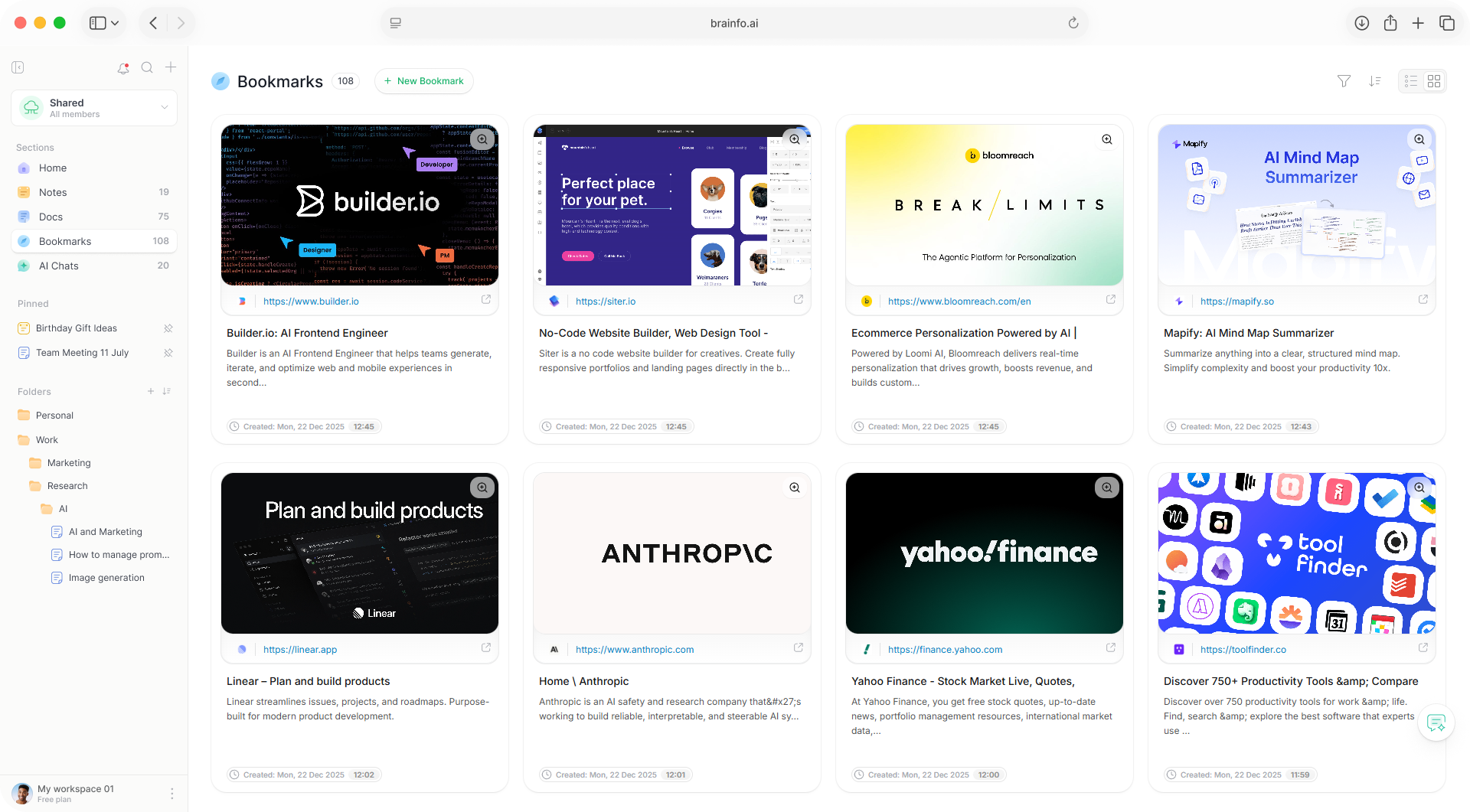
A saved link should tell you what it is and why you kept it.
Save a link by pasting the URL.
A card with title, description, image, the site’s favicon, and a playable preview for video links.
Every saved link has its own rich-text editor, so you keep the reason you saved it.
Dictate into a bookmark’s notes on the web.
Bookmarks are first-class content, organized and searched alongside notes and docs.
The same organization system as the rest of the product.
Find bookmarks with Cmd/Ctrl+K, and filter by folder or tag.
Select text in a bookmark on the web to use the writing copilot’s 18 commands.
Attach bookmarks to a chat, or open the assistant on a bookmark on desktop web.
Sources for the doc you are writing
Links you would otherwise lose in tabs
Paste the URL. Brainfo fetches a preview card with the title, description, image, and favicon.
Yes. Every bookmark has its own rich-text editor, and you can dictate into it on the web.
Yes. Bookmarks use the same folders and tags as notes, docs, and chats, with filtering and sorting.
Yes. You can attach bookmarks to a chat, and agents can create bookmarks and file them into folders.
Bookmarks, notes, and docs in one local-first workspace.