Search from anywhere
Cmd/Ctrl+K matches titles, descriptions, and the text inside your docs.

Search
Press Cmd/Ctrl+K from anywhere. Brainfo matches what you typed and what you meant, inside your docs and your past AI conversations.
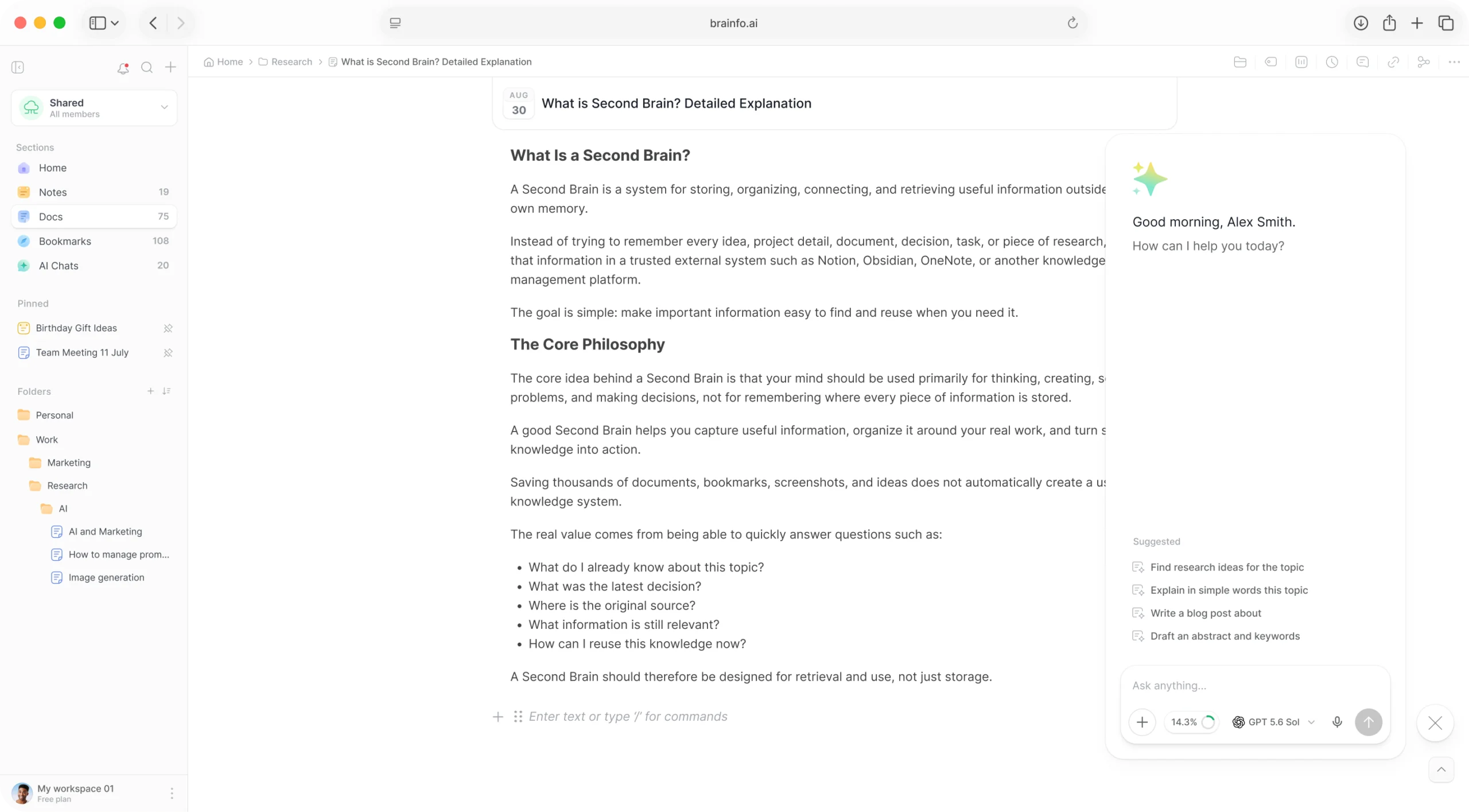
Stop remembering where you put things. Ask for what you meant.
Cmd/Ctrl+K matches titles, descriptions, and the text inside your docs.
Find things by what you meant, not only the exact words. Semantic and keyword results come back together.
Search matches what you actually wrote, through a local index that keeps working offline.
Find what the assistant told you weeks ago by searching what was said, not just the chat title.
Search finds folders and tags by name too.
Filter notes, docs, bookmarks, and chats by folder or tag, and sort by activity, date, or name.
Links turn separate pages into something you can follow.
Start typing to link one note or document to another without leaving the keyboard.
Every item shows what references it, with previews.
Find items that mention something without linking it, and convert them in one click.
A map of one item and its immediate neighbours, for navigating by association.
From a vague memory to the exact paragraph.
Open search from anywhere in the app.
Keyword and semantic matches come back in one list.
Results include the text inside docs and past chats.
Use backlinks and the local graph to see what connects.
Yes. It matches titles, descriptions, and the text inside your docs, and it finds folders and tags by name.
Full-text search runs against a local index, so it keeps working offline.
Yes. Search finds what was actually said inside past chats, not just their titles.
No. Search excludes trashed and archived items by design.
No. The graph is local to one item and its immediate neighbours, by design.
Keyword and semantic search across notes, docs, bookmarks, and chats.