Real-time editing
Several people edit the same note or doc at once, and the body merges cleanly.

Collaboration
Edit notes and docs together live, talk it through in comments on the block in question, and give each team or project its own space.
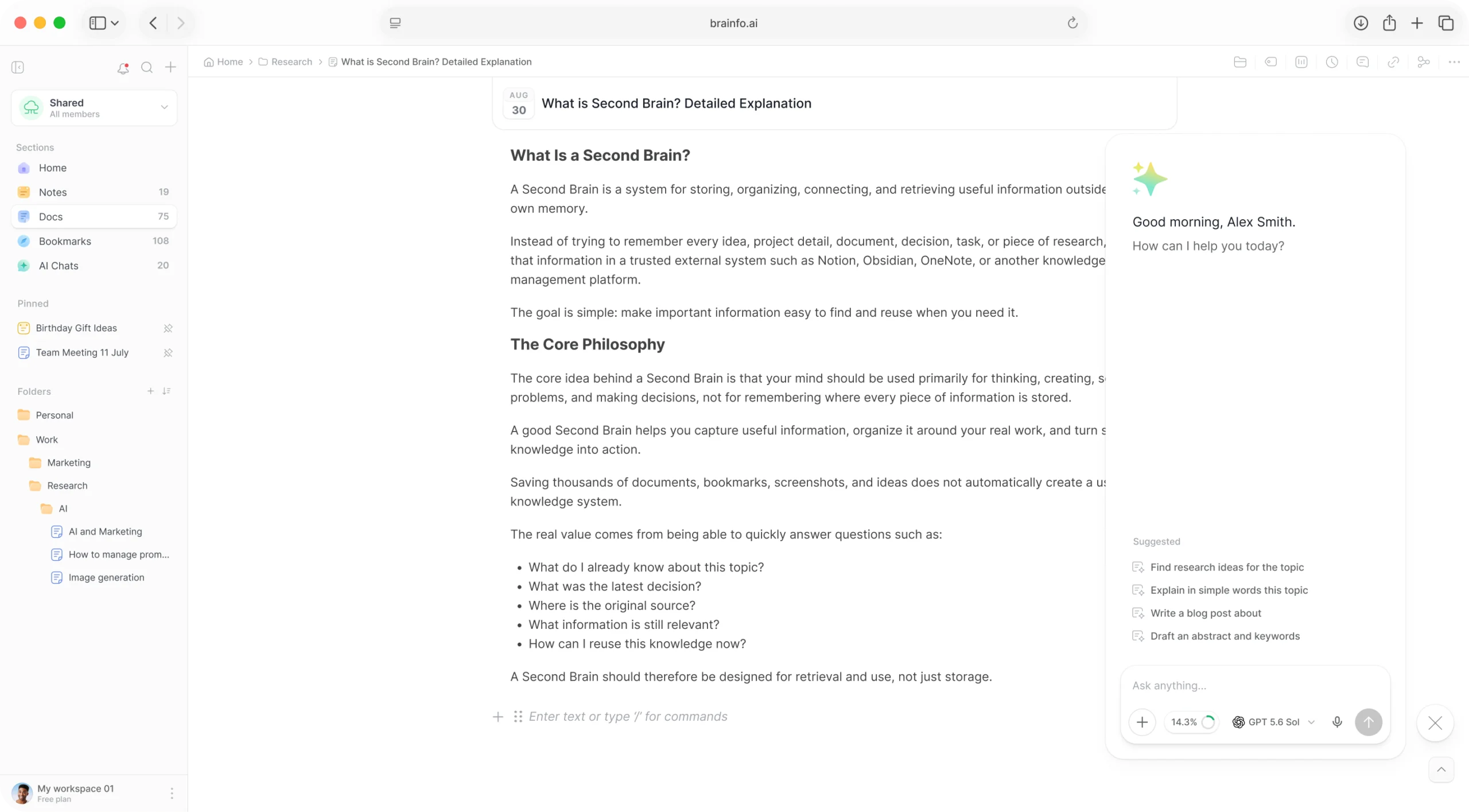
Everyone’s changes land in the same note or doc as they happen, and the conversation stays next to the work.
Several people edit the same note or doc at once, and the body merges cleanly.
Coloured cursors with names, and a "who is viewing" stack, so you can see who is where.
Comments anchored to specific blocks in a doc, with replies kept together in each thread.
Share a doc as a public read-only page, and revoke the link any time.
Pin shared docs to the sidebar, and trash, archive, move, or tag many items at once.
Browse and restore earlier versions of a doc, so you can step back from any edit.
Workspaces and spaces keep each group’s work, members, and permissions apart.
Create or join several workspaces for different teams or projects, each with its own settings.
Personal, shared, and team spaces, each with its own members. Team spaces can be open, closed, or private.
Owner, admin, and member. Everyone who joins can edit; admins and owners manage settings and members.
Invite teammates by email or with a regenerable invite link, and let them leave on their own without asking an admin.
A team-space owner who leaves hands the space to another member, so nothing is left without an owner.
An admin dashboard to browse spaces, manage members and permissions, and archive a space instead of deleting it.
From an empty space to a doc everyone is working on.
Set up a team space that is open, closed, or private.
Send email invitations. Everyone who joins can edit.
Edit the same doc live and leave comments on its blocks.
Share a finished doc as a public read-only page when it is ready.
It depends on your plan: 1 workspace member on Lite, 3 on Pro, and unlimited on Team and Max.
No. The roles are owner, admin, and member, and everyone who joins can edit. To share something read-only with people outside the workspace, publish a doc as a public web page.
You see each other’s cursors, and the note or doc body merges cleanly. The title is last-write-wins.
Yes, for team spaces. A team space can be open (members join it themselves), closed, or private (invite-only). There is no request-to-join flow.
Yes. Each comment is a thread anchored to a block, and replies stay together in the thread as one flat list.
Each member can protect their account with authenticator-app two-factor codes. Workspace-wide two-factor and password rules are coming soon.
Notes, docs, comments, and spaces your whole team can work in together.