NotebookLM, now branded Gemini Notebook in Google’s help documentation, is excellent at helping you interrogate a defined set of sources. The problem appears after the research session. Your useful conclusions, follow-up questions, and source context can remain scattered across individual notebooks.
If you want a workspace where that knowledge can be developed and reused, migrate from NotebookLM to Brainfo in a small, verified pilot. Do not start by moving every notebook. Preserve the originals, move what still matters, then prove you can find and use it in the new workflow.
If you are still deciding whether a move makes sense, first compare Brainfo and NotebookLM. This guide assumes you have already decided to test Brainfo as the durable home for knowledge that outlives a single research project.
Decide what should move before you export anything
A migration is easier when you stop treating a notebook as one indivisible object. Separate its contents into three groups:
- Original sources: PDFs, Docs, Slides, URLs, uploaded files, and source links.
- Useful outputs: notes, reports, tables, Audio Overviews, and other material you may reuse.
- Working context: conclusions, decisions, open questions, and the relationships between the materials.
The original source matters most. Gemini Notebook describes a source as a copy or auto-synced version of a document or item you add to the app. It also notes that imported Google Drive files can stay synced with their originals. Keep those originals available in Drive, your local files, or their original web locations. That safeguard matters whenever you migrate from NotebookLM to Brainfo. Google’s source documentation
Then choose one representative notebook as your pilot. Pick something more demanding than a short, disposable experiment. A good pilot includes several sources, at least one useful output, and research you expect to revisit.
The same test-first discipline is useful in any migration. Brainfo’s Google Keep migration guide recommends preserving a backup and validating a representative batch before scaling. The file formats differ, but the risk is the same: a large move can turn into a large cleanup project.
What you can export, recover, or need to recreate
Not all NotebookLM content has the same portability. Build your migration plan around what is genuinely recoverable, not what you hope will transfer automatically.
Original files, URLs, and uploaded content
Start with the sources you own or can access outside Gemini Notebook:
- Google Docs, Sheets, and Slides
- PDFs, Word files, Markdown files, CSVs, presentations, and ePubs
- Web and YouTube URLs
- Audio files and pasted text
Google lists these source types in its current Gemini Notebook help documentation. For Drive sources, the original file remains in Drive. For web and YouTube sources, retain the original URL. This gives you a durable record even if the notebook itself changes later. Supported source types
For Workspace-managed accounts, Google’s Data Export documentation says exported Gemini Notebook data can include chat history, generated Audio Overviews, uploaded content, and generated notes. That is useful evidence for planning, but it is not a promise that every personal account exposes the same export flow or format. Google Workspace Data Export
Generated notes, chat history, and media
Some generated outputs have their own export paths. Google documents that reports can export to Docs, while reports with data tables can export to Sheets. It also warns that changes made in exported Docs or Sheets do not sync back to the original Gemini Notebook content. Create a notebook in Gemini Notebook
That detail changes the migration plan. Exported output is a snapshot, not a live bridge. When you migrate from NotebookLM to Brainfo, retain the source and the exported output together until QA is complete.
For every output you intend to keep, decide whether it is a final artifact worth preserving as-is, a starting point for a new Brainfo document, a temporary study aid, or evidence that should be distilled into a concise decision note.
What may not map one-to-one
Do not assume a full notebook export becomes a matching Brainfo workspace. To migrate from NotebookLM to Brainfo, you may need to rebuild the working structure around the material you actually reuse.
Google’s current copy feature duplicates sources and Studio content, but not chat history or notes. That is a useful reminder that different NotebookLM elements have different portability rules. Gemini Notebook copy behavior
You may need to recreate the exact layout of a notebook, source labels or grouping, conversational context from past chats, citation behavior attached to a particular output, and generated artifacts that do not have a suitable export path. That is not a failed migration. It is a reason to preserve source provenance and rebuild the knowledge structure around future retrieval.
How to migrate from NotebookLM to Brainfo safely
To migrate from NotebookLM to Brainfo safely, treat this as a controlled workflow, not a bulk transfer.
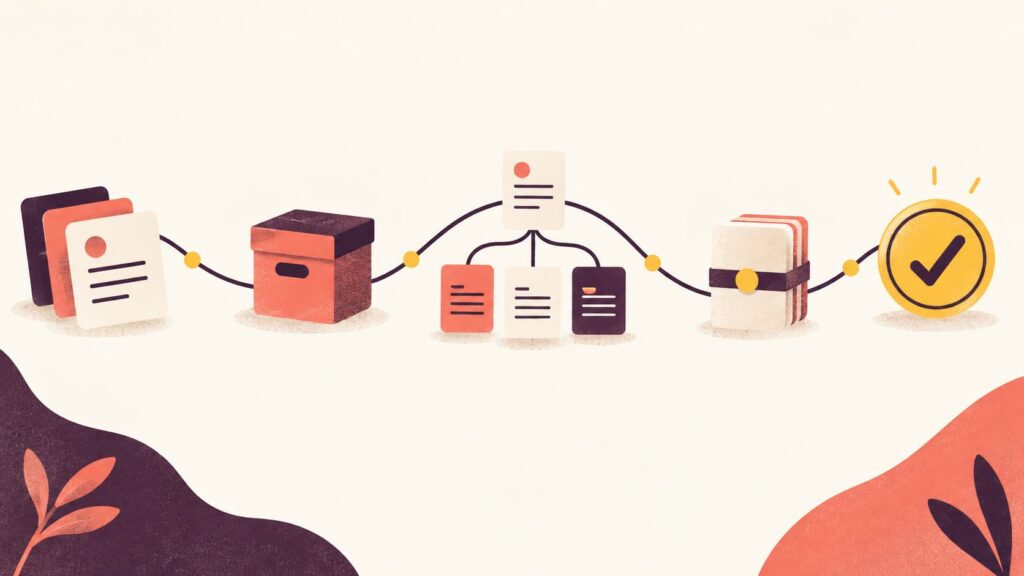
Step 1: Inventory notebooks and identify active knowledge
Make a simple list of the notebooks you use. Record its purpose, original-source location, reusable output, any sensitive material, and the next action: move now, keep in NotebookLM, archive, or ignore. This inventory keeps a decision to migrate from NotebookLM to Brainfo focused on active knowledge.
Start with active work. An old notebook full of material you never reopen does not need to become an urgent migration project.
A light version of PARA can help here. Put material supporting a current outcome with a Project, ongoing responsibilities in Areas, reusable reference in Resources, and inactive material in Archives. The PARA Method explains the classification logic in detail.
Step 2: Back up original sources and exported outputs
Create one untouched backup location before reorganizing anything. Keep source files, original URLs, and exported outputs together long enough to validate the move. A backup is the practical starting point when you migrate from NotebookLM to Brainfo.
For a research notebook, your backup may contain a folder of original documents, a source list with title, URL, owner, and access date, exported reports or tables, an index of the notes you plan to preserve, and a short record of key questions.
Do not delete or unshare the original materials at this stage. A migration is complete only when you can still retrieve and use what matters.
Step 3: Map each item to a Brainfo destination
The goal is not to recreate every old NotebookLM screen. It is to give each useful item a clear home. That is the key design decision when you migrate from NotebookLM to Brainfo.
| NotebookLM item | Brainfo destination | Decision rule |
|---|---|---|
| Original PDF or source URL | Document, uploaded file, or saved source reference | Preserve provenance first |
| Generated research summary | Working document | Edit it into a reusable synthesis |
| Important chat answer | Decision note or linked insight | Keep only answers that changed your thinking |
| Follow-up question | Project note or task reference | Turn it into work you can act on |
| Repeated concept | Linked reference note | Connect it to the ideas it supports |
Brainfo’s public feature page lists imports from other note-taking apps and formats including Markdown, Microsoft Word, TXT, Docs, and LaTeX. It does not document a direct Gemini Notebook import, so test a representative export before migrating at scale. Explore Brainfo features
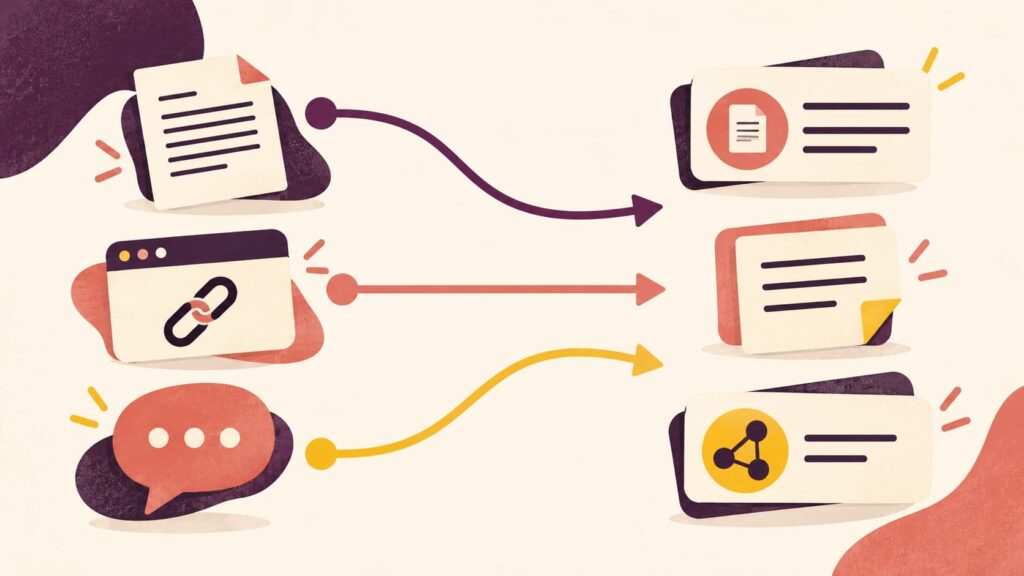
Step 4: Import or recreate a small pilot batch
Now move only the material from your selected pilot notebook. A small pilot lets you migrate from NotebookLM to Brainfo without turning unknown mapping issues into a full-library cleanup project.
A practical pilot includes two original sources, one generated report or summary, one decision note in your own words, one open question for future research, and one link between the decision and the source that supports it.
Open each item in Brainfo after adding it. Check that the text is readable, links work, attachments remain accessible, and the destination makes sense without relying on memory of the old notebook.
Do not spend hours tuning tags yet. If you cannot find the pilot material with a simple folder, title, search term, or link, improve that before moving more.
Step 5: Organize the pilot for retrieval, not perfect taxonomy
Research rarely stays in one shape. A source that begins as background reading can become evidence for an active project. A completed project may later become useful reference.
That is why simple structure beats a large folder tree. Start with a project or area, then use tags and links for secondary relationships. For a deeper approach to connected notes, see Brainfo’s Zettelkasten guide. The result is a system that remains usable after you migrate from NotebookLM to Brainfo.
The test is simple: can you answer these questions in under a minute?
- Where is the original source?
- What did I conclude?
- Which project or responsibility does this support?
- What should happen next?
- How would I find this again in three months?
If the answer is no, improve the pilot before importing another notebook.
Step 6: Run QA before scaling the migration
Before you move more content, review the pilot against the original notebook. QA is what turns a tentative attempt to migrate from NotebookLM to Brainfo into a repeatable process.
Check that original sources are present or linked, important notes are readable and complete, source links open, important media remains available, and the original backup remains intact. You should also be able to find the material by title, search, folder, tag, or link, and understand each conclusion without losing the context that supports it.
Only when the pilot passes should you repeat the process for the next notebook.
Rebuild the workflow, not just the files
A move is worthwhile when the new workflow makes your knowledge easier to use. Migrate from NotebookLM to Brainfo only when the new structure improves retrieval and development of your research.
In NotebookLM, a notebook is a collection of sources for a specific project, and Google notes that notebooks are independent. Google’s notebook documentation That model works well for bounded research. But some ideas need to travel across projects, clients, and time.
In Brainfo, make the durable layer explicit: save the original source or source link, write a short synthesis in your own words, connect that synthesis to the project or decision it supports, and add a follow-up question while it still has context.
What Brainfo changes after the migration
In Brainfo, the useful output of a research session can become a document, note, bookmark, or tagged reference inside the workspace where you continue working. The Writer, Organizer, and Researcher specialists support different parts of that process, while destructive actions require your explicit approval. Core content remains available offline; AI chat, web search, and file uploads require an internet connection. Brainfo features
For a broader framework, the Knowledge Management Systems guide can help you decide how folders, links, search, and habits fit together.
Keep NotebookLM where it remains the better tool
A migration does not require a clean break.
Keep NotebookLM or Gemini Notebook when you need source-grounded questioning of a focused research set, Studio outputs such as Audio Overviews, or a short-lived project space. Move the conclusions, original references, and reusable work into Brainfo when they need to remain visible after the session ends.
That hybrid approach is often better than forcing every task into one tool.
Use AI after the knowledge has a home
Once your research is organized, AI becomes more useful because it has clearer material to work with. You might turn a synthesis into an outline, find open questions, or prepare a brief for the next project. Brainfo’s AI prompt collection offers practical examples, but keep the underlying source and your own judgment attached to important conclusions.
Common migration mistakes
Trying to move every old notebook first
Historical completeness is not a prerequisite for a usable system. Start with active work, then migrate old material only when you need it.
Treating generated content as the only record
Generated summaries are useful, but they should not replace the original source, URL, or document. A conclusion without its evidence becomes harder to verify later.
Deleting the original before QA
Keep the source files and original notebook accessible until the pilot has passed your QA checklist and you have used the new workflow in real work.
Overbuilding the new structure
A complicated taxonomy feels productive until every note requires five classification decisions. Build only the structure that helps you retrieve material and understand its relationship to current work.
A simple first-week workflow in Brainfo
During the first week, migrate one representative notebook and use it in normal work.
- Day 1: Inventory the notebook and preserve original sources.
- Day 2: Create the pilot documents and reference links.
- Day 3: Capture one new insight in the new structure.
- Day 4: Retrieve the material for a real task without opening NotebookLM.
- Day 5: Fix the points where retrieval felt slow or unclear.
After that, decide whether to migrate a second notebook, keep a hybrid workflow, or stop. A small working system is more valuable than a perfect archive you never use.
Frequently asked questions
Can I migrate an entire NotebookLM notebook to Brainfo?
Not as a guaranteed one-click process. Preserve original sources and exportable outputs, then test the current Brainfo import or recreation path with a representative pilot. This is the safest way to migrate from NotebookLM to Brainfo.
What should I move first from NotebookLM?
Move active research, original source references, conclusions you reuse, and notes that support current projects or recurring responsibilities. Leave disposable study aids and inactive notebooks until you have a reason to revisit them.
Will my NotebookLM chat history transfer?
Do not assume it will. Google’s notebook-copy documentation states that copies include sources and Studio content but not chat history or notes. Preserve important answers as reviewed notes or decision records instead.
Should I stop using NotebookLM after moving to Brainfo?
Not necessarily. NotebookLM remains useful for focused, source-grounded research. Brainfo can become the longer-term workspace for organizing, connecting, and reusing what you learn.
How do I know the migration worked?
The migration worked when you can retrieve the original source, understand the conclusion, follow its links, and use the material in real work without depending on the old notebook.